Operating InstructionsFacsimile Reference (option) <Advanced Features>
202
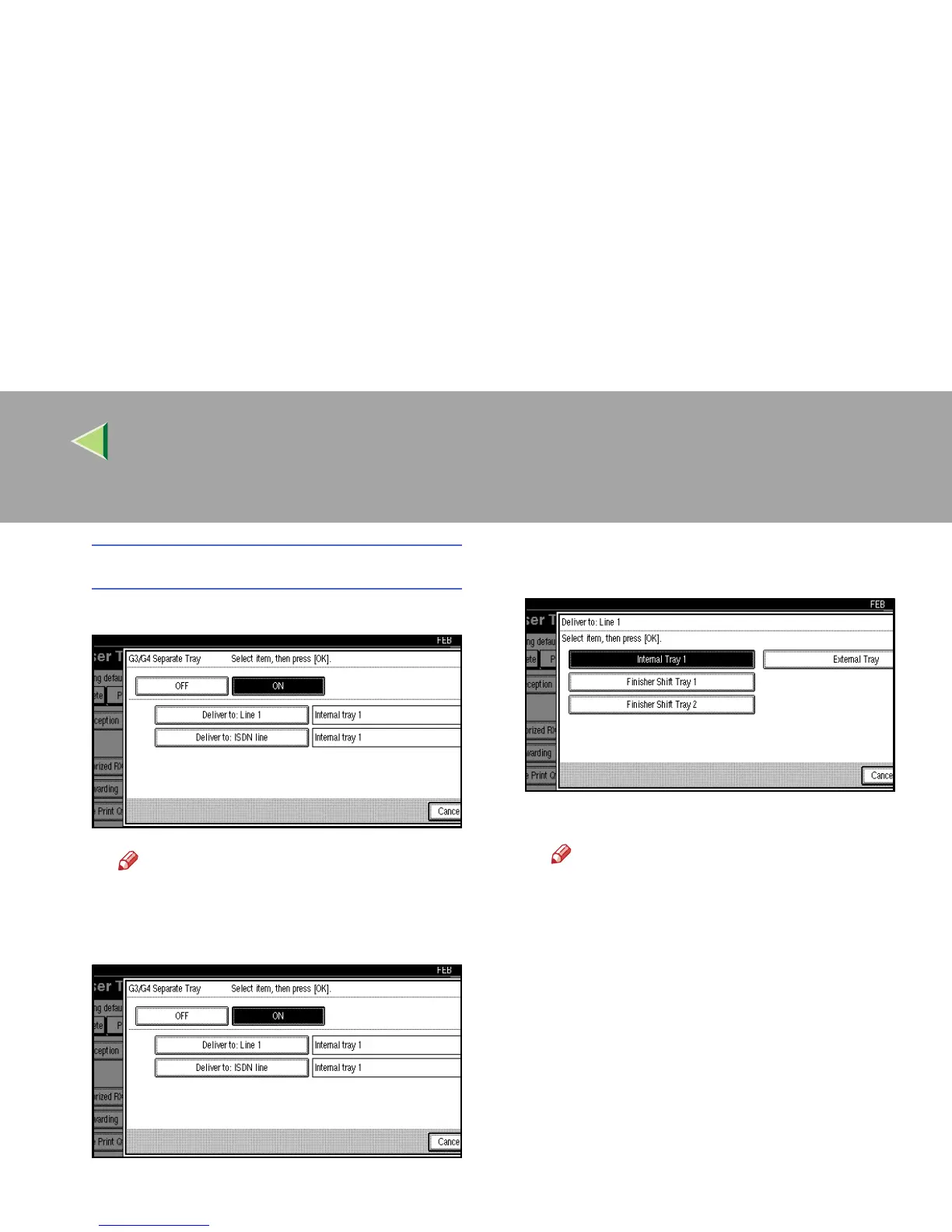
G3/G4 Separate Tray
A
AA
A Select [ON] to choose the output tray.
Note
❒ If you select “OFF”, the received fax is
delivered to a default tray.
B
BB
B Select a line type.
C
CC
C Select a tray to deliver the received pa-
per.
D
DD
D Press [OK].
Note
❒ To cancel this setting, press [Cancel].
❒ If you specify for another line type, re-
peat from step B.
E
EE
E Press [OK].



 To Next Page