Operating InstructionsFacsimile Reference (option) <Advanced Features>
285
Connecting The Optional External Telephone
You can connect the handset and an external telephone to the machine. You can use them for telephone
calls.
Note
❒ Some telephone may not be connected or may suffer reduced functionality.
Limitation
❒ When you use the handset or an optional external telephone with the {
{{
{On Hook Dial}
}}
} key for tele-
phone calls, you can not talk with the other party without pressing the {
{{
{On Hook Dial}
}}
} key after taking
off the receiver.
❖
❖❖
❖ Specifying the handset line type
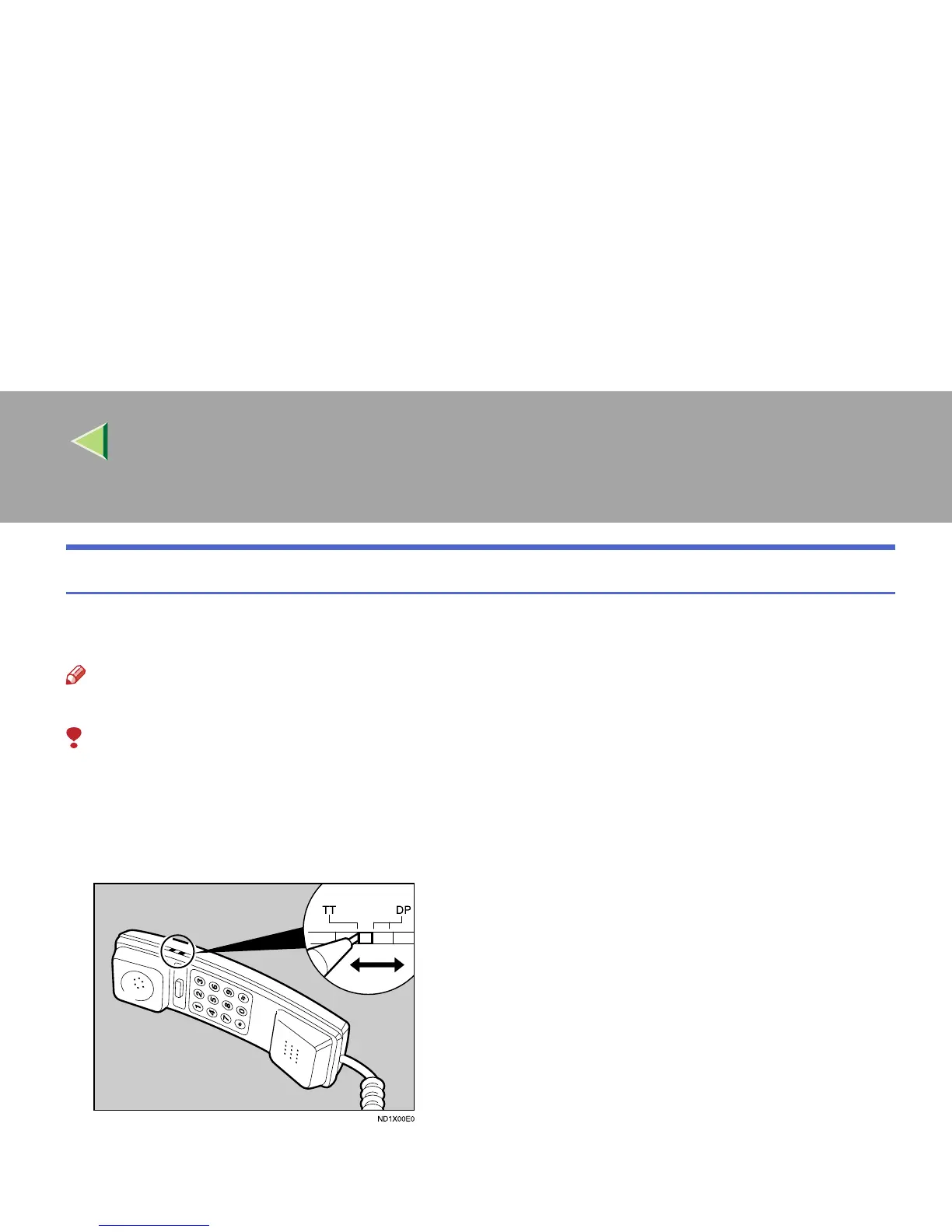
The switch on the handset should be in the appropriate position-TT (Tone Dialing) or DP (Pulse Dial-
ing).



 To Next Page