Operating Instructions Copy Reference <Advanced Features>
66
Job Preset
If a long copy job is in progress and you do not
wish to wait for it to finish, you can use this func-
tion to set up the next copy job in advance. When
the current copy job is finished, your copy job
will be started automatically.
Note
❒ When an original has been set and reserved
in the optional document feeder (ADF), the
reservation will be cleared if the original is re-
moved.
❒ If a paper jam occurs during the reservation,
the reservation will be cleared.
A
AA
A
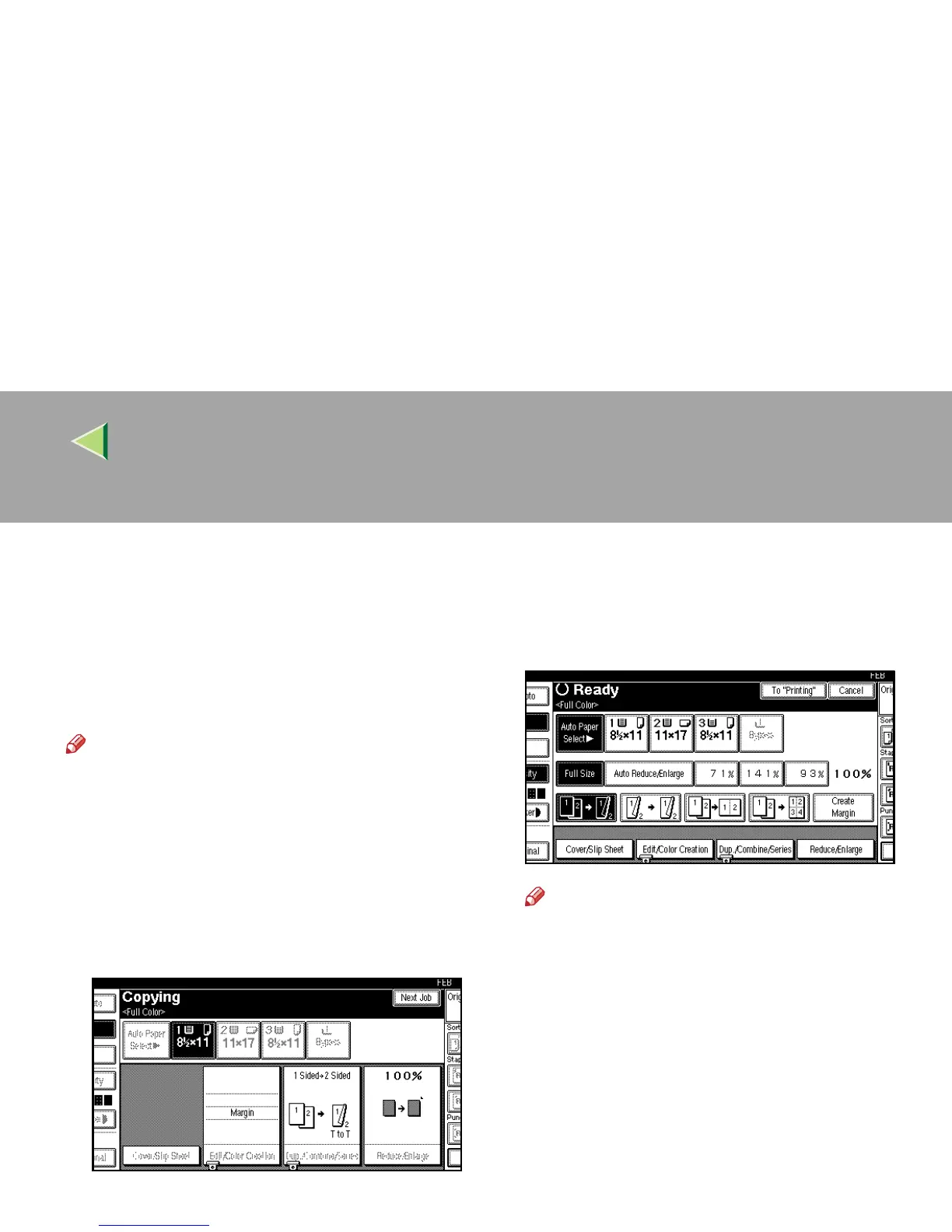
Press [Next Job] when “Copying” is dis-
played.
B
BB
B
Make sure “Ready” is displayed, and then
set up the next copy job.
Note
❒ To cancel this job, press [Cancel].
C
CC
C
Place your originals, and then press the
{
{{
{Start}
}}
} key.



 To Next Page