Quick Dial
53
3
Programming
If a destination is programmed in the
Quick Dial Table, you can just press
that Quick Dial key to dial.
Limitation
❒ When a programmed Quick Dial
key is being used for a standby
Memory Transmission, the mes-
sage “
Specified destination is
used by transmission standby
file. It cannot be changed or
deleted. Specify it again af-
ter transmission is complet-
ed.
” is shown. You cannot change
the destination for this key.
Note
❒ Up to 400 destinations can be pro-
grammed. You can program up to
1,200 destinations when Fax Func-
tion Upgrade Unit is installed.
❒ The maximum number of digits
for a fax number may be less than
254 due to the settings for SUB,
SID, SEP, PWD, Space and Sub-ad-
dress.
Reference
⇒Chapter 7, “Program/Change/De-
lete Menu” in the Advanced Features
manual
A
AA
A
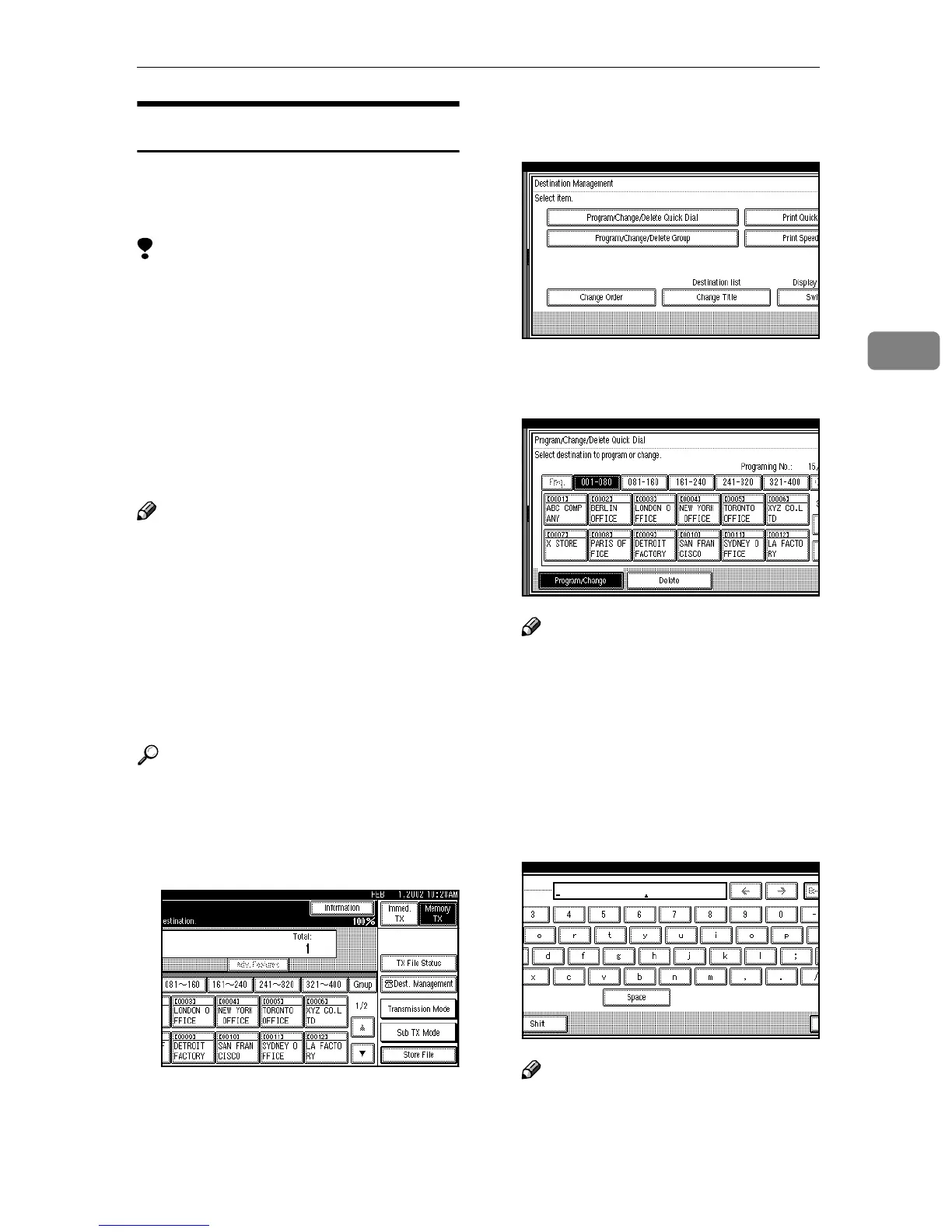
Press [Dest. Management].
B
BB
B
Press [Program/Change/Delete Quick
Dial].
C
CC
C
Select the Quick Dial key you
want to program.
Note
❒ If the Quick Dial key has not
been programmed, [*Not pro-
gramed] is shown.
❒ If an unprogrammed key is not
shown, press [▲] or [▼].
❒ Press [Change Title] to display
another title.
D
DD
D
Enter the name of the receiver.
Note
❒ You should program the name
of the receiver.
❒ If the key has been programmed
already, the contents are shown.



 To Next Page