Operating Instructions Copy Reference <Advanced Features>
54
Storing a Program
A
AA
A
Edit the copy settings so that all functions
you want to store in this program are se-
lected.
B
BB
B
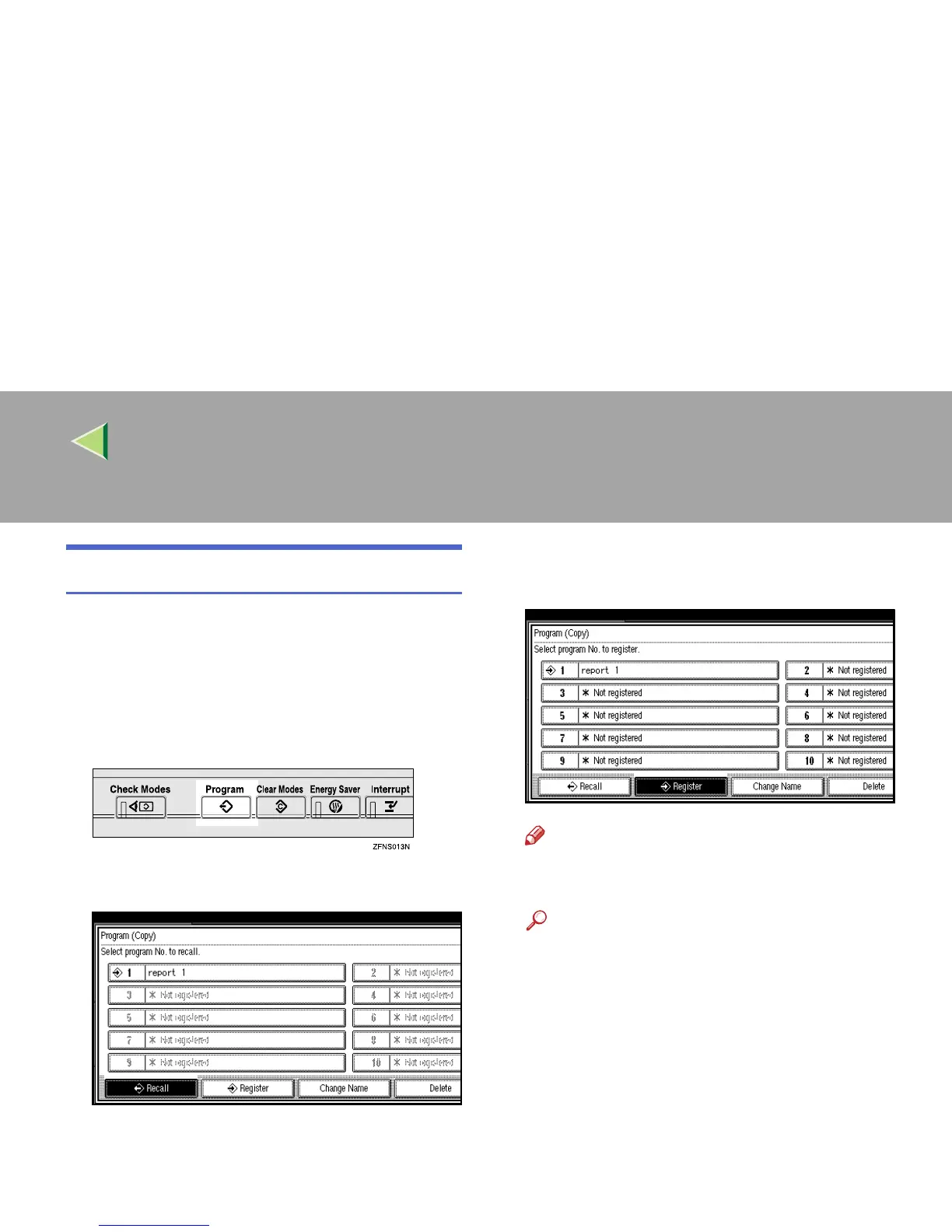
Press the {
{{
{Program}
}}
} key.
The Program menu appears.
C
CC
C
Press [
Register
].
D
DD
D
Press the program number you want to
store.
Note
❒ Program numbers with m already have
settings in them.
Reference
⇒ p.55 “Changing a Stored Program”



 To Next Page