Cleaning the Dustproof Glass
33
2
Cleaning the Dustproof Glass
The dustproof glass may require
cleaning if white lines appear on the
print side of the document.
A
AA
A
Turn off the power switch, and
then unplug the power cable.
B
BB
B
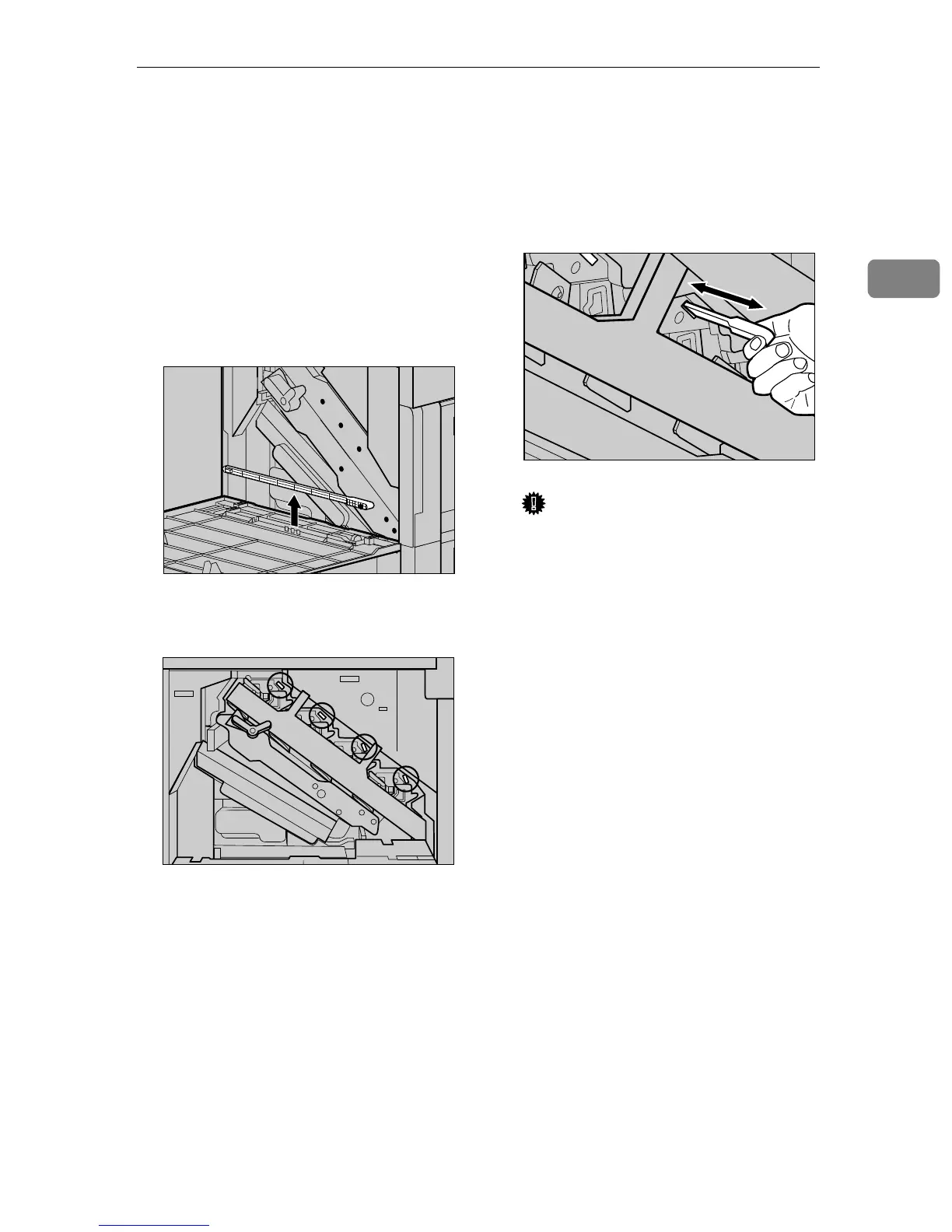
Open the front cover and remove
the cleaning brush.
There are four holes for cleaning
the dustproof glass.
C
CC
C
Slide the cleaning brush in and
out slowly 8 to 10 times to clean
all four areas.
Important
❒ Do not insert the brush roughly,
or the printer might be dam-
aged.
D
DD
D
Return the cleaning brush to its
original position.
E
EE
E
Plug in the power cable, and then
turn on the power switch.
ZDJP705J
ZDJP706J
ZDJP707J



 To Next Page