Operating InstructionsFacsimile Reference (option) <Advanced Features>
49
Checking the Transmission Result (TX File Status)
You can browse a part of the Transmission Re-
sult Report on the display.
Limitation
❒ If a transmission is completed while you are
using this function, the result will not be
shown until you exit TX File Status and start it
again.
Note
❒ Only the transmission result of the last 200
communications are shown.
A
AA
A
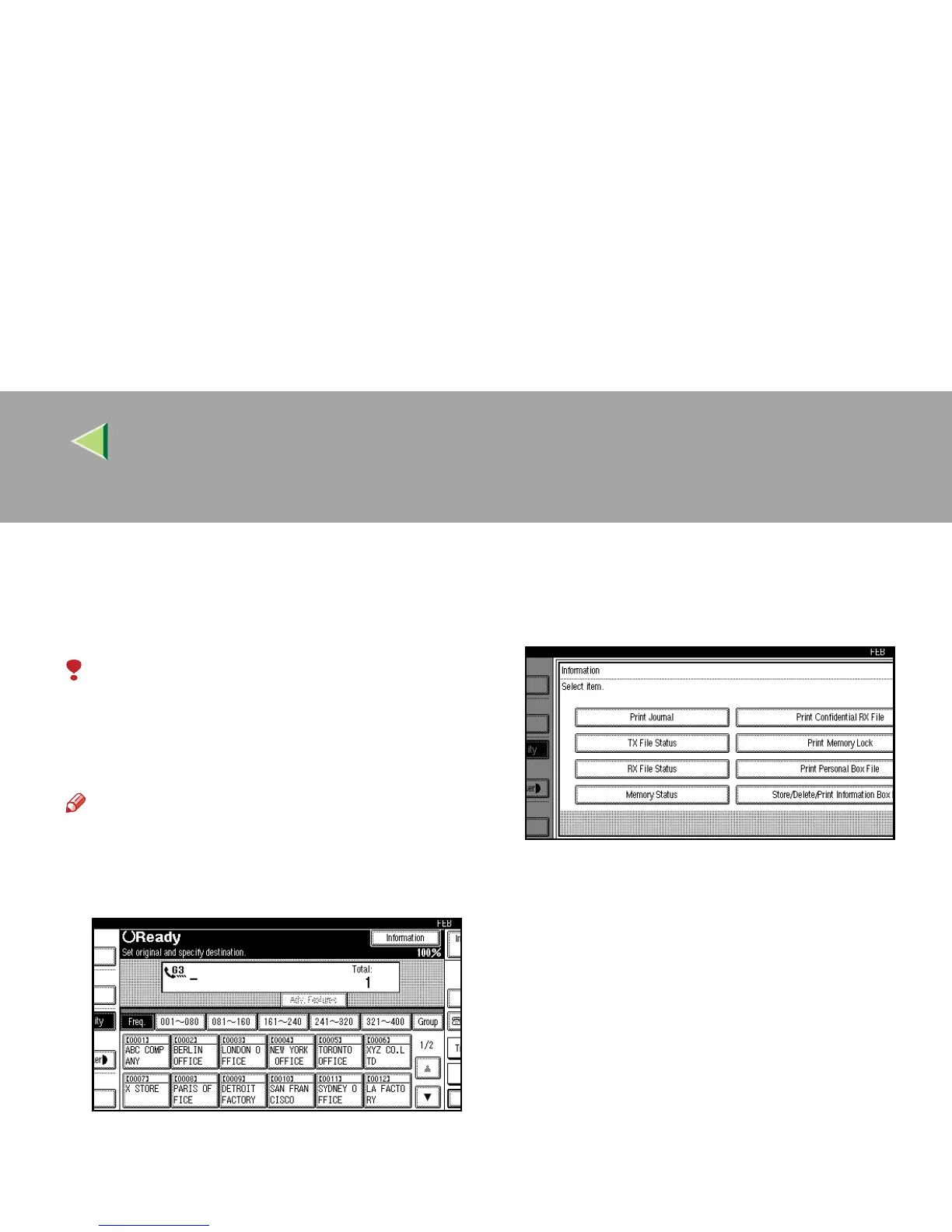
Press [Information].
The Information menu is shown.
B
BB
B
Select [TX File Status].
Transmission results are displayed from the
latest result in groups of six.
Scanning date/time, destination, originals
quantity, file number and status are displayed.



 To Next Page