Addendum for Printer Client Reference
11
D
DD
D
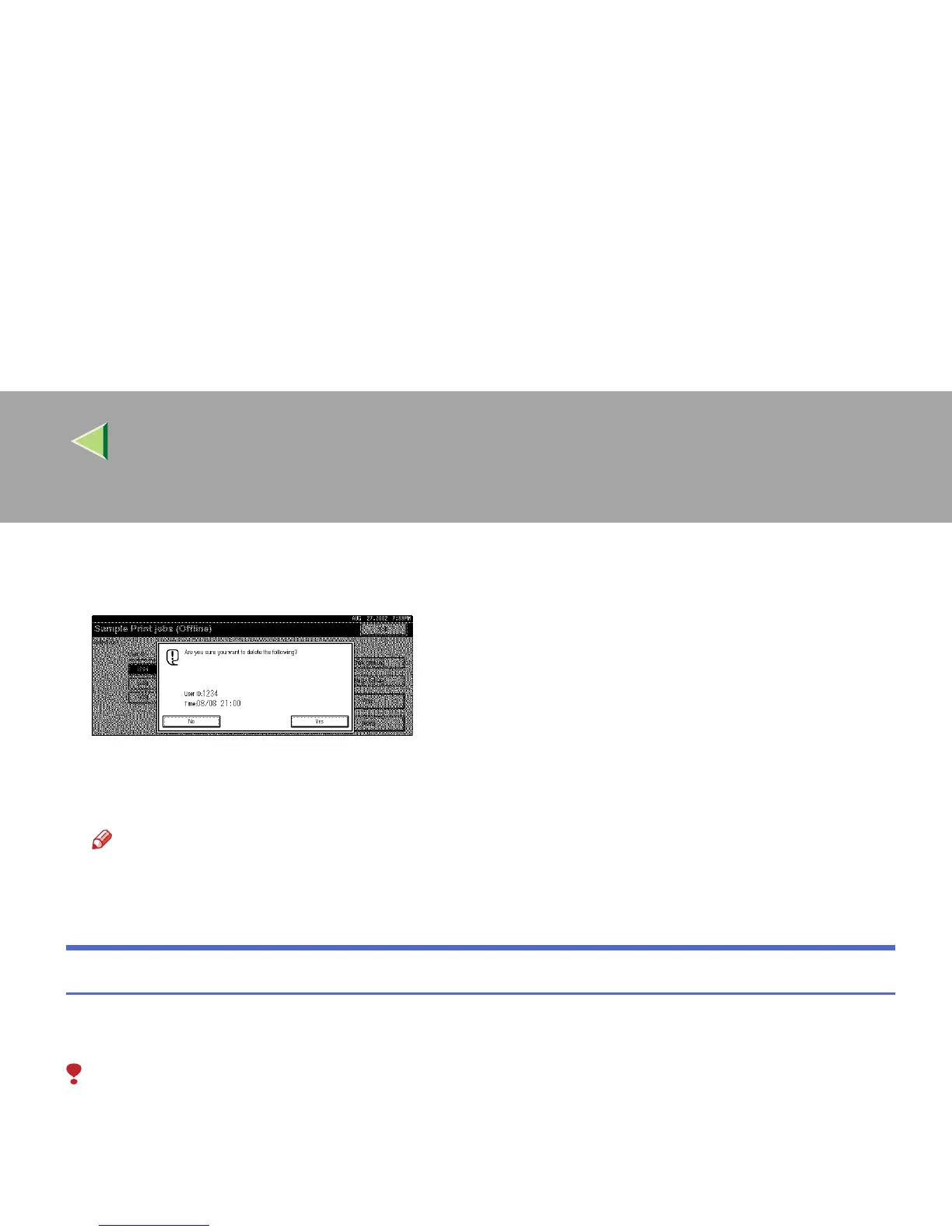
Press [Delete].
A confirmation message appears.
E
EE
E
Press [Yes].
The document is deleted from the optional Hard Disk Drive.
Note
❒ To cancel deletion, press [
No
].
F
FF
F
Press [Exit].
Checking the Error Log
When a print job is not saved on the Hard Disk Drive, it remains in the error log and can be checked
using the control panel.
Limitation
❒ The error log displays up to 20 of the newest jobs. If you turn off the power switch, the log up to then
is deleted.
A
AA
A
Press the {
{{
{Printer}
}}
} key.



 To Next Page