Operating Instructions Copy Reference <Advanced Features>
58
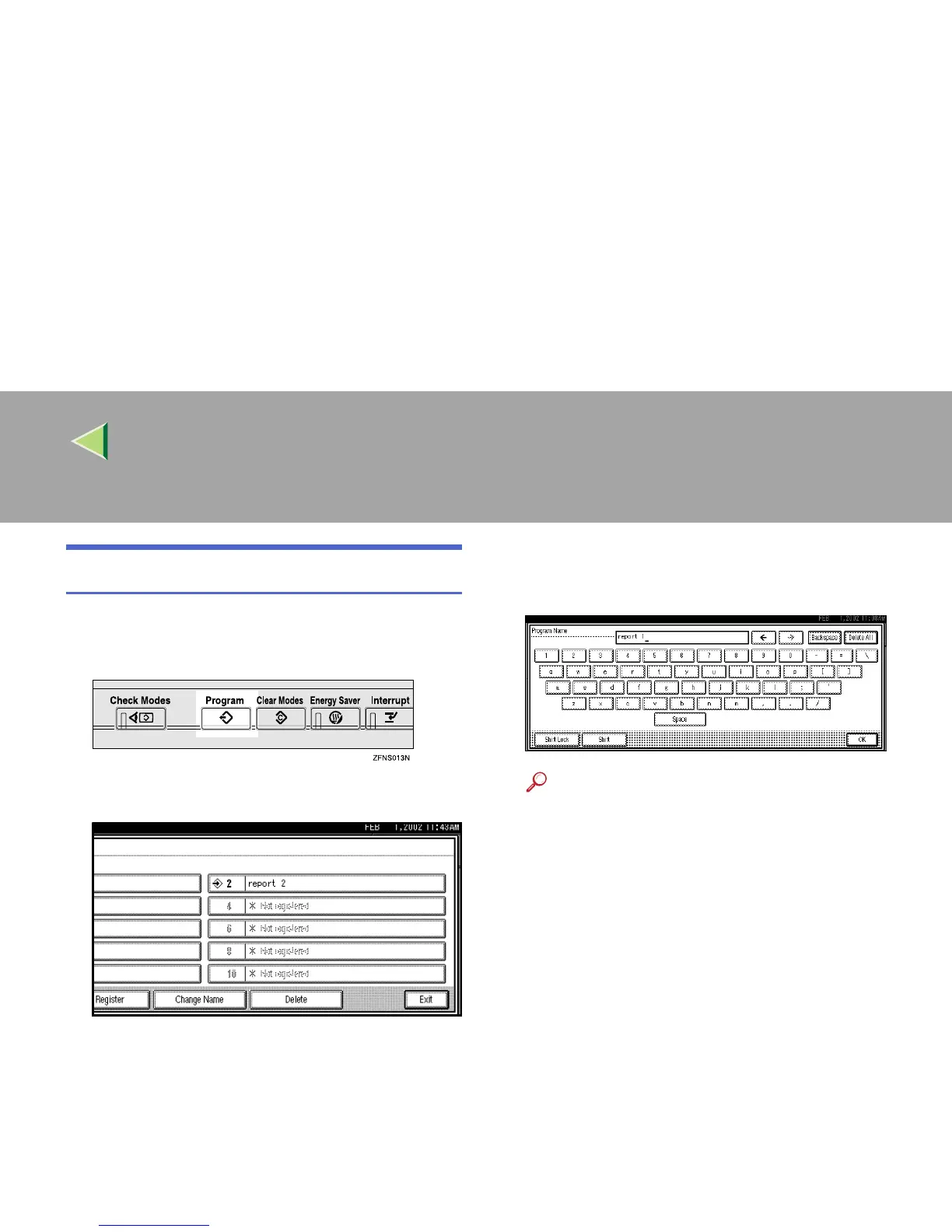
Changing a Program's Name
A
AA
A
Press the {
{{
{Program}
}}
} key.
The Program menu appears.
B
BB
B
Press [Change Name].
C
CC
C
Press the program number you want to
change.
D
DD
D
Change the program's name.
You can enter up to 40 characters.
Reference
For details on entering characters, see
“Entering Text”, Administrator Reference 2
Copier System Edition.
E
EE
E
Press [
OK
].
The screen returns to the initial Program
menu.
The changed program name will appear.
The screen returns to the initial copy display
after a while.



 To Next Page