Operating InstructionsFacsimile Reference (option) <Advanced Features>
144
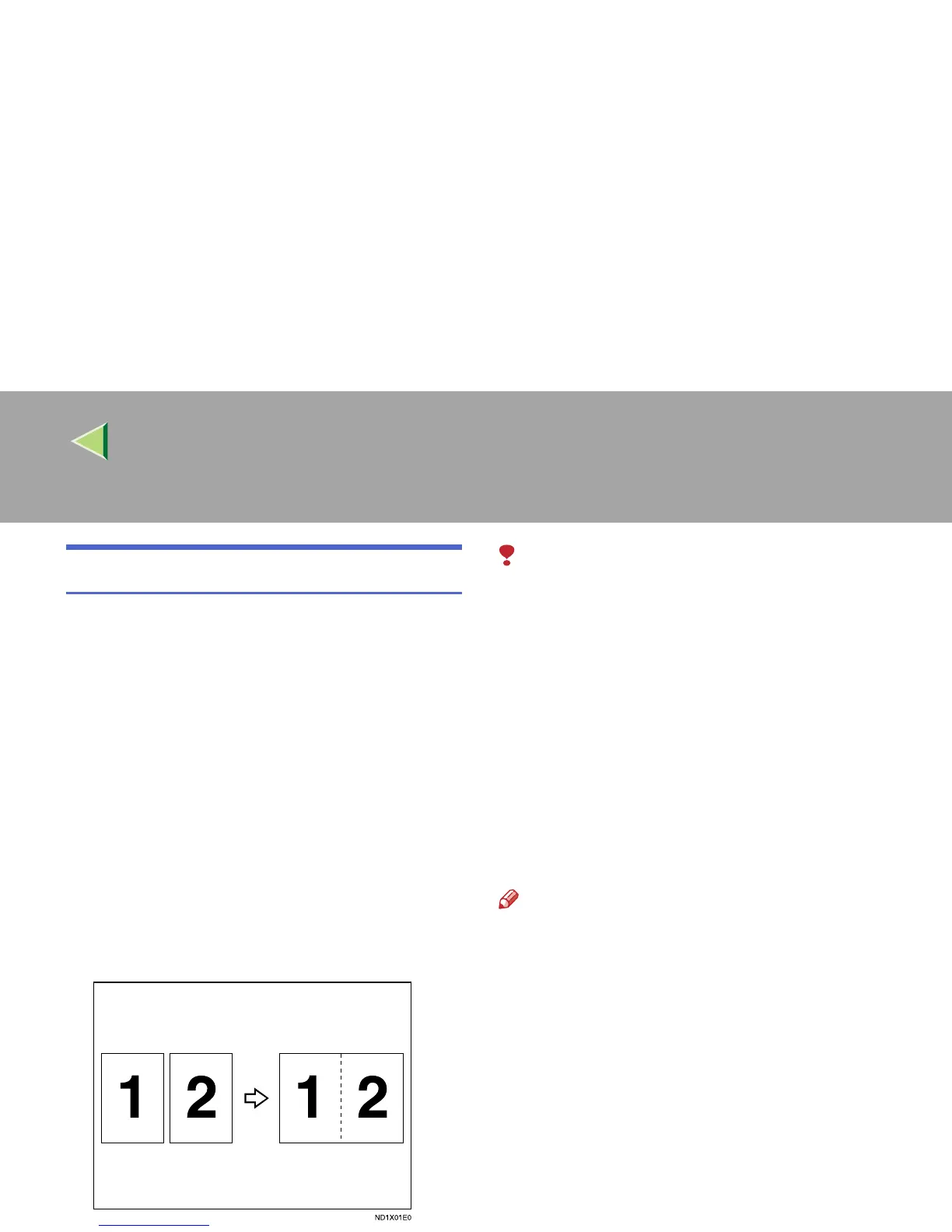
Combine 2 Originals
When two messages of the same size and direc-
tion are received consecutively, they are printed
on a single sheet when you turn this feature on.
This can help you economize on paper.
• Two A5K messages are printed side by side
on a sheet of A4L.
• Two B5K messages are printed side by side
on a sheet of B4L.
• Two A4K messages are printed side by side
on a sheet of A3L.
• Two 8
1
/
2
"×5
1
/
2
"K messages are printed side
by side on a sheet of 8
1
/
2
"×11"L.
• Two 8
1
/
2
"×11"K messages are printed side
by side on a sheet of 11"×17"L.
Limitation
❒ This feature does not work with messages
larger than A5K, B5K, A4K, 8
1
/
2
"×11"K or
8
1
/
2
"×5
1
/
2
"K. When A5K, B5K, A4K,
8
1
/
2
"×11"K or 8
1
/
2
"×5
1
/
2
"Ksize paper is load-
ed in the machine, each page of the received
message is printed on a single sheet.
❒ If paper matching the size and direction of a
received document is not available, “Combine
2 originals” is not possible.
❒ When “Combine 2 originals” and “2-Sided
Printing” are selected at the same time, com-
bine 2 originals takes priority and 2-sided
printing is canceled.
Note
❒ You can turn this function on or off with the
User Parameters. ⇒ p.216 “Changing the
User Parameters” (Switch10, Bit1)
❒ This feature uses Memory Reception.



 To Next Page