Operating Instructions Copy Reference <Advanced Features>
69
Interrupt Copy
Use this function if you wish to interrupt a long
copy job to make urgently needed copies.
Limitation
❒ You cannot use the Interrupt Copy function
when scanning fax and scanner originals.
Note
❒ The procedure for making interrupt copies de-
pends on the operation the machine is cur-
rently carrying out.
To Interrupt an Original Being Fed Using the
Optional Document Feeder (ADF)
A
AA
A
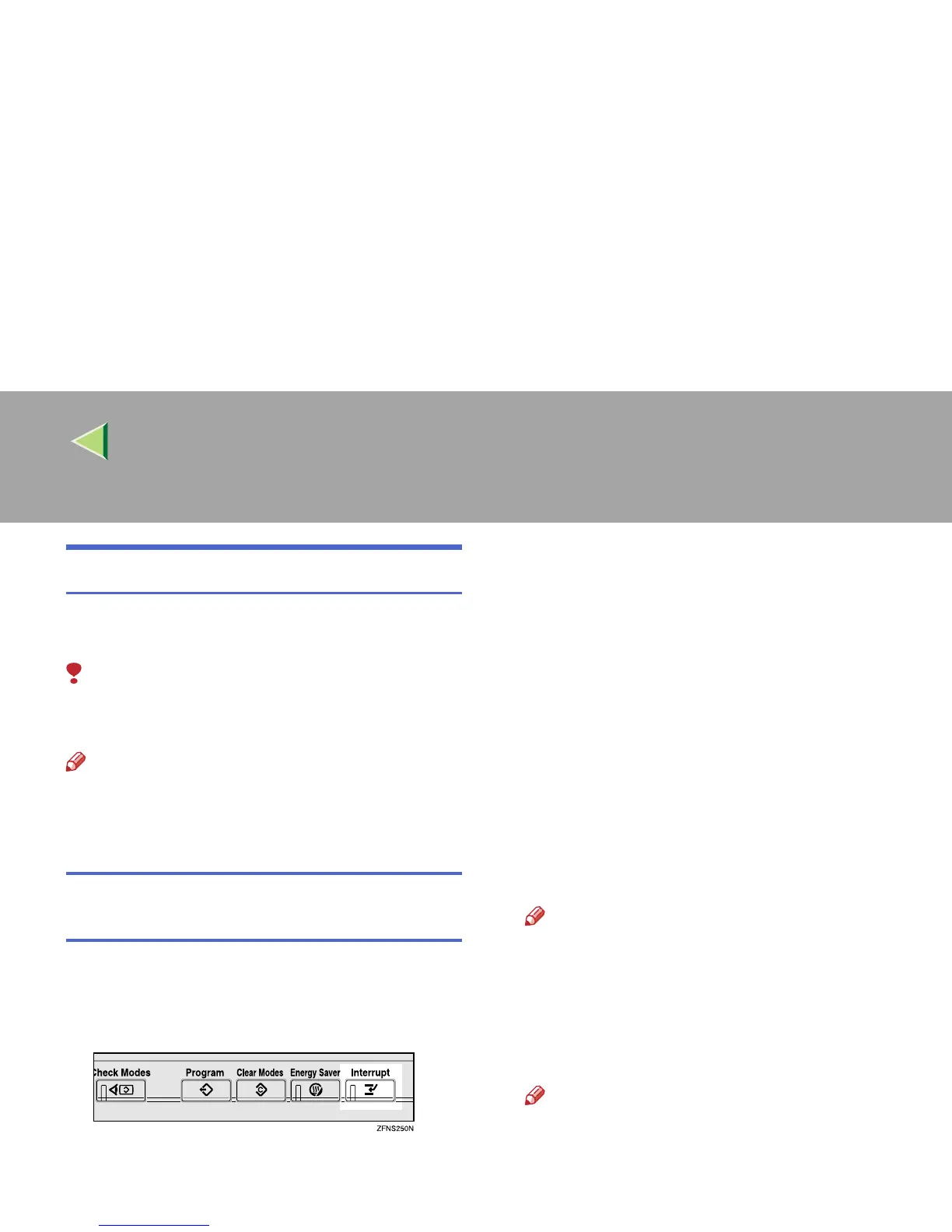
Press the {
{{
{Interrupt}
}}
} key.
The Interrupt indicator lights up and scan-
ning stops.
B
BB
B
Remove the originals that were being cop-
ied, and then place the originals you want
to copy.
C
CC
C
Press the {
{{
{Start}
}}
} key.
The machine starts making your copies.
D
DD
D
When your copy job is finished, remove
your originals and copies.
E
EE
E
Press the {
{{
{Interrupt}
}}
} key again.
The Interrupt indicator goes off.
F
FF
F
When the display prompts you, replace the
originals that were being copied before.
Note
❒ When the “Reset * originals.” message ap-
pears, remove the original after scanning,
and then re-set the original.
G
GG
G
Press the {
{{
{Start}
}}
} key.
Copying will restart.
Note
❒ The previous copy job settings will be re-
stored and the machine will continue copy-
ing from where it left off.



 To Next Page