Combine
65
1
Combine
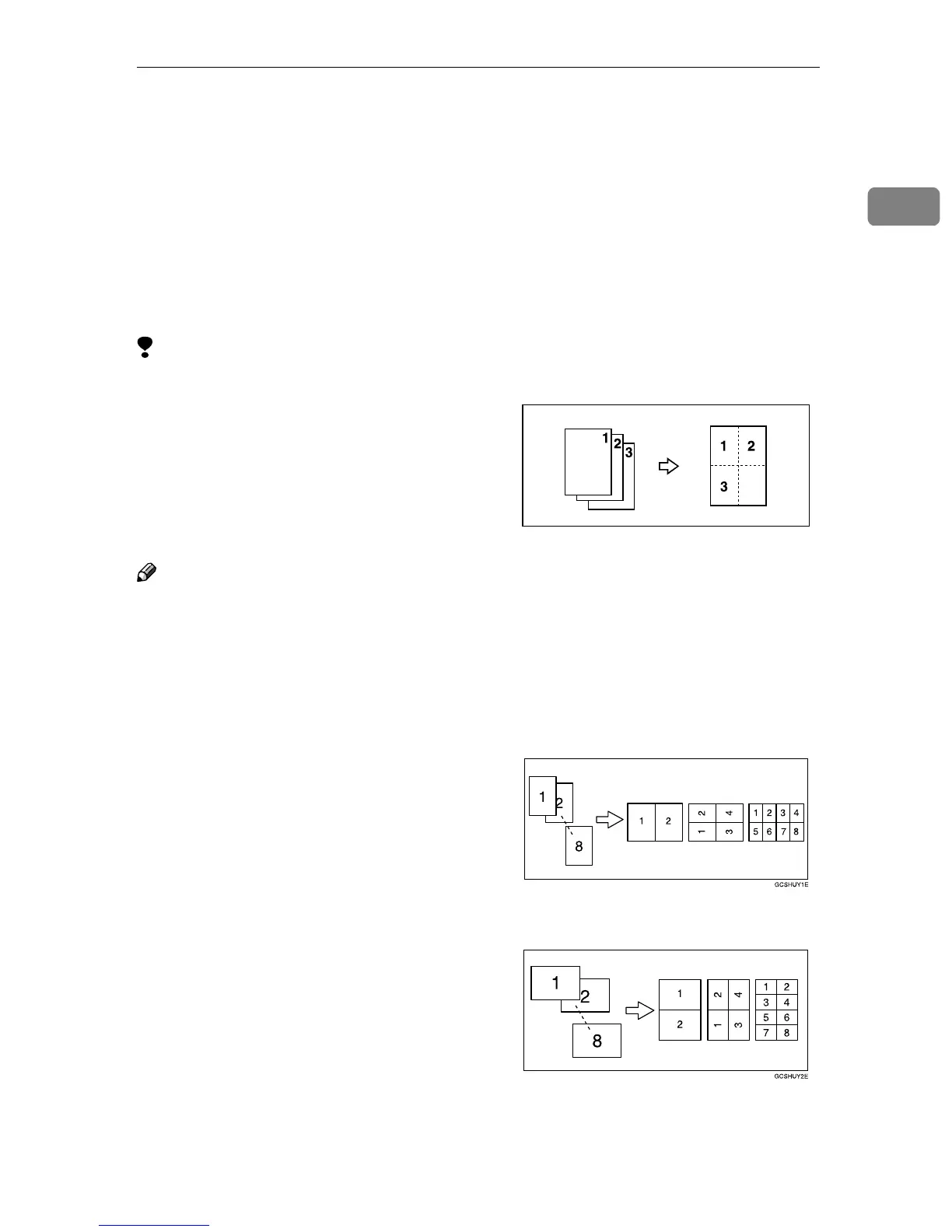
You can combine two or more origi-
nals into one copy. 1 Sided Combine
mode is for one-sided copies, and 2
Sided Combine mode for two-sided
copies.
This function can be used in twelve
ways:
Limitation
❒ You cannot use the Bypass Tray
with this function.
❒ If the calculated ratio is under the
minimum ratio, it is adjusted to
within the available range of ratios
automatically. However, with
some ratios, parts of the image
might not be copied.
Note
❒ In this mode, the machine selects
the reproduction ratio automati-
cally. This reproduction ratio de-
pends on the copy paper sizes and
the number of originals.
❒ The machine uses ratios in the fol-
lowing range:
• Metric version: 25 - 400%
• Inch version: 25 - 400%
❒ A separation line between origi-
nals can be printed with the User
Tools. ⇒ “Separation Line in Com-
bine”, Advanced Features manual
❒ If the direction of originals is dif-
ferent from that of the copy paper,
the machine will automatically ro-
tate the image by 90° to make cop-
ies properly.
❒ When making copies in the Com-
bine mode, the border of each orig-
inal can be automatically erased by
3mm, 0.1". ⇒ “Erase Original
Shadow in Combine”, Advanced
Features manual
❒ If the number of originals placed is
less than the number specified for
combining, the last page is left
blank as shown in the illustration.
❒ You can change the copy order in
Combination mode. ⇒ “Copy Or-
der In Combine”, Advanced Fea-
tures manual
❒ Orientation of the originals and ar-
rangement of combined images
are as follows:
❖
❖❖
❖ Open to Left (K
KK
K) originals
❖
❖❖
❖ Open to Right (L
LL
L) originals



 To Next Page