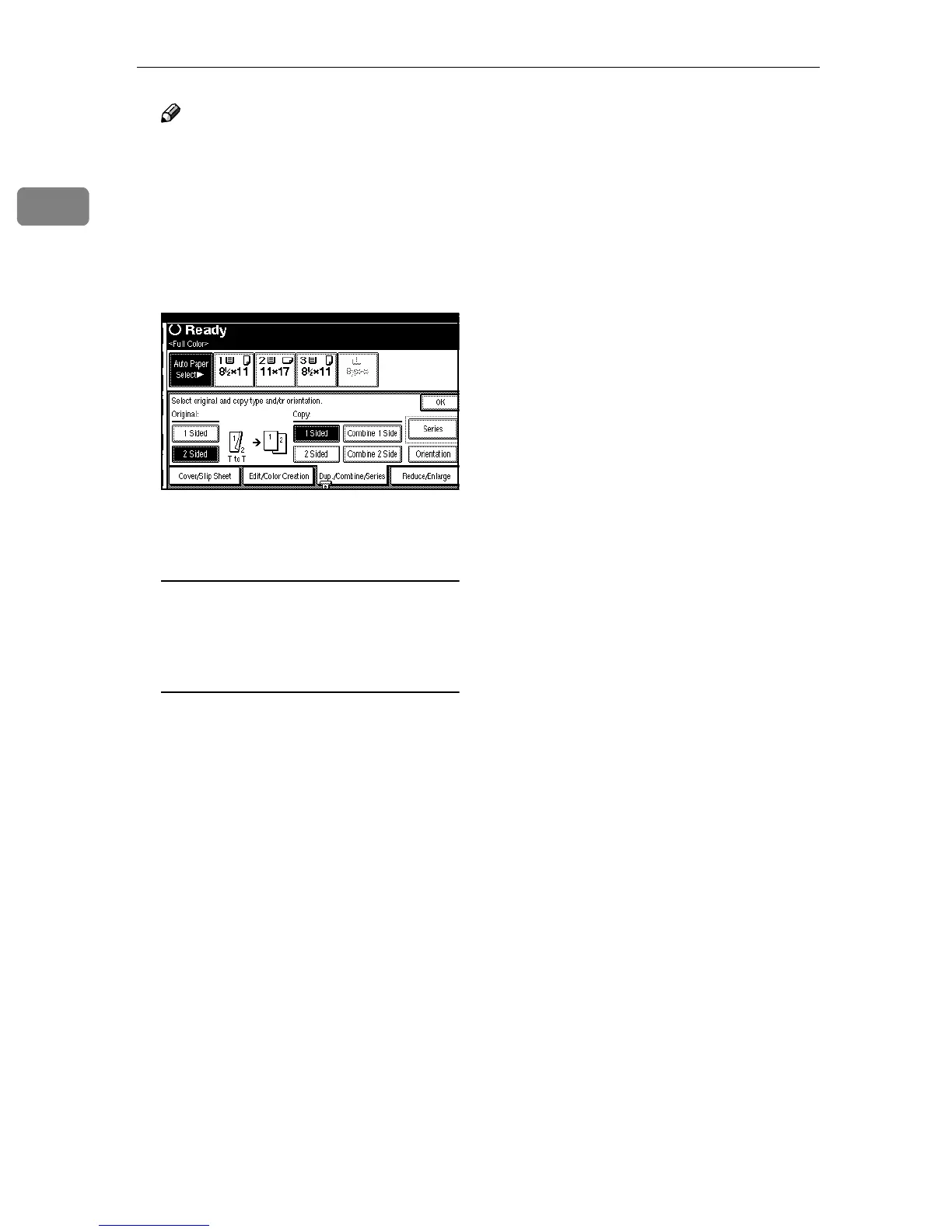
Basic Copying
64
1
Note
❒ To change the copy orientation
to “Top to Bottom”, press [Orien-
tation], and then select [Top to
Bottom]. ⇒ p.60 “Specifying the
Orientation of Bound Origi-
nals”
C
CC
C
Press [OK].
D
DD
D
Place your originals, and then
press the {
{{
{Start}
}}
} key.
When placing an original on the
exposure glass or in the optional
document Feeder (ADF) using
Batch mode
A Place the front side of the orig-
inal on the exposure glass or in
the optional document Feeder
(ADF), and then press the
{
{{
{Start}
}}
} key.
B Place the back side of the orig-
inal on the exposure glass or in
the optional document feeder
(ADF). When it is placed on the
exposure glass, press the
{
{{
{Start}
}}
} key.
C Press the {
{{
{#}
}}
} key after the last
original has been scanned.



 To Next Page