Operating InstructionsFacsimile Reference (option) <Advanced Features>
40
Printing a File
If you wish to check the contents of a file that is
stored in memory and has not been sent yet, use
this procedure to print it out.
Limitation
❒ Polling Transmission files are not displayed in
the list. Confidential Transmission files are
displayed, but cannot be printed.
A
AA
A
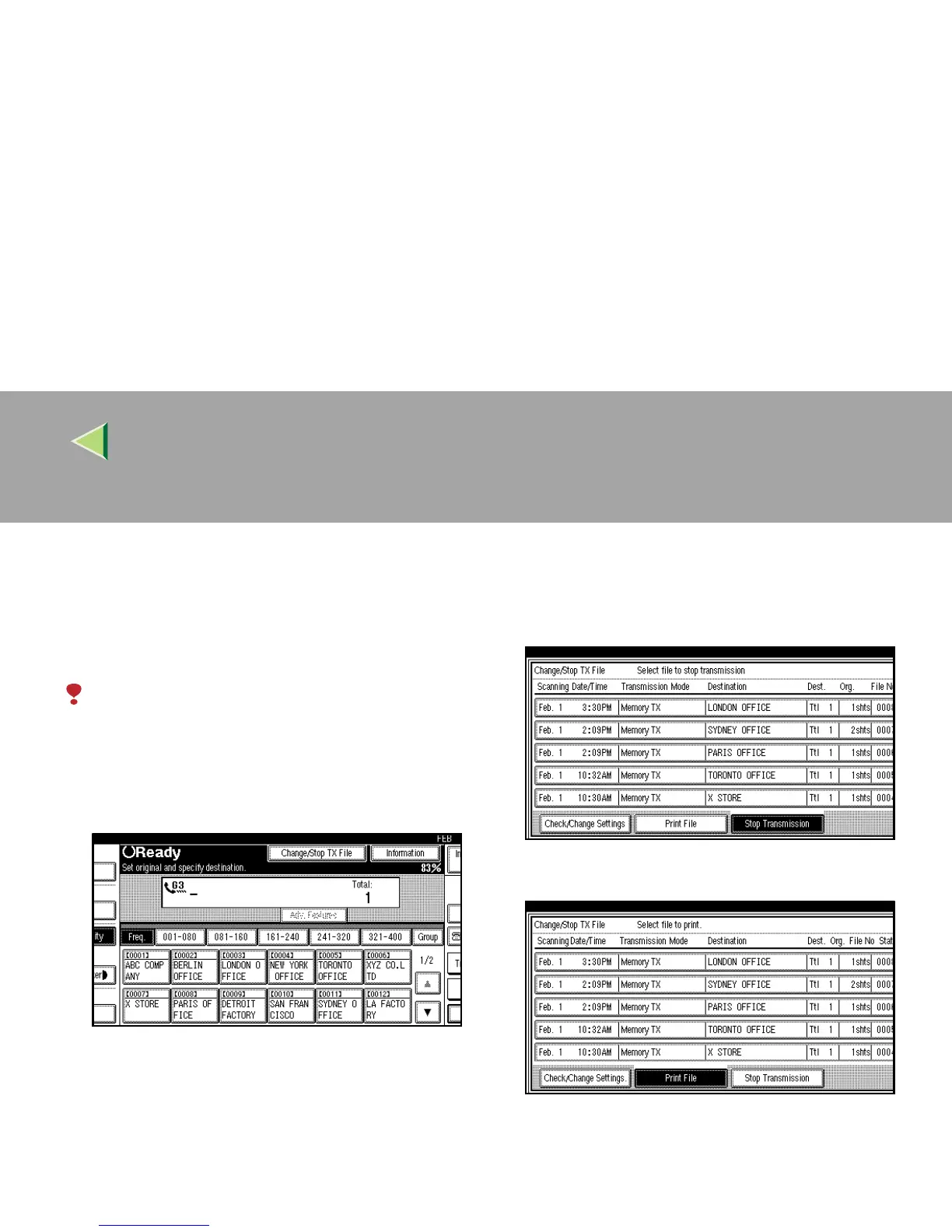
Press [Change/Stop TX File].
B
BB
B
Press [Print File].
C
CC
C
Select the file you want to print.



 To Next Page