Operating InstructionsFacsimile Reference (option) <Advanced Features>
39
E
EE
E
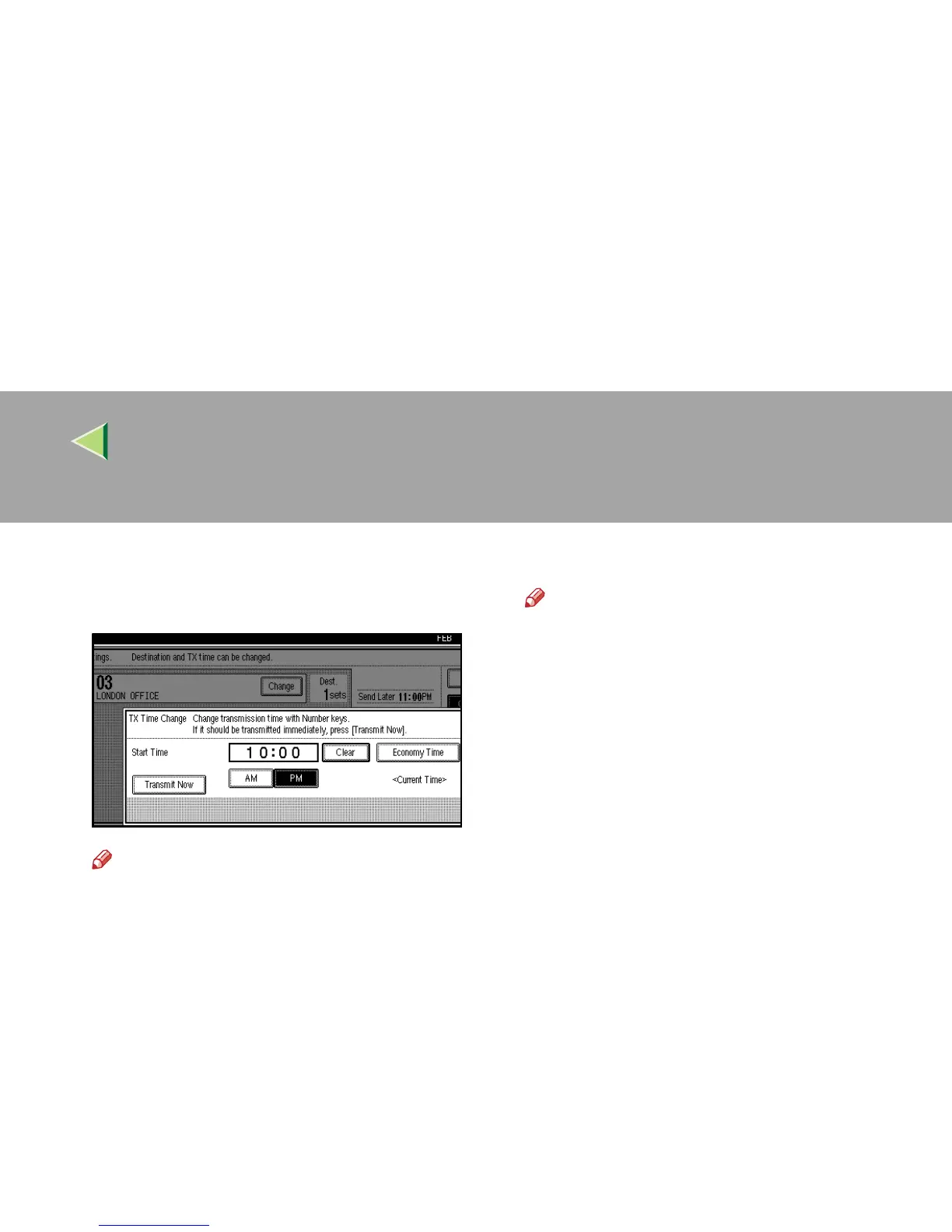
Press [Clear], and then reenter the trans-
mission time using the number keys or se-
lect [Economy Time].
Note
❒ The time already specified is shown.
❒ If you select [Economy Time], the economy
time already specified is entered.⇒ p.189
“General Settings/Adjustment”
❒ If you press [Transmit Now], the file is trans-
mitted immediately. However, if there is a
file on standby that file is sent first.
F
FF
F
Press [OK].
G
GG
G
Press [Exit].
Note
❒ Repeat from step
C
, if you want to change
another transmission time.
H
HH
H
Press [Exit].
The initial display is shown.



 To Next Page