Operating Instructions Administrator Reference 2
85
Deleting Saved Documents
All unnecessary documents should be deleted.
This section describes how to delete saved docu-
ments.
Important
❒ You can save up to 1,000 documents in the
Document Server. No more documents can
be saved when there are 1,000 documents in
the Document Server. You should delete un-
necessary documents. The maximum
number of files that can be stored is 1,000.
However, under the following conditions the
maximum will be less than 1,000:
• When there are more than 2,000 pages in a
file
• When more than 2,000 pages have been
stored
• When there is less disk space available to
files in the Document Server because other
files are stored on the disk
❒ You can set the timer to delete the documents
stored in the Document Server with the User
Tools.
Note
❒ You can delete all the saved documents at a
time with the User Tools.
Follow these steps to delete saved documents.
A
AA
A
Press the {
{{
{Document Server}
}}
} key.
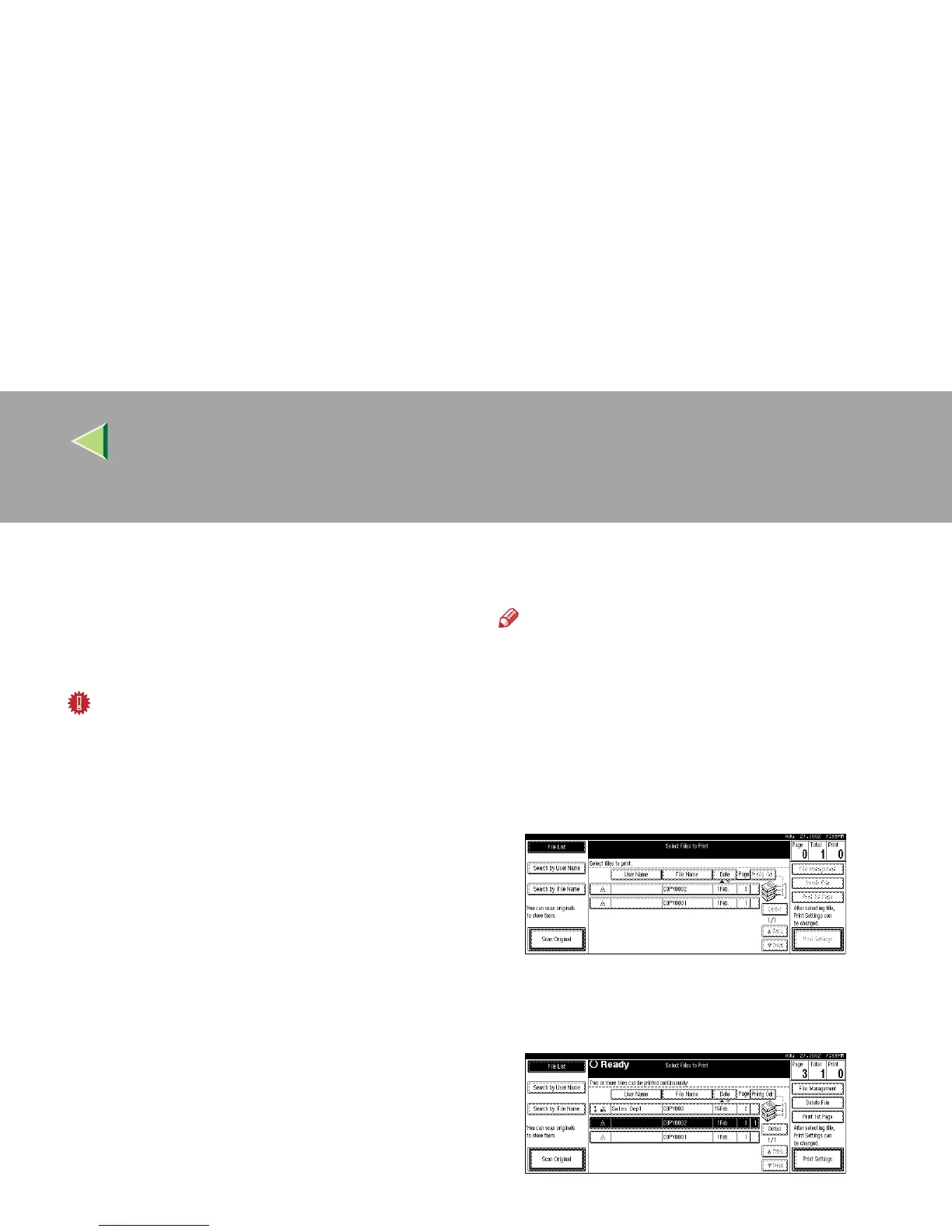
The “Select Files to Print” display appears.
B
BB
B
Select the document to be deleted.
• If no password is set for the document, the
line for the selected document is highlight-
ed.



 To Next Page