Faxing
22
2
Original Sizes Difficult to Detect
The machine finds it difficult to detect the size of the following kinds of origi-
nals. If this happens, the receiving machine may not select print paper of the cor-
rect size. ⇒ p.21 “If the Machine Cannot Detect the Size of Your Original”
• Documents placed on the exposure glass of sizes other than those listed in the
table below
• Originals with index tabs, tags, or projecting parts
• Transparent originals, such as OHP transparencies or translucent paper
• Dark originals with many characters or drawings
• Originals which partially contain solid printing
• Originals which have solid printing at their edges
• Slippery originals
• Originals in bound form of more than 10mm (0.3") thick such as books
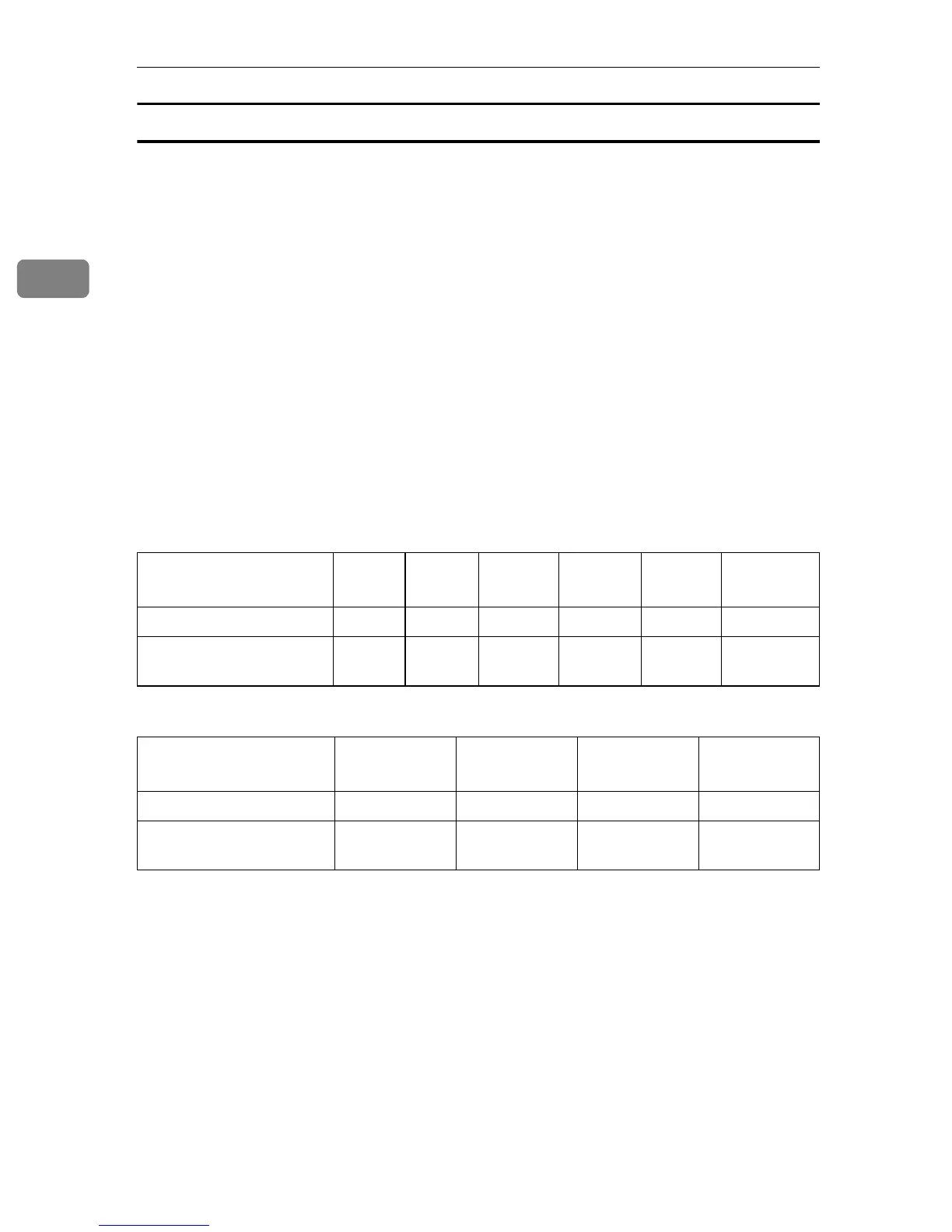
The following paper sizes are automatically detected in Facsimile mode.
❖
❖❖
❖ Metric Version
❖
❖❖
❖ Inch Version
Ο - Auto detect
× - Unable to auto detect
Paper Size
Where Original is Placed
A3L
LL
L B4L
LL
L A4K
KK
KL
LL
L B5K
KK
KL
LL
L A5K
KK
KL
LL
L
8
1
/
2
"
×
××
×
13"L
LL
L
Exposure Glass ΟΟ Ο Ο × Ο
Optional Document
Feeder (ADF)
ΟΟΟΟΟ Ο
Paper Size
Where Original is Placed
11"
×
××
×
17"L
LL
L
8
1
/
2
"
×
××
×
14"L
LL
L 8
1
/
2
"
×
××
×
11"K
KK
KL
LL
L 5
1
/
2
"
×
××
×
8
1
/
2
"K
KK
KL
LL
L
Exposure Glass ΟΟΟ×
Optional Document
Feeder (ADF)
ΟΟΟΟ



 To Next Page