Operating Instructions Administrator Reference 2
93
Exiting from the User Tools
A
AA
A
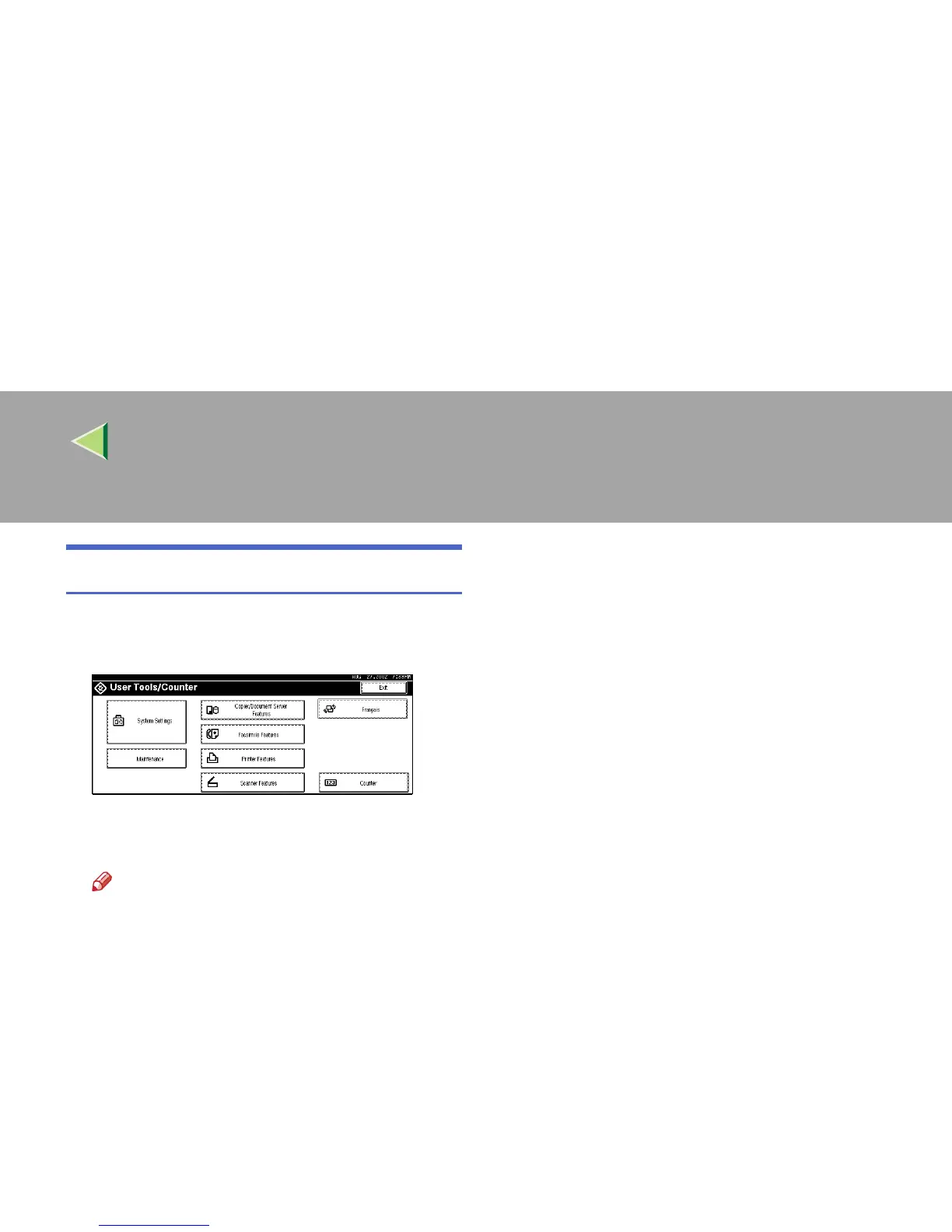
After changing the User Tools settings,
press [Exit] on the User Tools Main Menu.
Changing the User Tools is finished, and the
machine is ready for copying or printing.
Note
❒ You can also exit from the User Tools by
pressing the {
{{
{User Tools/Counter}
}}
} key.



 To Next Page