Operating InstructionsFacsimile Reference (option) <Advanced Features>
53
Displaying the Memory Status
Use this function to display a summary of current
memory usage. Items shown are the percentage
of free memory space, the number of received
Confidential Messages, the number of files to be
sent, the number of Memory Lock files and the
number of received messages to be printed.
A
AA
A
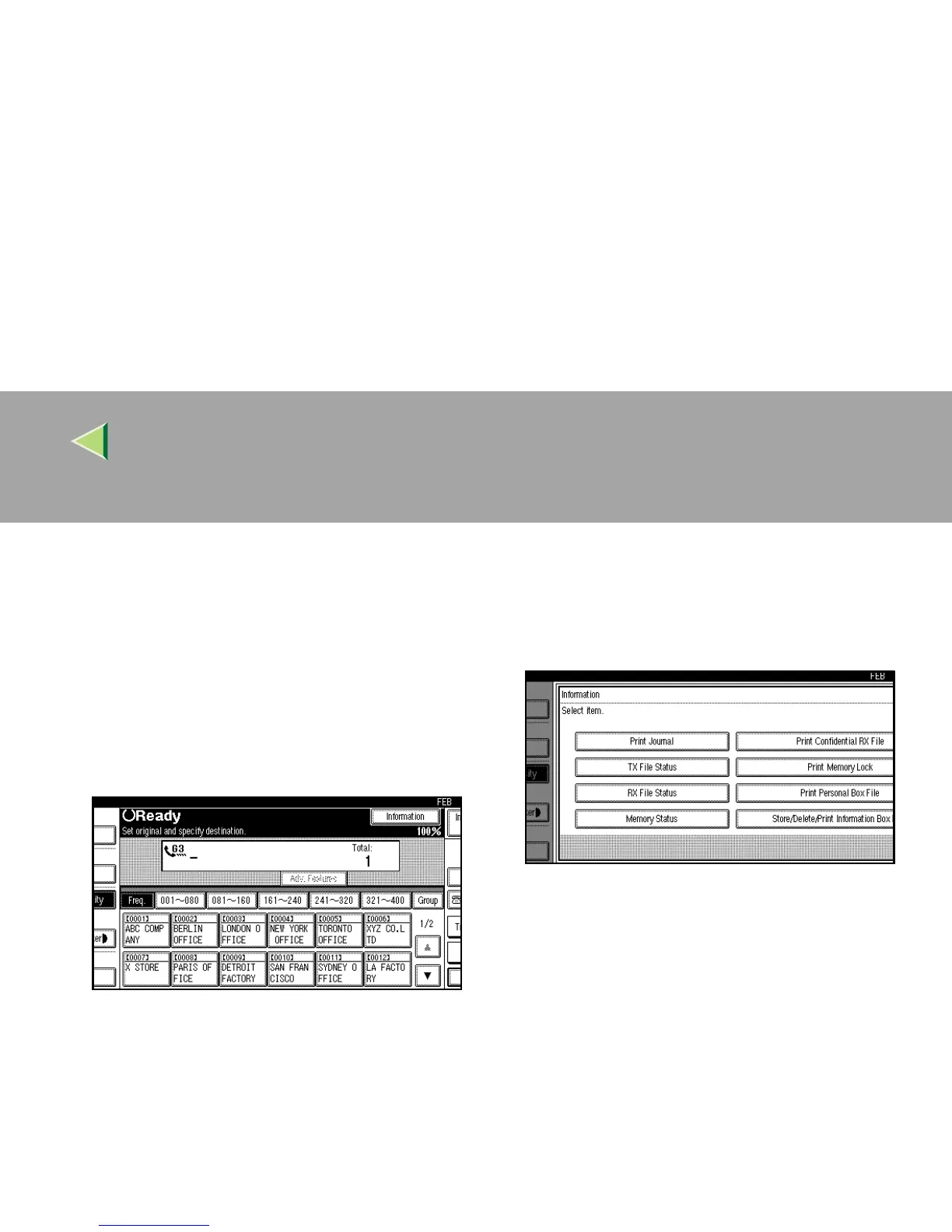
Press [Information].
The Information menu is shown.
B
BB
B
Select the [Memory Status] function number
with the number keys.



 To Next Page