Operating InstructionsFacsimile Reference (option) <Advanced Features>
54
C
CC
C
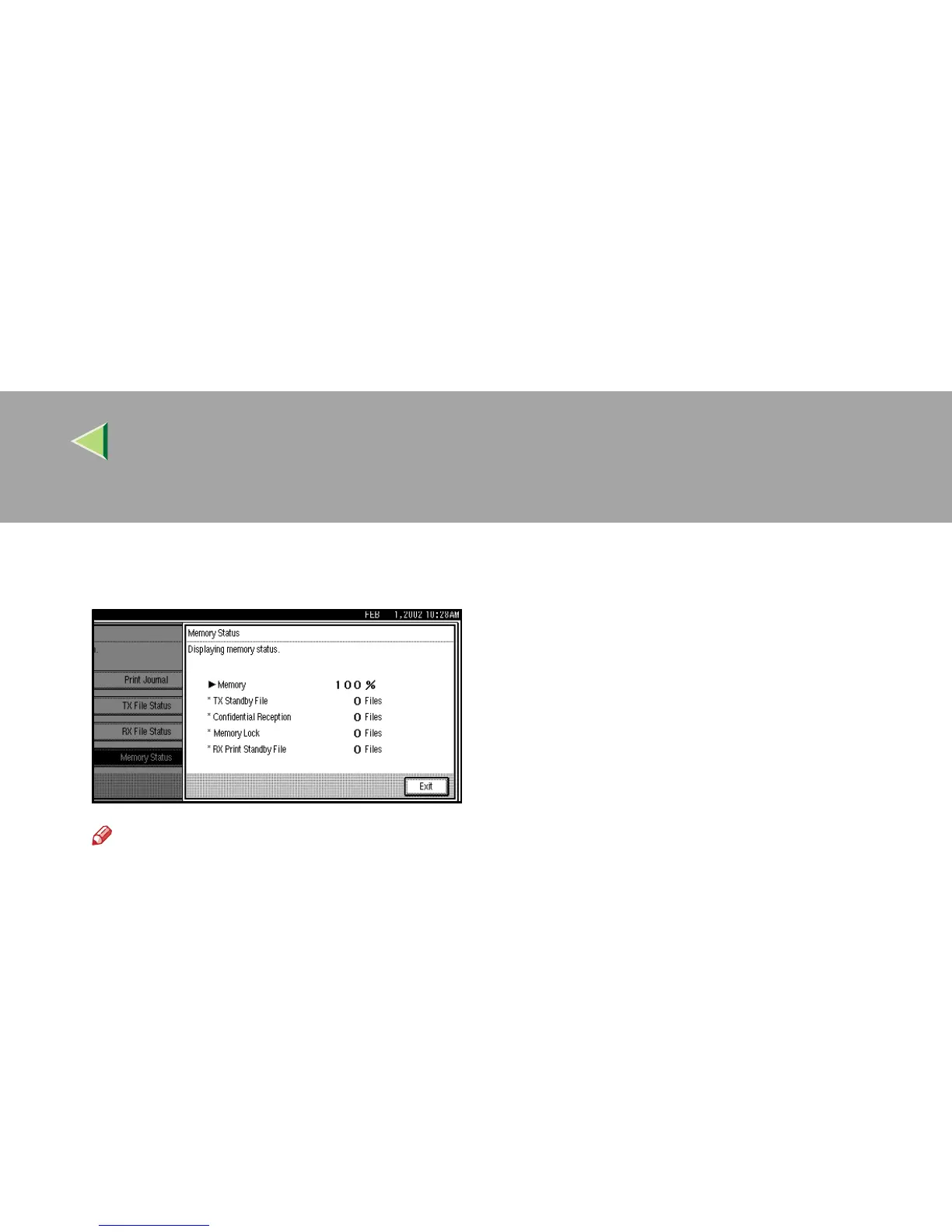
Check the memory status, and then press
[Exit].
Note
❒ “Others” will be displayed:
• When storing attachment files. ⇒ p.179
“Storing and Changing an Auto Docu-
ment”
• When storing Transfer Request files.⇒
p.82 “Transfer Request”
• When storing originals in the Informa-
tion Boxes. ⇒ p.64 “Information Boxes”
• When sending to the Personal Box.⇒
p.60 “Personal Boxes”
D
DD
D
Press [Exit].
The initial display is shown.



 To Next Page