69
Operating Instructions Scanner Reference
5. Delivering Stored Scan Data by the Network Delivery Scanner
Stored scan data can be sent to a specified destination using the network delivery scanner function. This
chapter explains the various display screens, delivery procedures, and checking of the delivery result
when this function is used.
Note
❒ A delivery server in which ScanRouter V2 Lite/Professional is installed is necessary to use the net-
work delivery server function. Information about delivery destinations and senders must be pro-
grammed first into the delivery server. Also, program a connected device in [Set I/O Device] of
ScanRouter V2 Administration Utility. For more information, see ScanRouter V2 Administration Util-
ity Help.
List Displays of Destinations and Senders
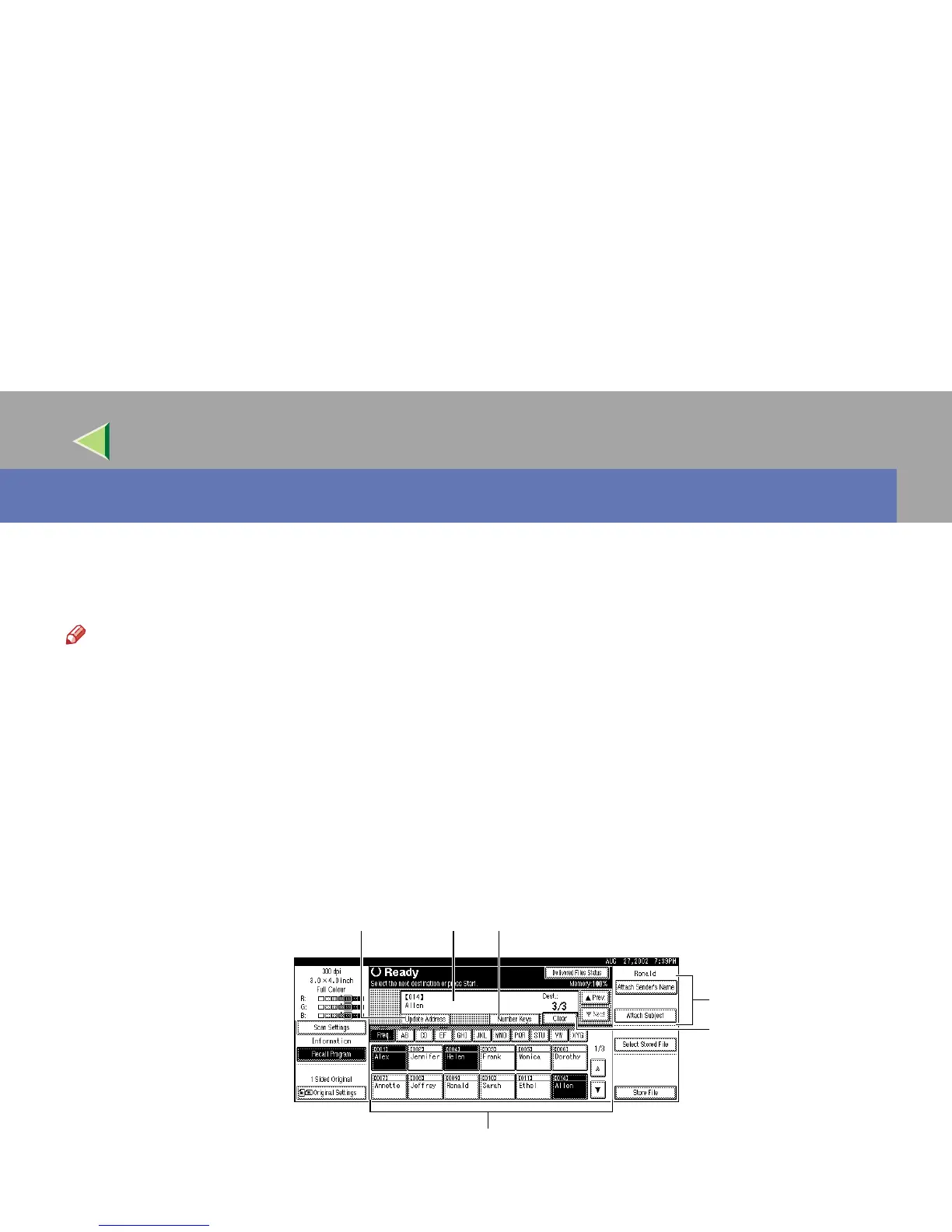
The display configuration when using the machine as network delivery scanner is as follows:
4
5
2
6
31



 To Next Page