Operating Instructions Administrator Reference 2
88
D
DD
D
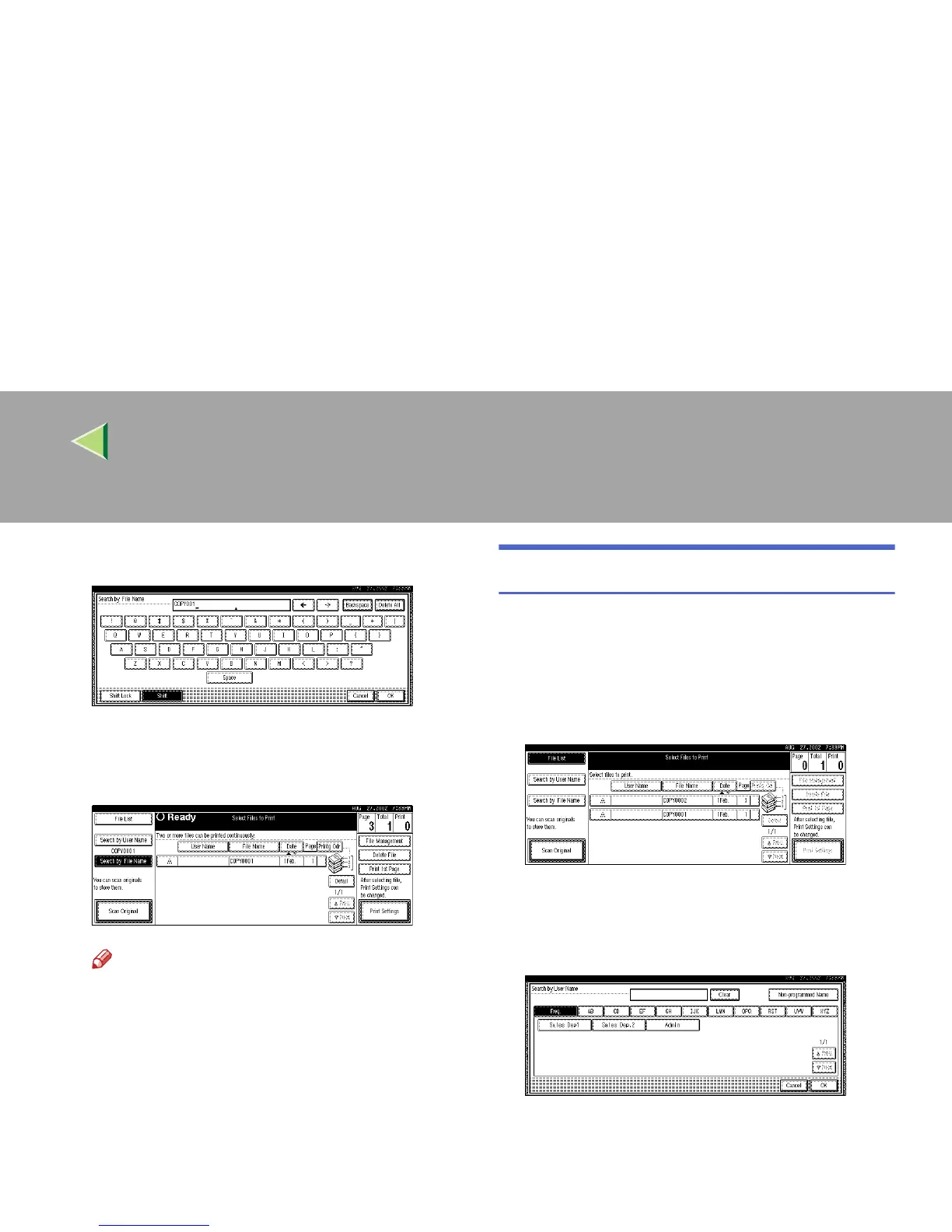
Press [OK].
Only the files beginning with the name en-
tered appear in the “Select Files to Print” dis-
play.
Note
❒ To display all the files saved in the Docu-
ment Server, press [
File List
].
To Search by User Name
This searches for documents on the Document
Server that match a user name.
A
AA
A
Press the {
{{
{Document Server}
}}
} key.
B
BB
B
Press [Search by User Name].
C
CC
C
To specify a registered user name, select
the user name from the displayed list, and
then press [OK].
To specify an unregistered user name, follow
the procedure below.



 To Next Page