Basic Copying
12
1
Turning On the Power
A
AA
A
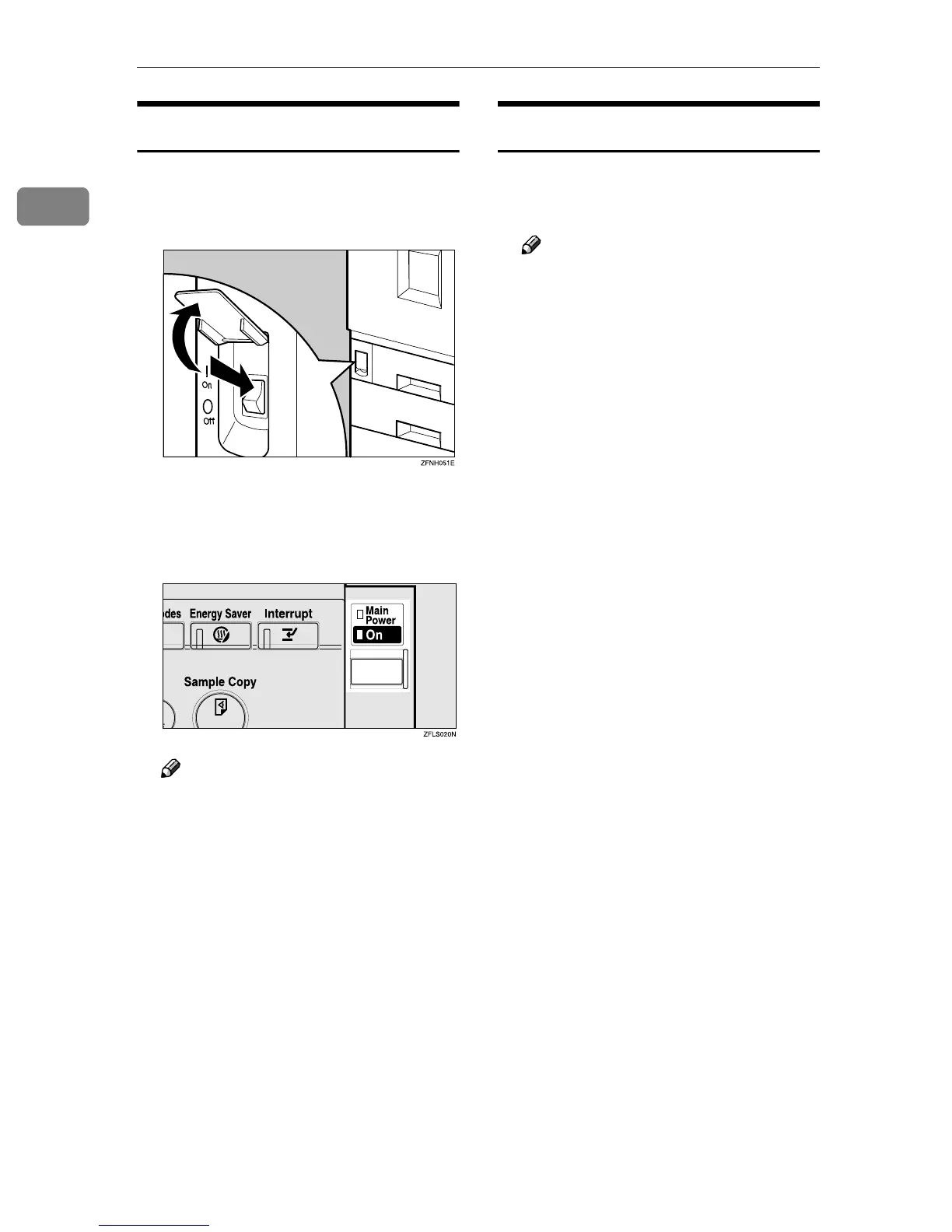
Make sure that the main power
switch on the front lower left side
of the machine is set to On.
B
BB
B
Press the operation switch.
The On indicator lights.
The display panel will come on.
Note
❒ If the power is not turned on
when the operation switch is
pressed, check if the main pow-
er switch is on. If off, turn it on.
❒ If “Ready” is not displayed, en-
ter the user code. ⇒ “User Code
Management”,“User Code”,
Administrator Reference 2
Copier System Edition
Turning Off the Power
A
AA
A
Press the operation switch.
The On indicator goes off.
Note
❒ In the following cases, even if
you press the operation switch,
the indicator does not go off, but
blinks:
• When the optional exposure
glass cover or the optional
document feeder (ADF) is
open.
• When communication is in
progress with external
equipment.
• When the hard disk is oper-
ating.



 To Next Page