Operating Instructions Copy Reference <Advanced Features>
92
Adjust Color
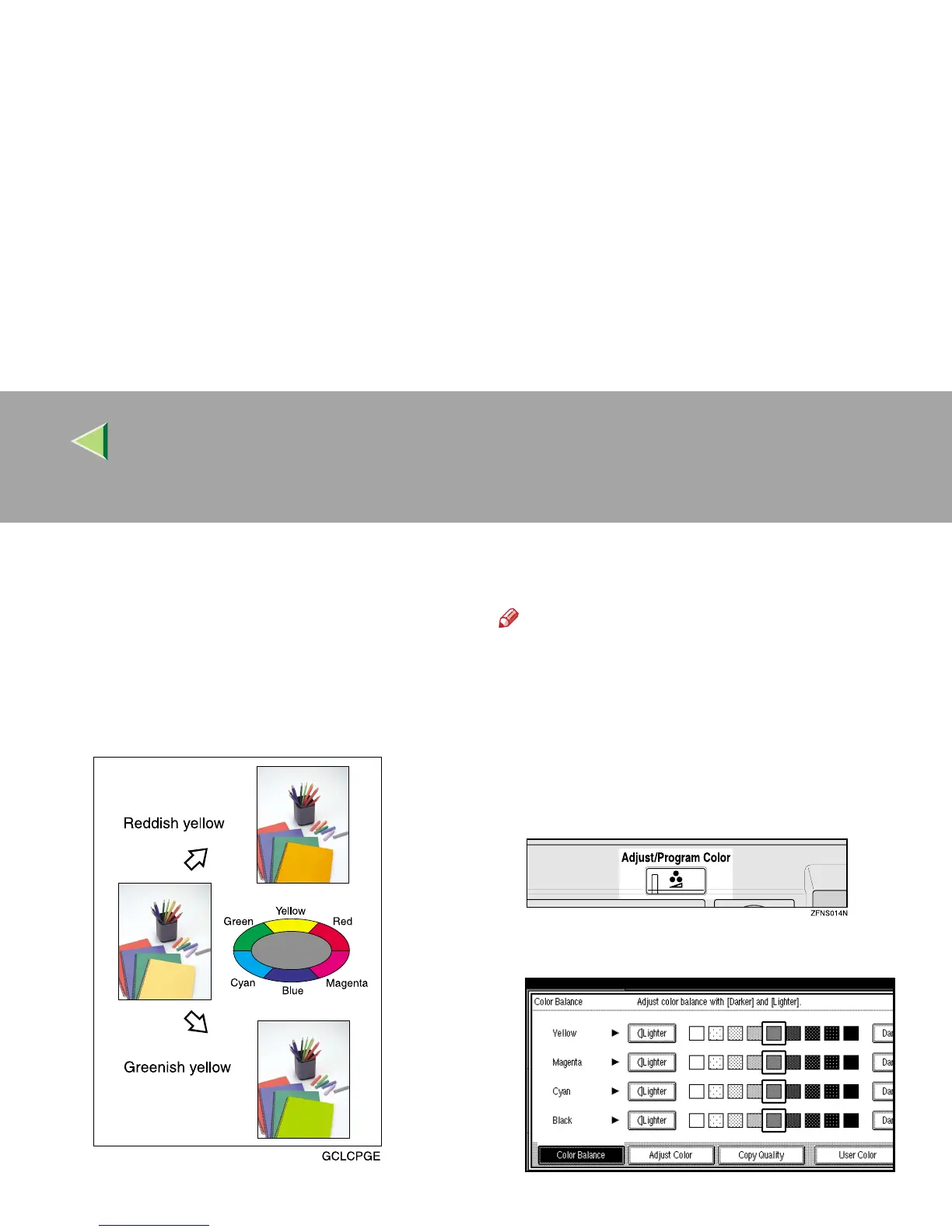
This function lets you alter up to three single col-
ors by mixing them with adjacent colors in the
color circle. For example, yellow can be shifted
towards red to make orange, or towards green to
make a yellow green. Note that only areas of the
image containing this color will be modified.
Note
❒ You can set up to 3 colors from yellow, red,
magenta, blue, cyan, or green.
❒ This function is only available in Full Color
mode.
A
AA
A
Press the {
{{
{Adjust/Program Color}
}}
} key.
The Adjust/Program Color indicator lights
up.
B
BB
B
Press [
Adjust Color
].
The color circle appears.



 To Next Page