Operating InstructionsFacsimile Reference (option) <Advanced Features>
230
C
CC
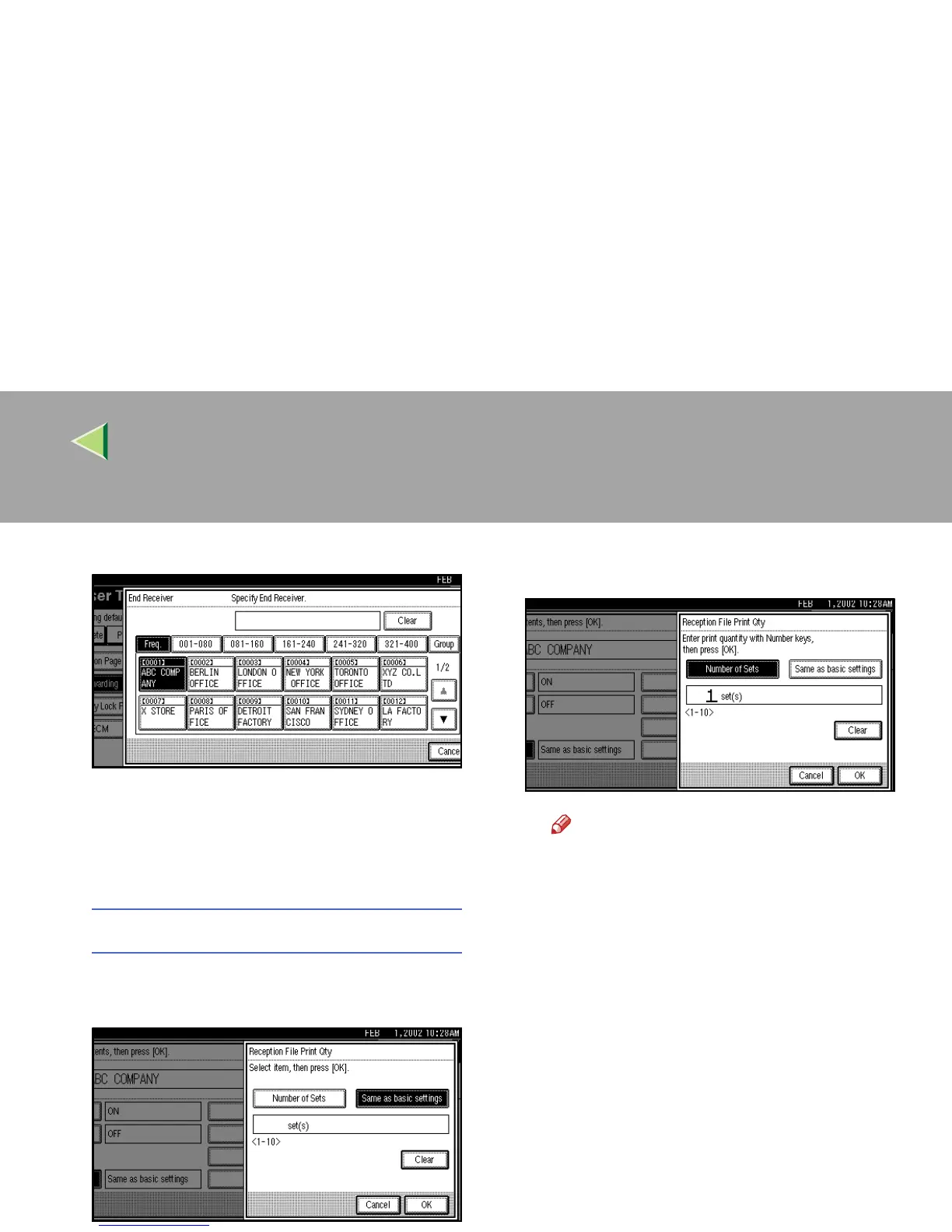
C Specify an end receiver.
D
DD
D Press [OK].
If you select [Yes], the name of the end re-
ceiver is shown on the right of “Receiv-
er:”.
Reception File Print Qty
A
AA
A Press [Reception File Print Qty].
B
BB
B Select [Number of Sets].
C
CC
C Enter the print quantity with the num-
ber keys.
Note
❒ If you make a mistake, press [
Clear
] or
the {
{{
{Clear/Stop}
}}
} key and try again.
D
DD
D Press [OK].



 To Next Page