Operating InstructionsFacsimile Reference (option) <Advanced Features>
229
H
HH
H
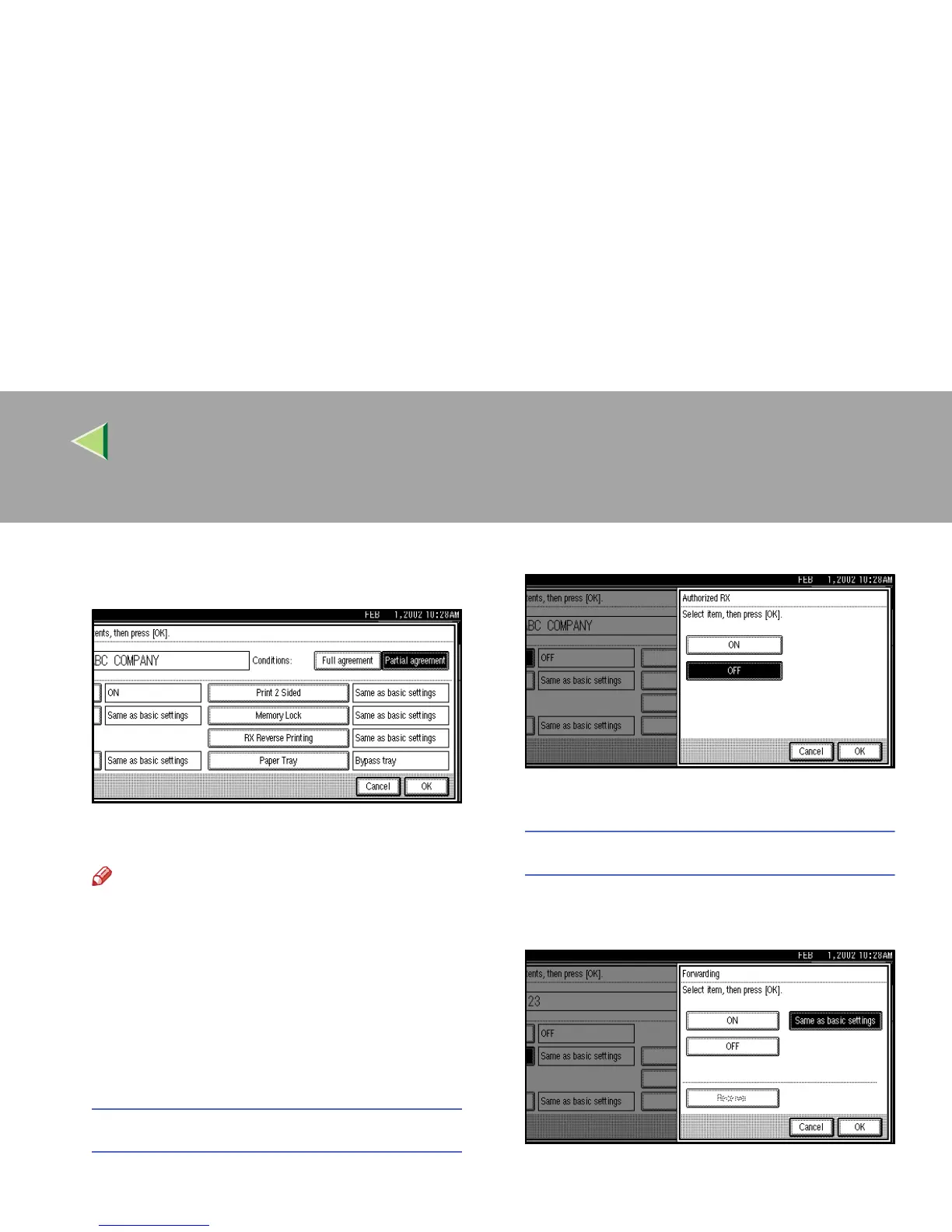
When programming the condition, press
[Full agreement] or [Partial agreement].
I
II
I
Select the item you want to program.
Note
❒ You must select only the item you want to
program.
❒ If you select [
Same as basic settings
], the
settings will be the same as [
Reception
Mode] (⇒ p.198), [Forwarding] (⇒ p.208)
and [Memory Lock] (⇒ p.212).
❒ To cancel these settings, press [Cancel].
The display will return to step
E
.
Authorized RX
A
AA
A Press [Authorized RX].
B
BB
B Select [ON] or [OFF].
C
CC
C Press [OK].
Forwarding
A
AA
A Press [Forwarding].
B
BB
B Select [ON] or [OFF].
If you select [OFF], go to step D.



 To Next Page