Operating InstructionsFacsimile Reference (option) <Advanced Features>
228
C
CC
C
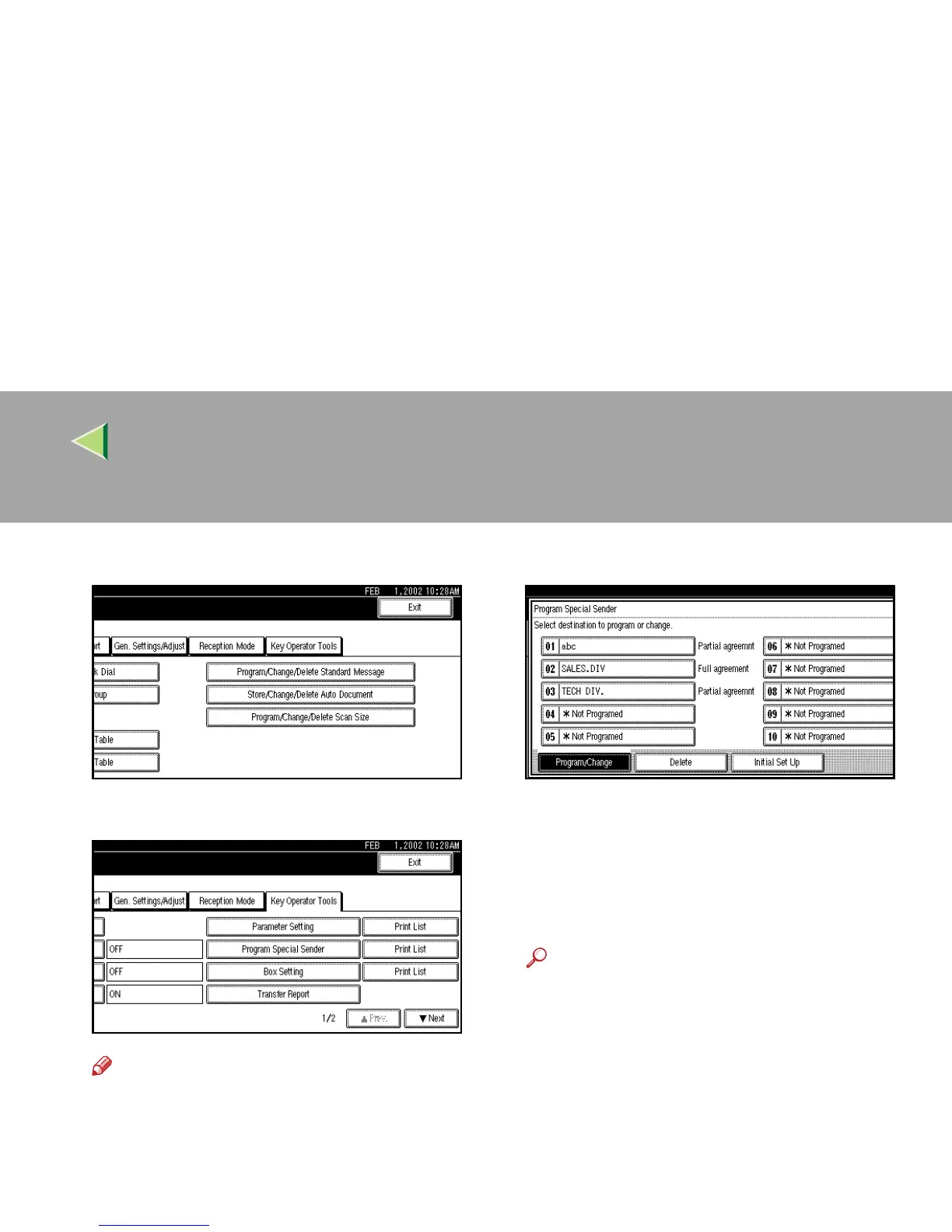
Select [Key Operator Tools].
D
DD
D
Select [Program Special Sender].
Note
❒ If “Program Special Sender” is not shown,
press [U
UU
U Prev.] or [T
TT
T Next].
E
EE
E
Select destination to program.
When programming a new destination, press
“*Not Programed”.
F
FF
F
Enter a destination.
Enter a destination using Own Name or Own
Fax Number.
Reference
❒ ⇒ Chapter 3, “Entering Text” in the Basic
Features manual
G
GG
G
Press [OK].



 To Next Page