Operating InstructionsFacsimile Reference (option) <Advanced Features>
227
❖
❖❖
❖ Reception Reverse Printing
Use this feature to print the pages in Reverse
Order. ⇒ p.146 “Reverse Order Printing”
❖
❖❖
❖ Paper Tray
Use this feature to print the documents re-
ceived from programmed senders (Special
Senders) and the documents from other send-
ers on different types of paper.
For example, if blue paper is in tray 1 and
white paper is in tray 2, the machine prints the
documents from Special Senders on the blue
paper and prints the documents from other
senders on the white paper, making it easy for
you to differentiate between the two.
If you do not program any Special Senders,
the machine outputs the documents received
from all senders using the default paper tray.
Limitation
❒ For Polling Reception and Free Polling,
you cannot select the paper tray.
❒ Paper in the bypass tray, specified as the
paper tray, will be delivered to the ma-
chine's output tray, even if the optional Fin-
isher Unit has been set as the output tray.
Note
❒ If the machine receives a message that is
a different size from the paper in the spec-
ified tray, the machine prints the message
after splitting it or minimizing its size. ⇒
p.145 “Page Separation and Length Re-
duction”
❒ Selection of the bypass tray (optional) en-
ables you to specify the paper size in
“Scan Area”.
Programming/Changing Special Senders
A
AA
A
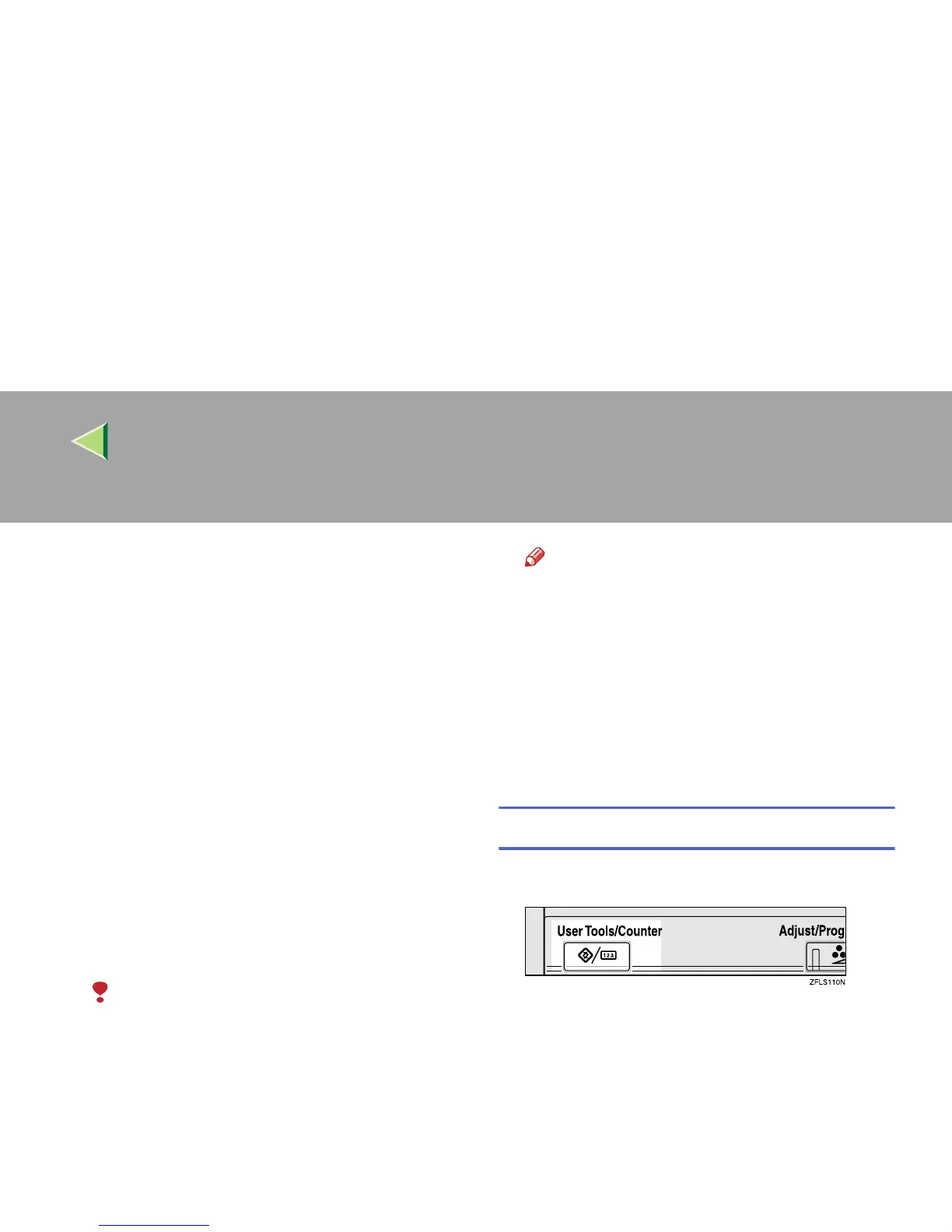
Press the {
{{
{User Tools/Counter}
}}
} key.
B
BB
B
Press [Facsimile Features].
The Facsimile Features menu is shown.



 To Next Page