Operating InstructionsFacsimile Reference (option) <Advanced Features>
167
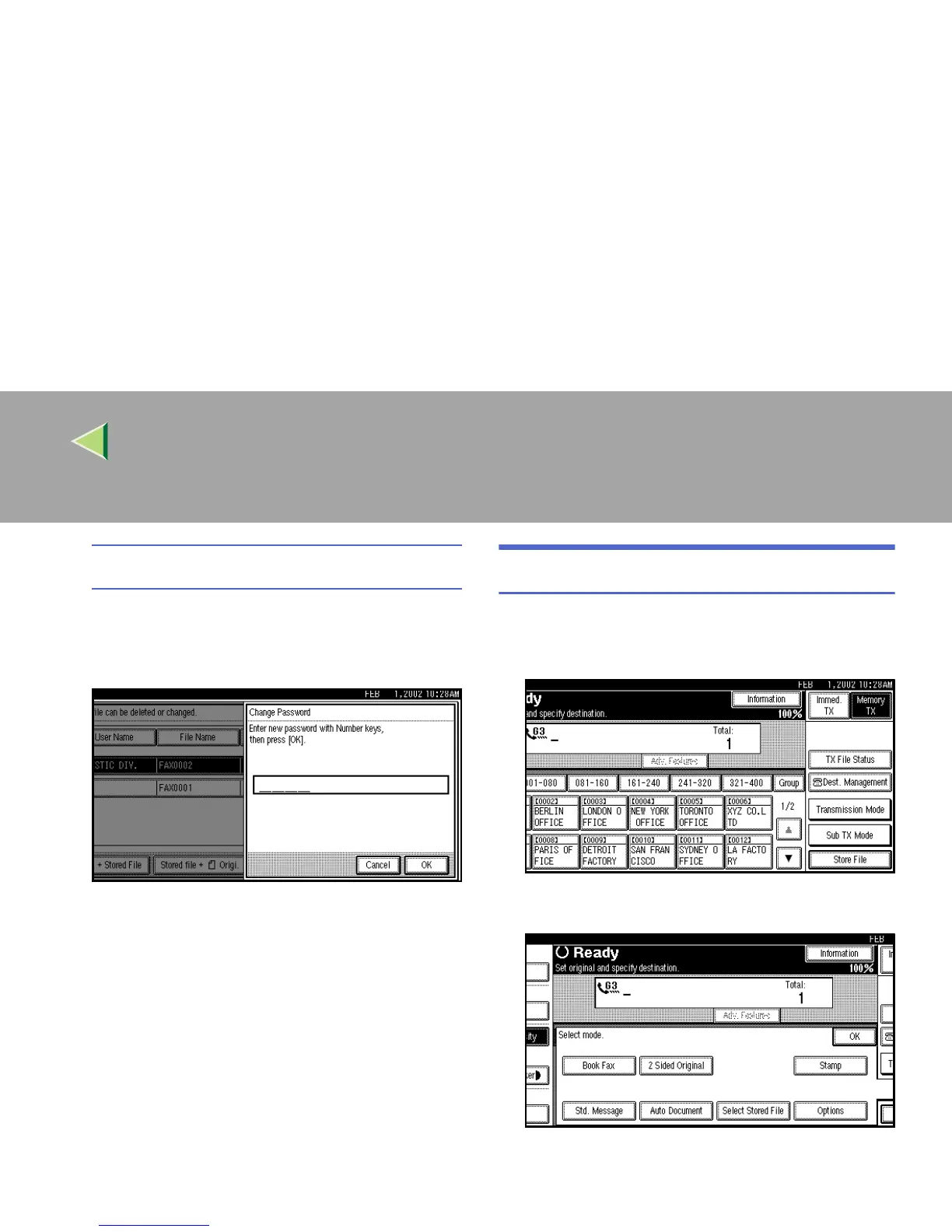
Changing the Password
A
AA
A Press [Change Password].
B
BB
B Enter a new password using the number
keys.
C
CC
C Press [OK].
H
HH
H
Press [Exit].
The Sub Transmission menu is shown.
I
II
I
Press [OK].
The initial display is shown.
Delete File
Use this feature to delete your stored documents.
A
AA
A
Press [Sub TX Mode].
B
BB
B
Select [Select Stored File].



 To Next Page