Operating InstructionsFacsimile Reference (option) <Advanced Features>
91
Manual Dial
The external telephone or optional Handset is required.
Pick up the handset of the external telephone and
dial. When the line is connected and you hear a
high-pitched tone, press the {
{{
{Start}
}}
} key to send
your fax message. If, on the other hand, you hear
a voice at the other end, continue your conversa-
tion as you would normally over the telephone.
Limitation
❒ Manual Dial does not work with ISDN lines.
❒ This feature is not available for the optional
Extra G3 Interface Unit.
❒ The result of a transmission with Manual Dial
is not mentioned in the Transmission Result
Report (Immediate Transmission).
❒ Set originals on the exposure glass. The op-
tional Document Feeder (ADF) cannot be
used.
A
AA
A
Place your original, and then select any
scan settings you require.
Reference
❒ ⇒ Chapter 2, “Placing Originals” in the Ba-
sic Features manual
❒ ⇒ Chapter 2, “Scan Settings” in the Basic
Features manual
B
BB
B
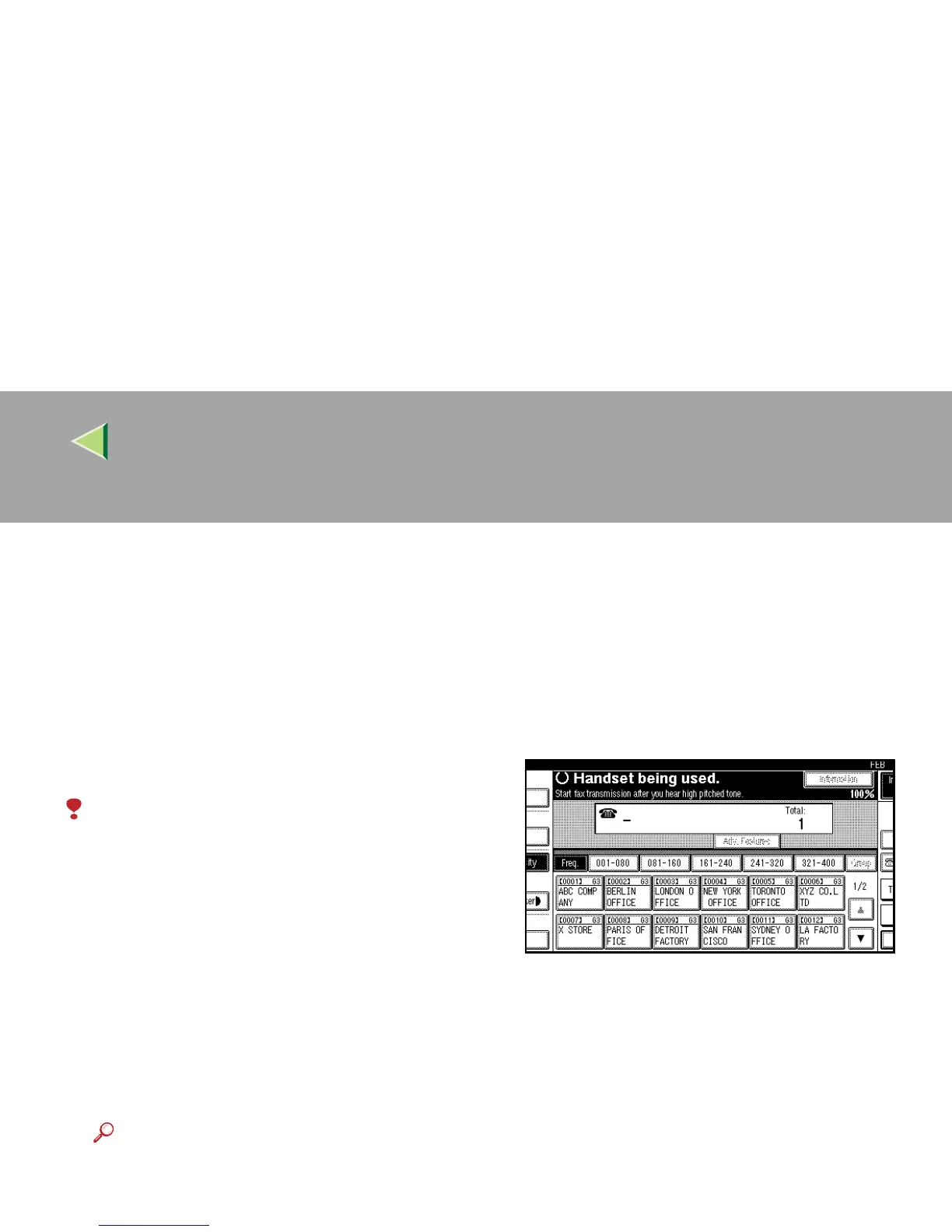
Pick up the external telephone.
You will hear a tone.
C
CC
C
Dial.
The machine immediately dials the destina-
tion.
If you make a mistake, replace the external
telephone and try again from step
B
.



 To Next Page