Operating InstructionsFacsimile Reference (option) <Advanced Features>
93
Changing the Line Type
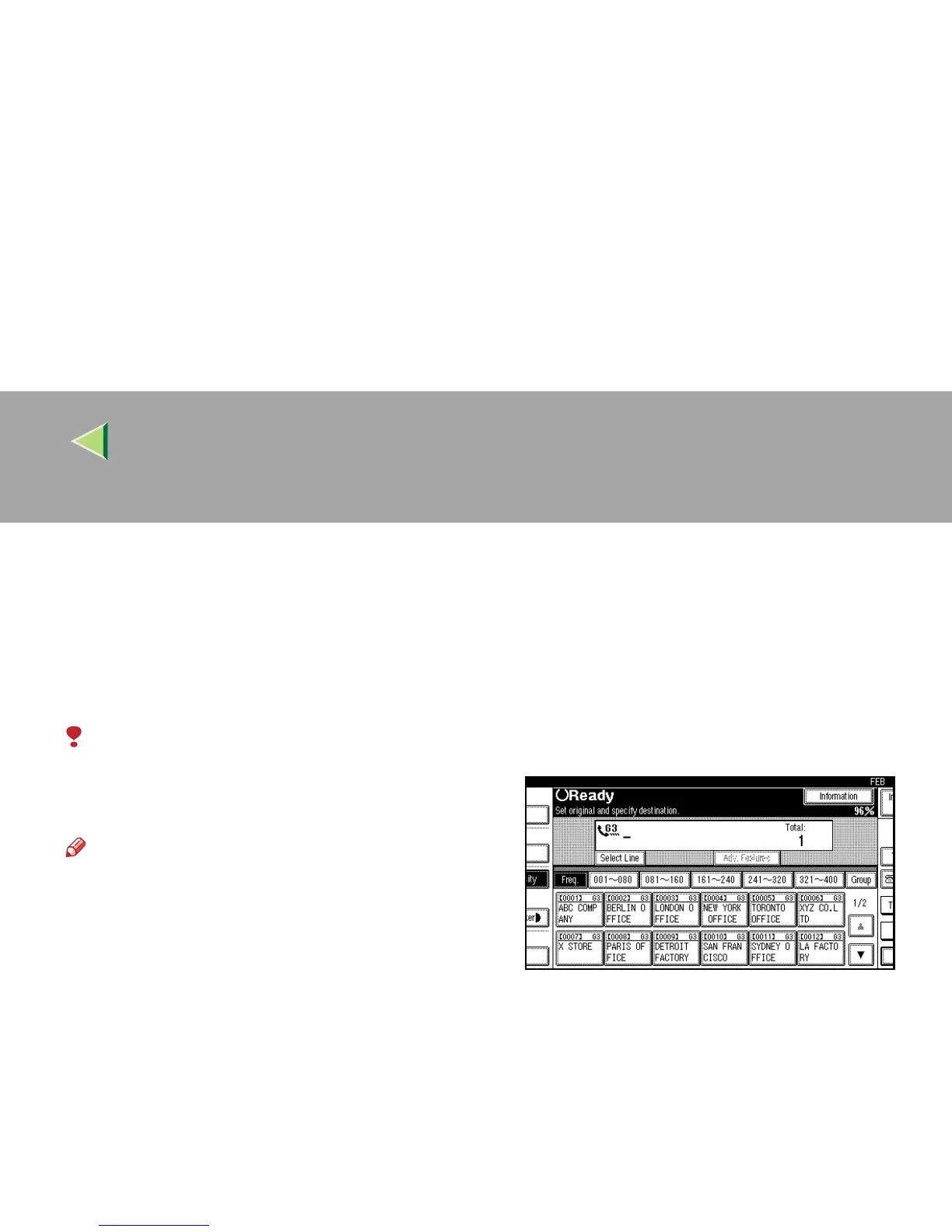
The optional ISDN Unit or Extra G3 Interface Unit is required.
When the optional ISDN Unit and Extra G3 In-
terface Unit are installed, you can connect to up
to a maximum of 2 lines.
Limitation
❒ When sending a fax, you can select the line
type if dialing with the number keys or Chain
Dial.
Note
❒ When you install the optional ISDN Unit or Ex-
tra G3 Interface Unit, you can specify the line
type home position from “Gen. Settings/Ad-
just”. ⇒ p.189 “General Settings/Adjustment”
❖
❖❖
❖ G3
G3 is selected after power up or when the ma-
chine is reset. If you install Extra G3 Interface
Unit, you can select “G3-1” or “G3-2” de-
pending on the number of the installed unit.



 To Next Page