Operating InstructionsFacsimile Reference (option) <Advanced Features>
94
❖
❖❖
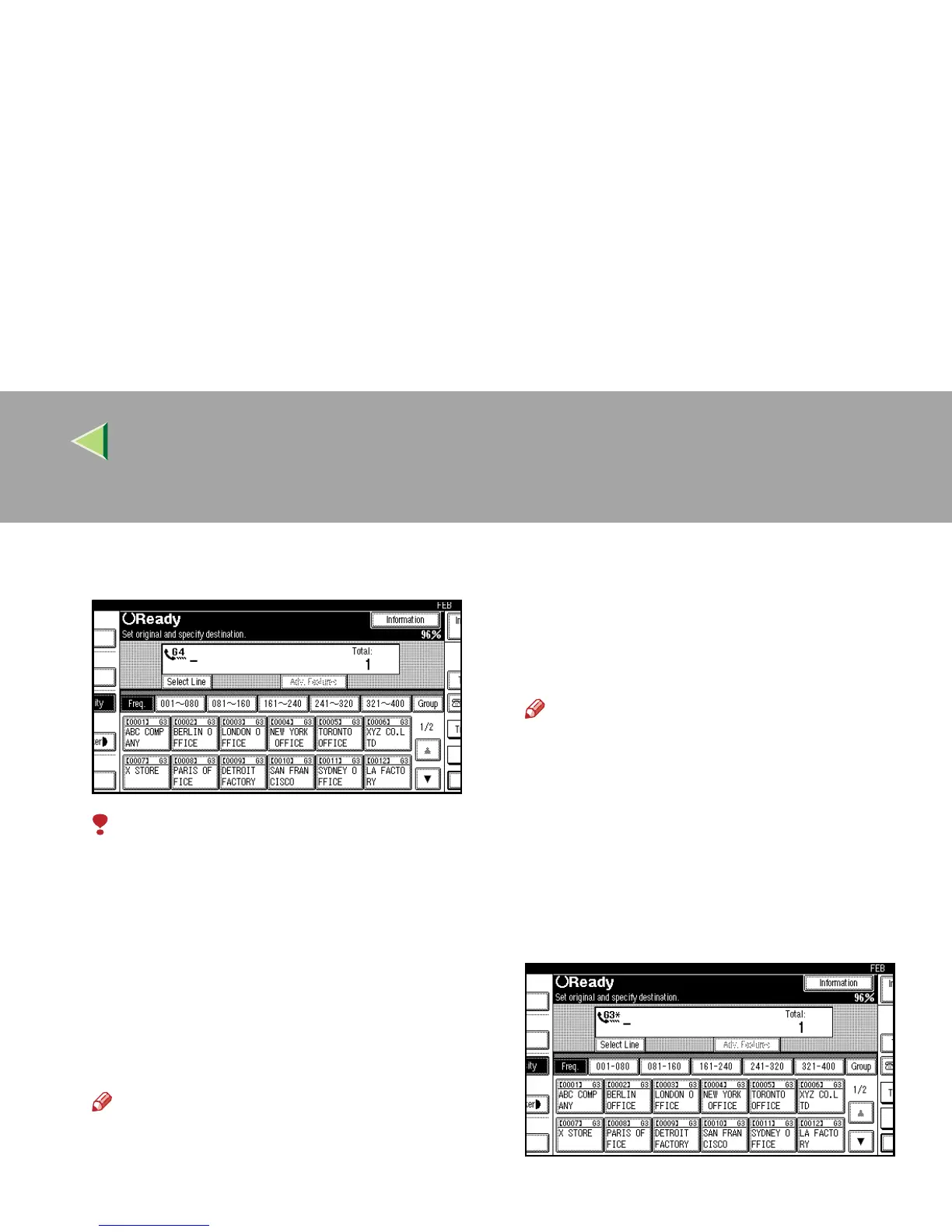
❖ G4
ISDN line is selected.
Limitation
❒ If you select the G4 mode, JBIG compres-
sion is not available.
❖
❖❖
❖ Which line is used for G3 transmissions?
ISDN lines can be used for G3 communica-
tion as well as G4 communication. If the ma-
chine is connected with an ISDN and analog
(PSTN) line, each line can be available by se-
lecting “G3 Auto”. Select “I-G3” when you
use the ISDN line for a G3 transmission.
Note
❒ If you wish to use an analog (PSTN) line
for G3 transmission, contact your service
representative.
❖
❖❖
❖ Auto Identification
This feature is used when G4 is selected. The
machine first tries a G4 communication and if
it cannot connect because the receiver is not a
G4 terminal, it automatically switches to G3
and redials.
Note
❒ If the G3 line at the destination is connect-
ed to the ISDN via a TA (Terminal Adapter)
or a PABX, since the called number is on
ISDN, it is regarded as G4 and the Auto
Identification feature may not automatical-
ly switch this machine to G3.
❒ When you use G3 with ISDN, you can set
the sub-address.
A
AA
A
Press [Select Line].



 To Next Page