Operating Instructions Maintenance Guide 2 Copier System Edition
92
Removing Punch-hole Chips
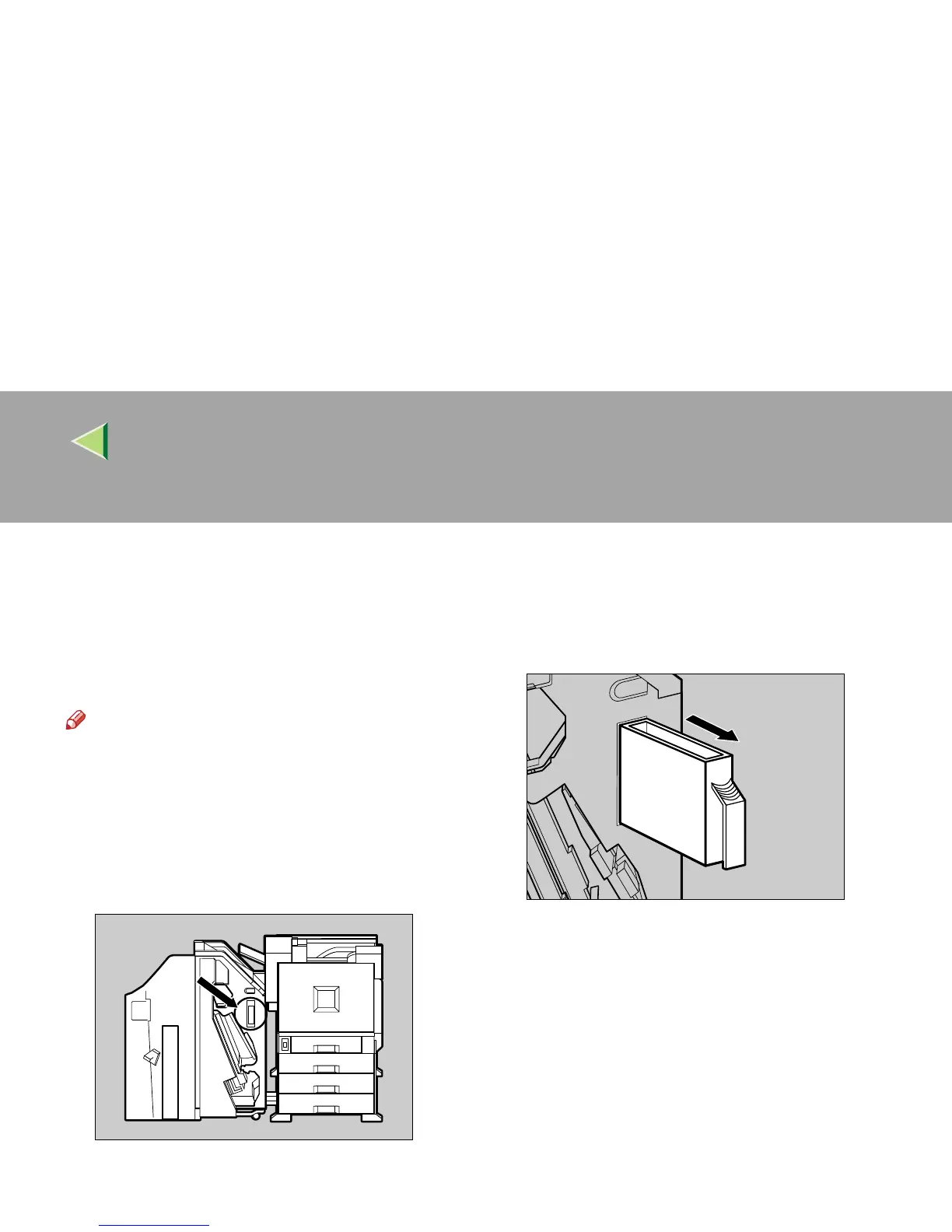
When "Hole punch receptacle is full. Empty it."
appears on the panel display, the punch waste
box is full. Follow these steps to remove paper
chips.
Note
❒ The same message appears when the punch
waste box is not installed correctly.
A
AA
A
Open the front cover of the 2 Tray Finish-
er.
The punch waste box is attached to the posi-
tion shown in the illustration.
B
BB
B
Pull out the punch waste box and remove
the paper chips.
C
CC
C
Reinstall the punch waste box.
D
DD
D
Close the front cover of the 2 Tray Finish-
er.
ZDJP219J
ZDJP220J



 To Next Page