Operating Instructions Maintenance Guide 2 Copier System Edition
91
G
GG
G
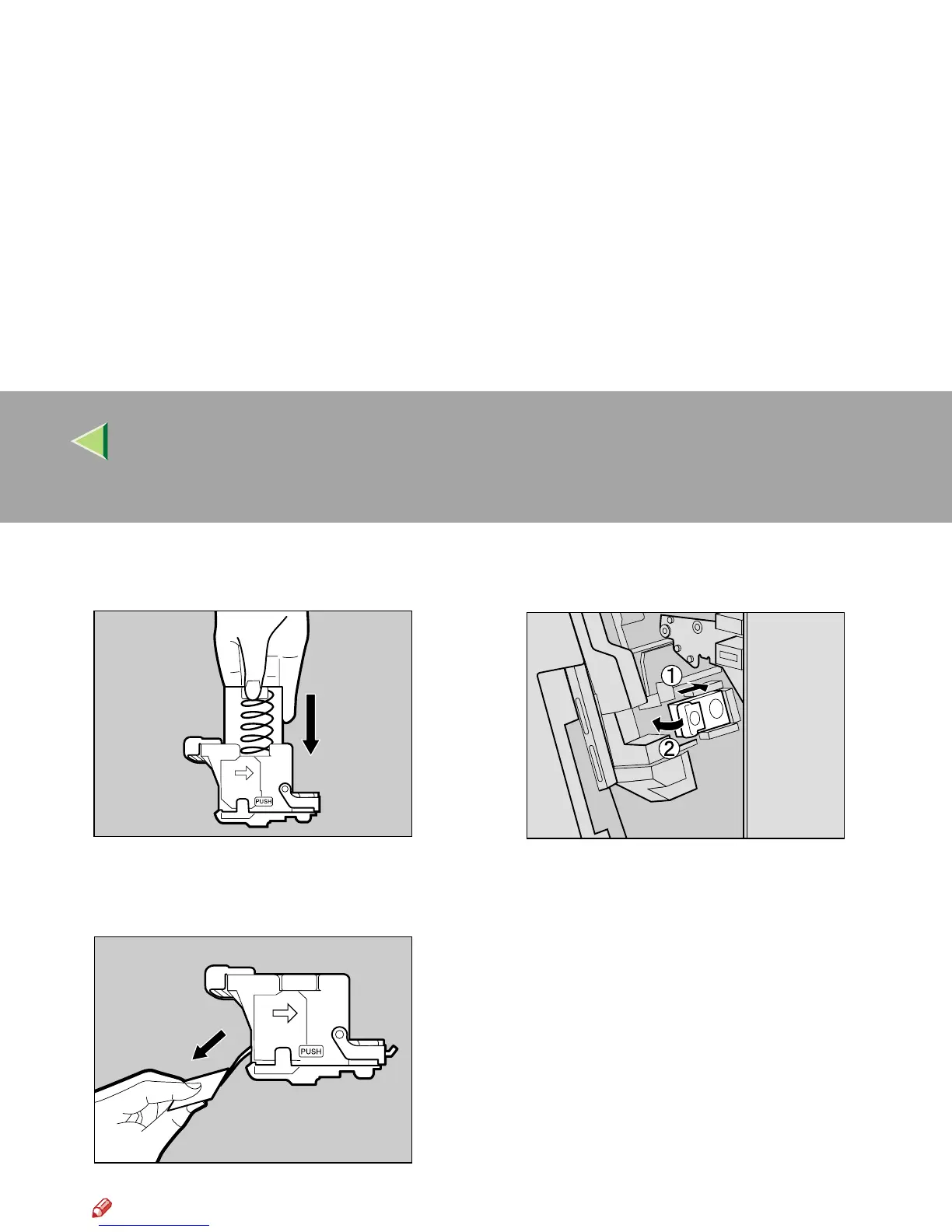
Push the case cover down until it clicks into
place.
H
HH
H
Pull out the ribbon used for bundling the
staples.
Note
❒ Remove the entire length of the ribbon.
I
II
I
Slant and insert the cartridge (A
AA
A), and
push in until it clicks into place (B
BB
B).
J
JJ
J
Close the front cover of the 2 Tray Finish-
er.
ZDJP230J
ZDJP226J
ZDJP218J



 To Next Page