Operating Instructions Scanner Reference
55
Placing the Original on the Exposure Glass
Originals which do not fit into the ADF, such as
sheets with glued-on parts, books, etc., can be
placed directly on the exposure glass for scan-
ning.
Note
❒ For information about the originals which can
be placed on the exposure glass, see the
Copy Reference <Advanced Features>.
A
AA
A
Lift the exposure glass cover or the ADF.
Note
❒ Raise the exposure glass cover or ADF ful-
ly (more than 30 degrees). The open-
ing/closing action triggers the automatic
original size detection process.
B
BB
B
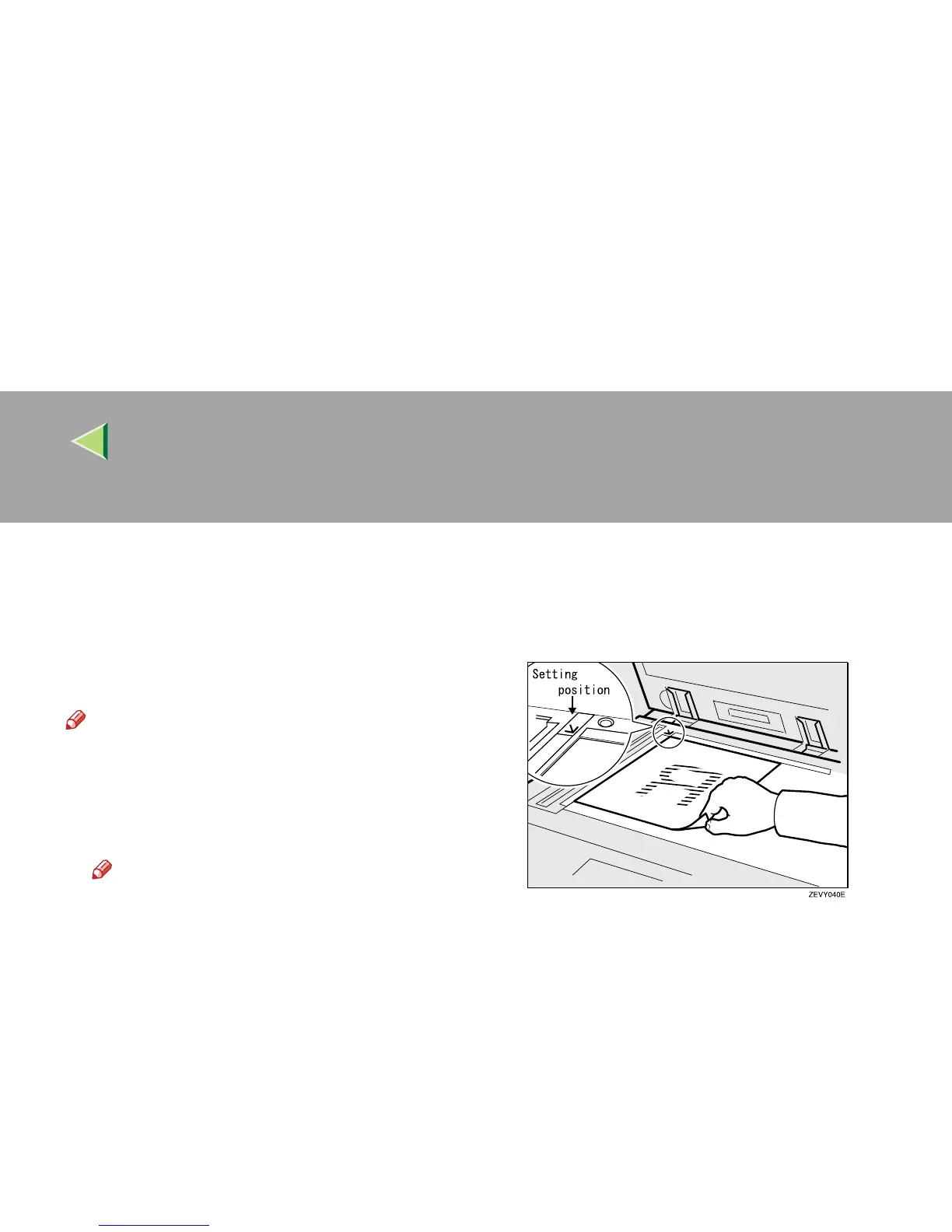
Place the original on the exposure glass
with the side to be scanned facing down.
Align the far left edge of the original with
the mark.
There are two original orientations. Either ori-
entation can be used for placement.
A
AA
A Place the original so that the top edge
touches the rear of the exposure glass.



 To Next Page