Operating Instructions Copy Reference <Advanced Features>
42
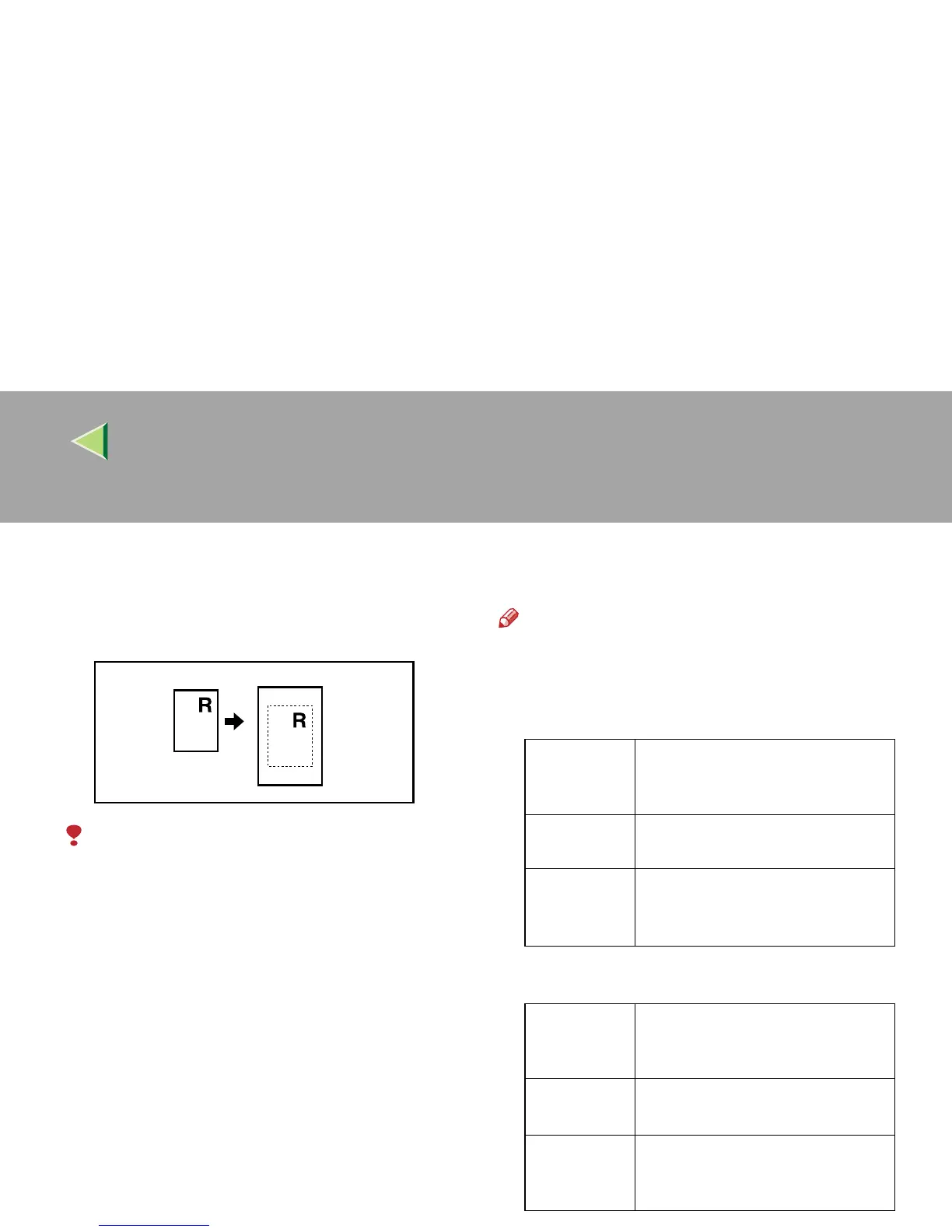
Centering
You can make copies with the image moved to
the center of the copy paper.
Limitation
❒ You cannot use the Bypass Tray with this
function.
❒ If the direction of originals is different from that
of the copy paper, the machine will not rotate
the image 90°(Rotated Copy). However, you
can rotate the image 90 degrees when using
this function with “Auto Reduce/Enlarge”.
❒ If the original size cannot be detected, the
centering function will not work.
❒ The combined areas will be centered when
using the Combine function.
Note
❒ The original sizes and directions for centering
are listed below:
❖
❖❖
❖ Metric version
❖
❖❖
❖ Inch version
Where Orig-
inal is
Placed
Paper Size and Orientation
Exposure
glass
A3L, B4L, A4KL, B5KL
Optional
document
feeder (ADF)
A3L, B4L, A4KL, B5KL,
A5KL, 8
1
/
2
" × 13"L, 8KL,
16KL
Where Orig-
inal is
Placed
Paper Size and Orientation
Exposure
glass
11" × 17"L, 8
1
/
2
" × 14"L, 8
1
/
2
" ×
11"KL
Optional
document
feeder (ADF)
A4K, 11" × 17"L, 8
1
/
2
" × 14"L,
8
1
/
2
" × 11"L, US EXEL



 To Next Page