Basic Copying
40
1
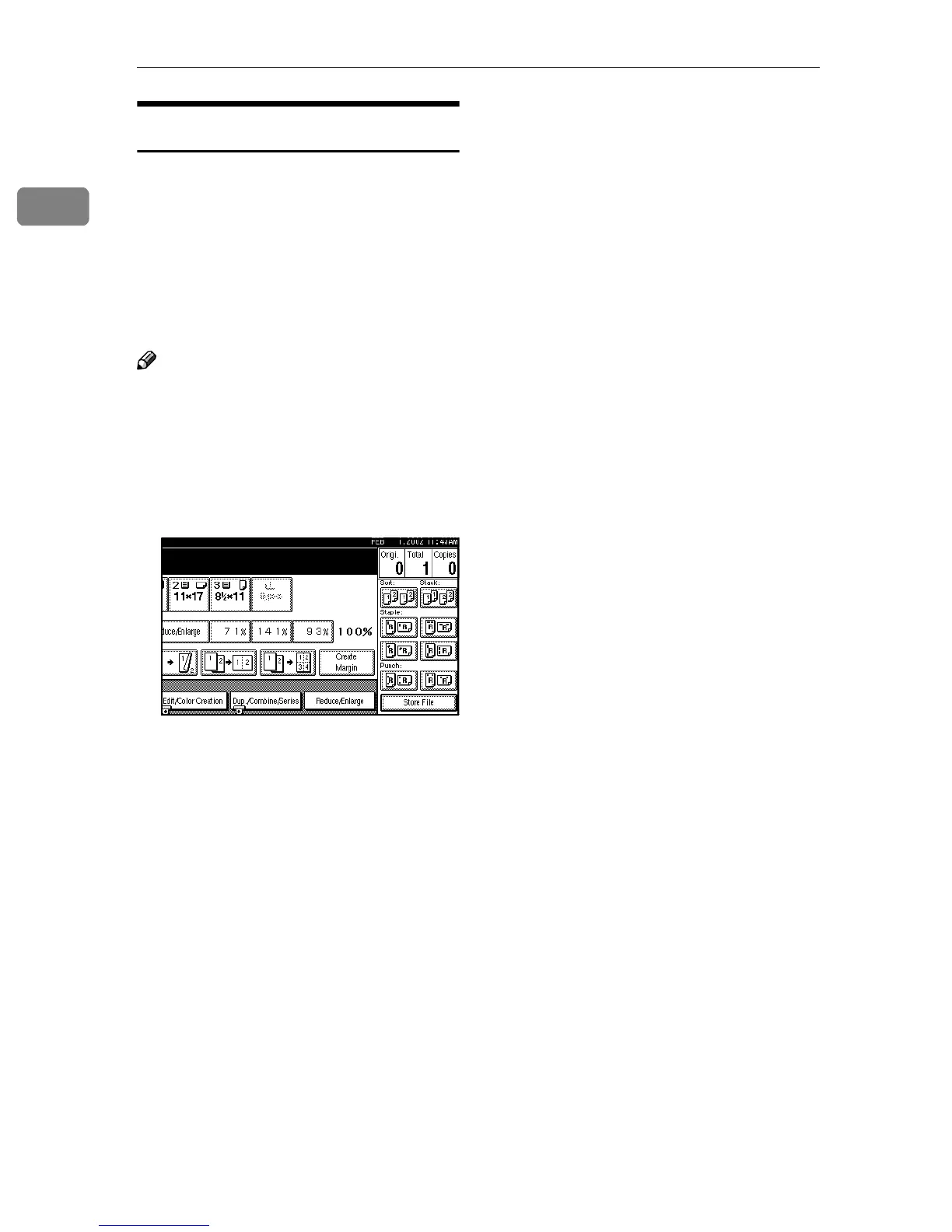
Create Margin Mode
Use “Create Margin” to reduce the
image to 93% of its original size with
the center as reference. You can regis-
ter this function in a shortcut key on
the initial display. By combining it
with the Reproduction function, you
can also provide the Reduce/Enlarge
copy with a margin.
Note
❒ You can change the Reproduction
ratio for “Create Margin”. ⇒ “Re-
production ratio
2
/
2
”, Advanced
Features manual
A
AA
A
Press [Create Margin] displayed on
the initial display.
B
BB
B
If you do not wish to combine it
with the Reduce/Enlarge func-
tion, place your originals, and
then press the {
{{
{Start}
}}
} key.



 To Next Page