Operating Instructions Maintenance Guide 2 Copier System Edition
68
Removing Misfed Paper
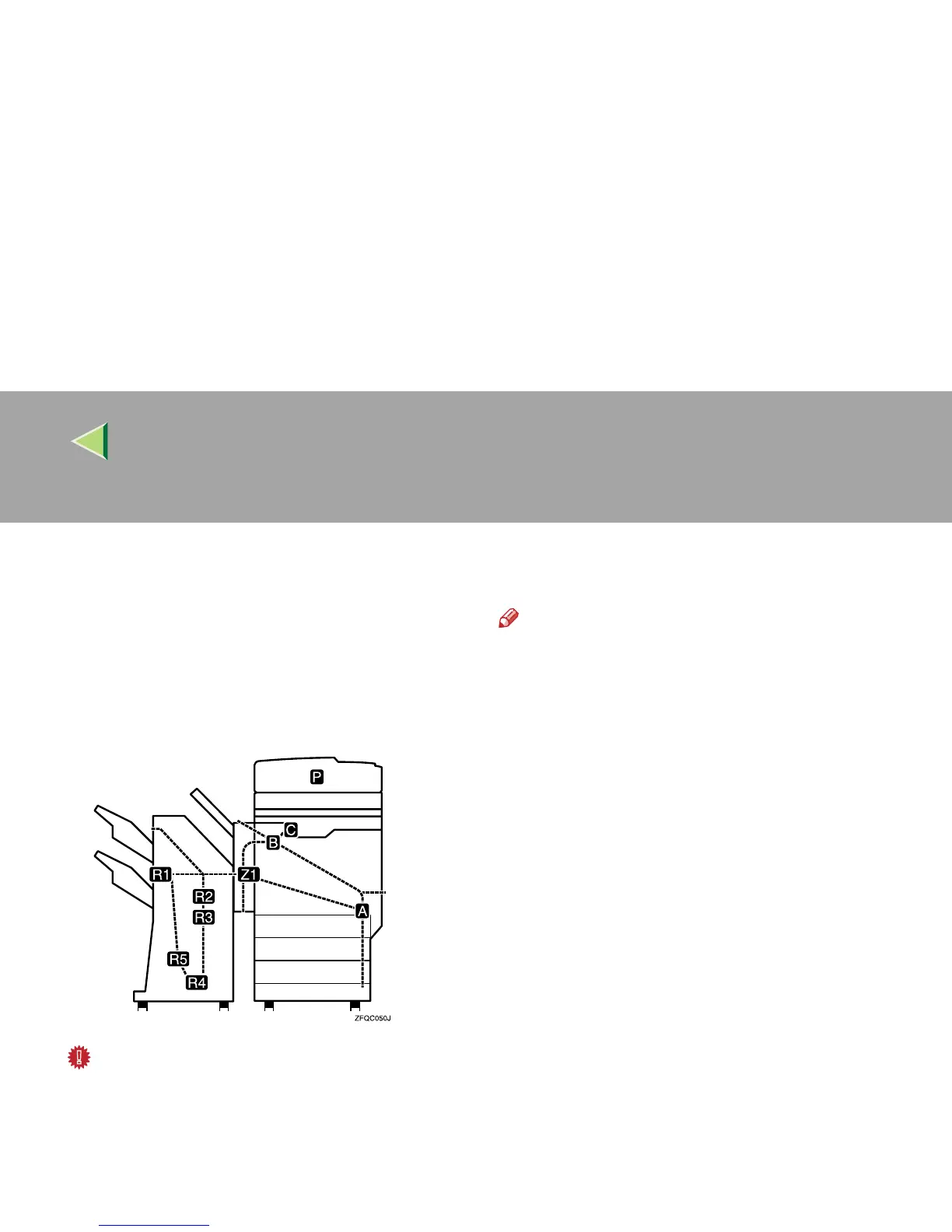
If a paper misfeed occurs, an error message ap-
pears indicating the location of the misfed paper
on the panel display. This printer has the auto-re-
covery function, by which misfed paper is sent to
the standard tray or right cover. Usually, you can
remove the misfed paper easily with this function.
Important
❒ When clearing misfeeds, do not turn off the
operation switch. If you do, your machine set-
tings are cleared.
❒ To prevent misfeeds, do not leave any torn
scraps of paper within the machine.
❒ If paper misfeeds occur repeatedly, contact
your service representative.
Note
❒ More than one misfed area may be indicated.
In this case, check every applicable area.
❒ You can find a sticker explaining how to re-
move misfed paper inside the front cover or
inside the finisher.



 To Next Page