Operating InstructionsFacsimile Reference (option) <Advanced Features>
164
C
CC
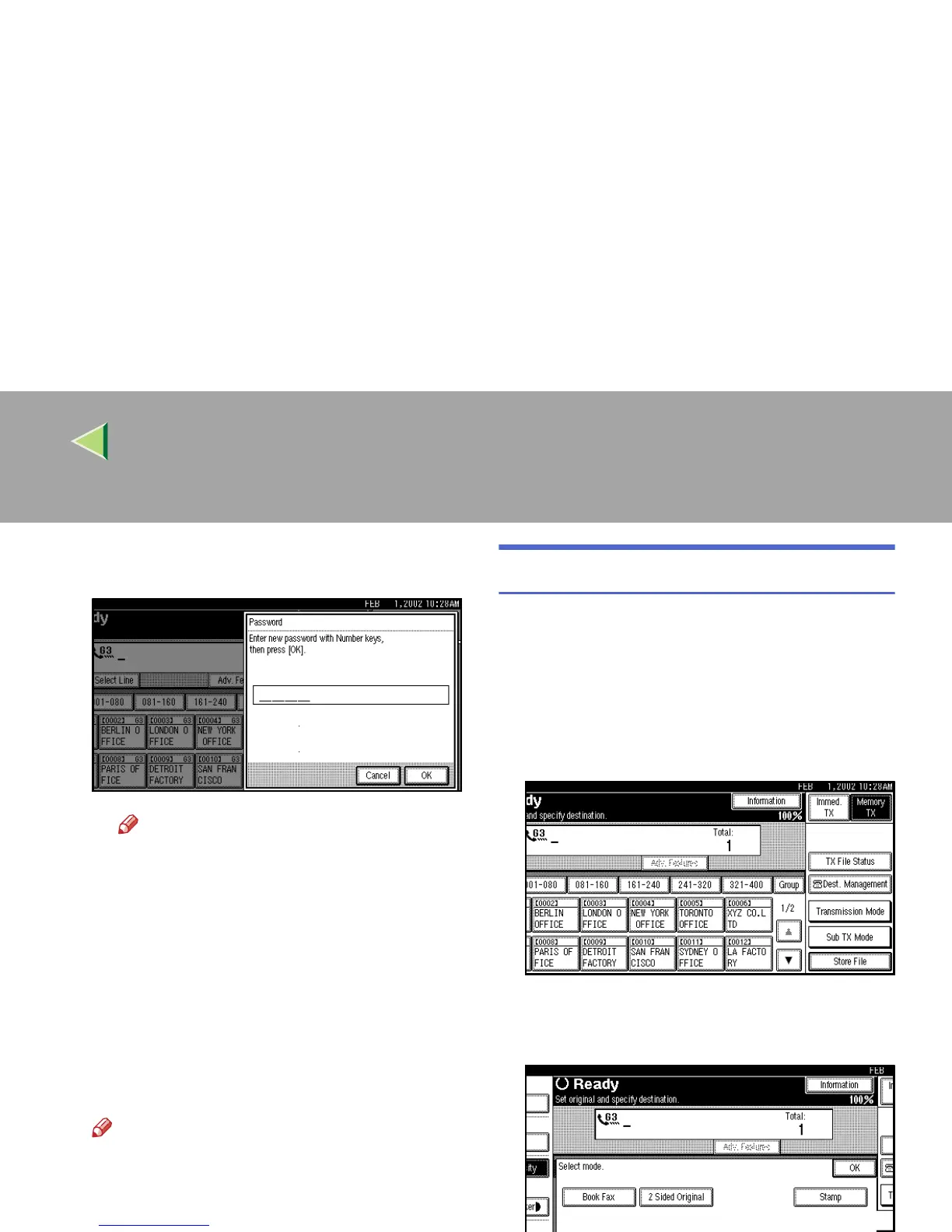
C Enter a password using the number
keys.
Note
❒ If you make a mistake, press [
Clear
] or
the {
{{
{Clear/Stop}
}}
} key, and then reenter
your password.
D
DD
D Press [OK].
pppp is shown.
E
EE
E Press [OK].
F
FF
F
Press [OK].
G
GG
G
If you have selected the [Store & Transmit]
key, specify the receiver.
Note
❒ If you have selected [Store only], go to step
H
.
H
HH
H
Press the {
{{
{Start}
}}
} key.
File Manage
You can change the file name, User Name, and
password of stored documents.
To change a stored document, delete the docu-
ment you no longer need, and then reprogram the
new document. ⇒ p.167 “Delete File”
A
AA
A
Press [Sub TX Mode].
The Sub Transmission menu is shown.
B
BB
B
Select [Select Stored File].



 To Next Page