Getting Started
20
2
Turning On the Power
A
AA
A
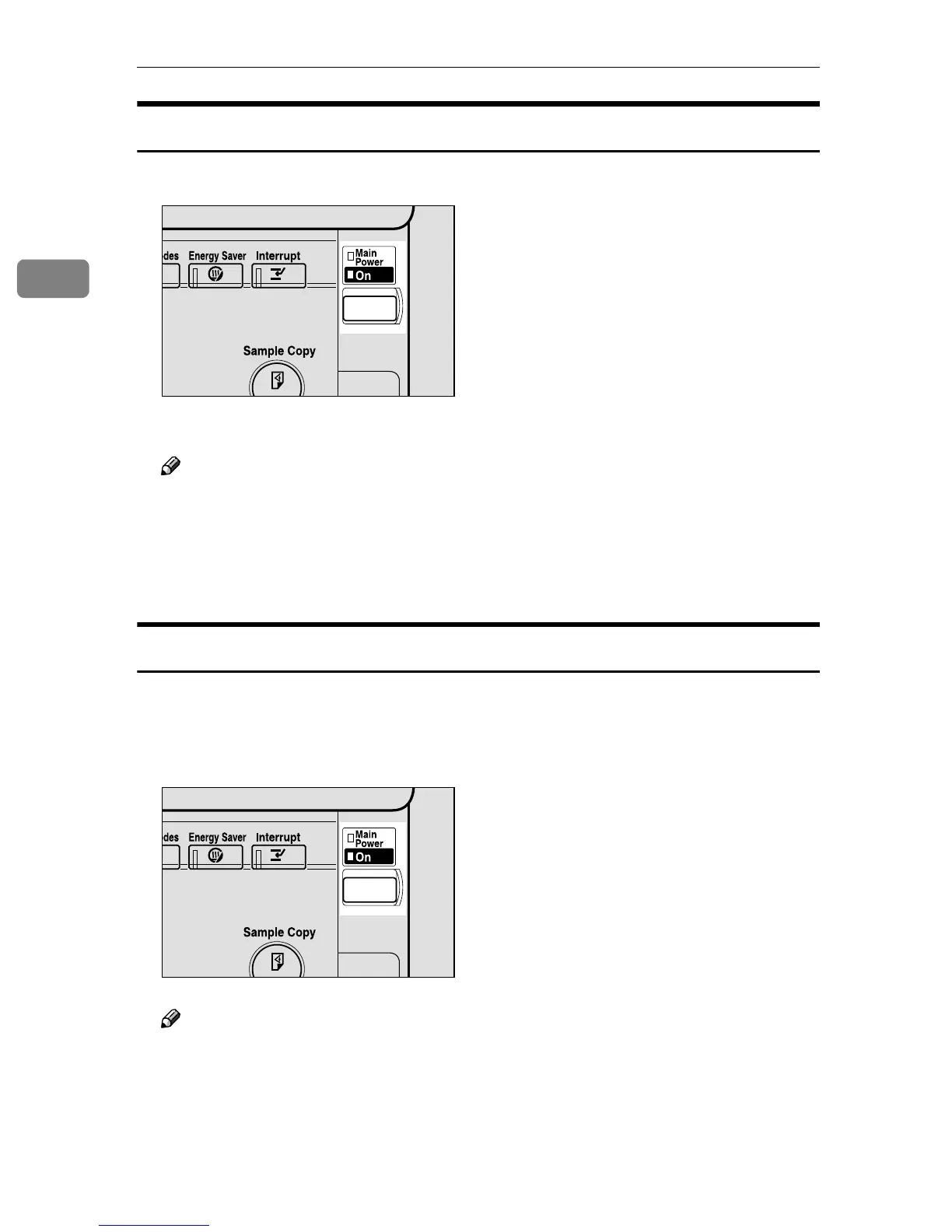
Press the operation switch to make the On indicator go on.
The display panel will come on.
Note
❒ If the power is not turned on when the operation switch is pressed, check
if the main power switch is on. If off, turn it on.
❒ If the User Code dialog box appears on the display panel instead of the
copier display, enter a registered user code, and then press the [#] key. See
"User Code" in Administrator Reference 2 Copier System Edition.
Turning Off the Power
A
AA
A
Make sure that the exposure glass or the document feeder is in the right po-
sition.
B
BB
B
Press the operation switch to make the On indicator go off.
Note
❒ Even if you press the operation switch, the indicator does not go off and
blinks in the following cases:
• When the exposure glass or the document feeder is open
• When communication is in progress with external equipment
• When the hard disk is operating
ZFFH260N
ZFFH260N



 To Next Page