Combined Function Operations
44
4
Scanner Mode
Changing to Scanner Mode
This optional Scanner Unit has two scanner functions: “Network TWAIN Scan-
ner” and “Network Delivery Scanner”.
Reference
To configure the function priority, see the Scanner Reference.
Limitation
❒ In the following cases, the machine cannot be used as a scanner.
• While scanning originals for copying
• While scanning a fax message for transmission
• During Immediate Fax transmission
Using the Network TWAIN Scanner
A
AA
A
Place originals.
B
BB
B
Configure the scan options using the computer.
C
CC
C
Start the scan.
Reference
For more information, see the Scanner Reference.
Using the Network Delivery Scanner
A
AA
A
Place originals.
B
BB
B
Press the {
{{
{Scanner}
}}
} key.
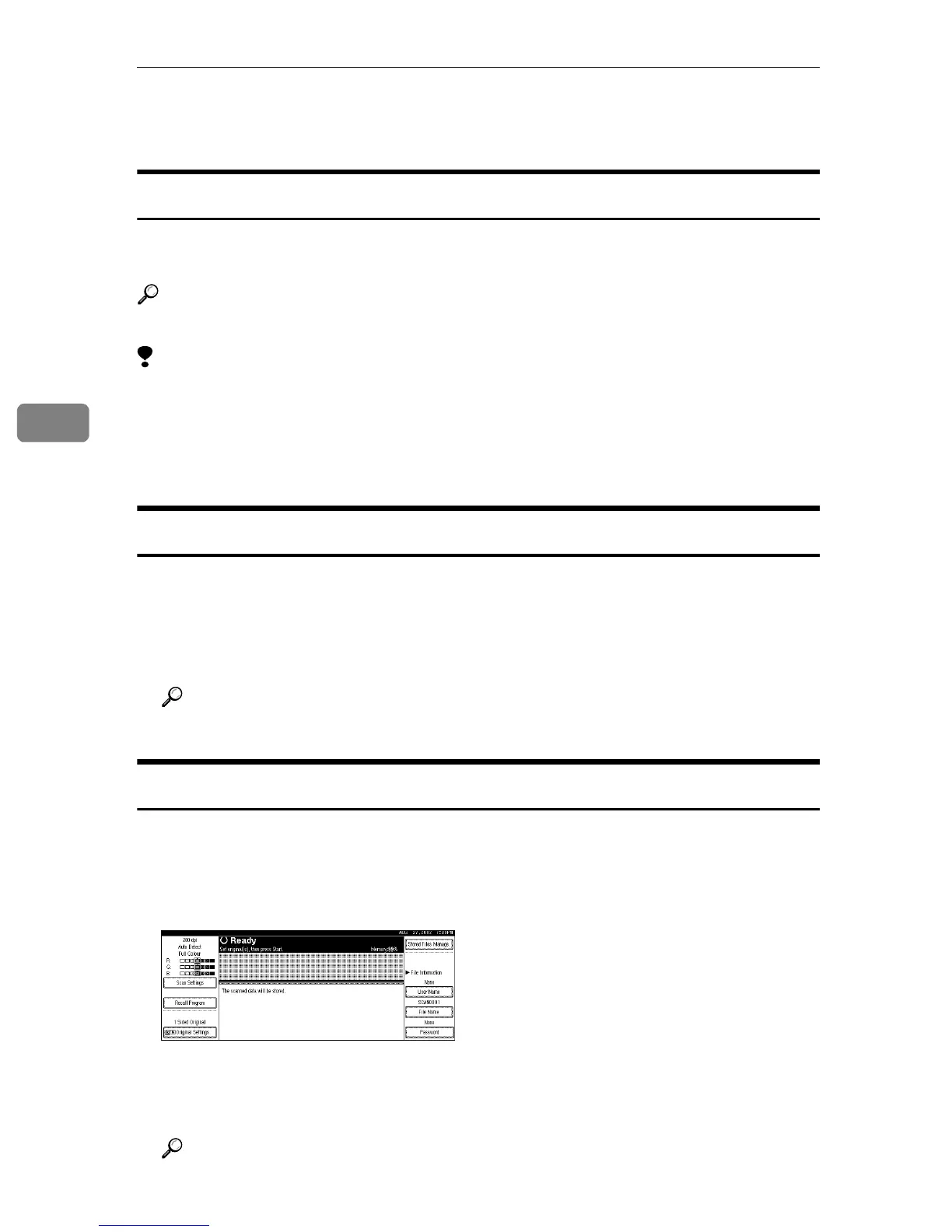
The Scanner display appears on the panel display.
C
CC
C
Specify [Scan Settings] or [ Original Settings].
D
DD
D
Press the {
{{
{Start}
}}
} key.
Reference
For more information, see the Scanner Reference.



 To Next Page