Operating InstructionsFacsimile Reference (option) <Advanced Features>
185
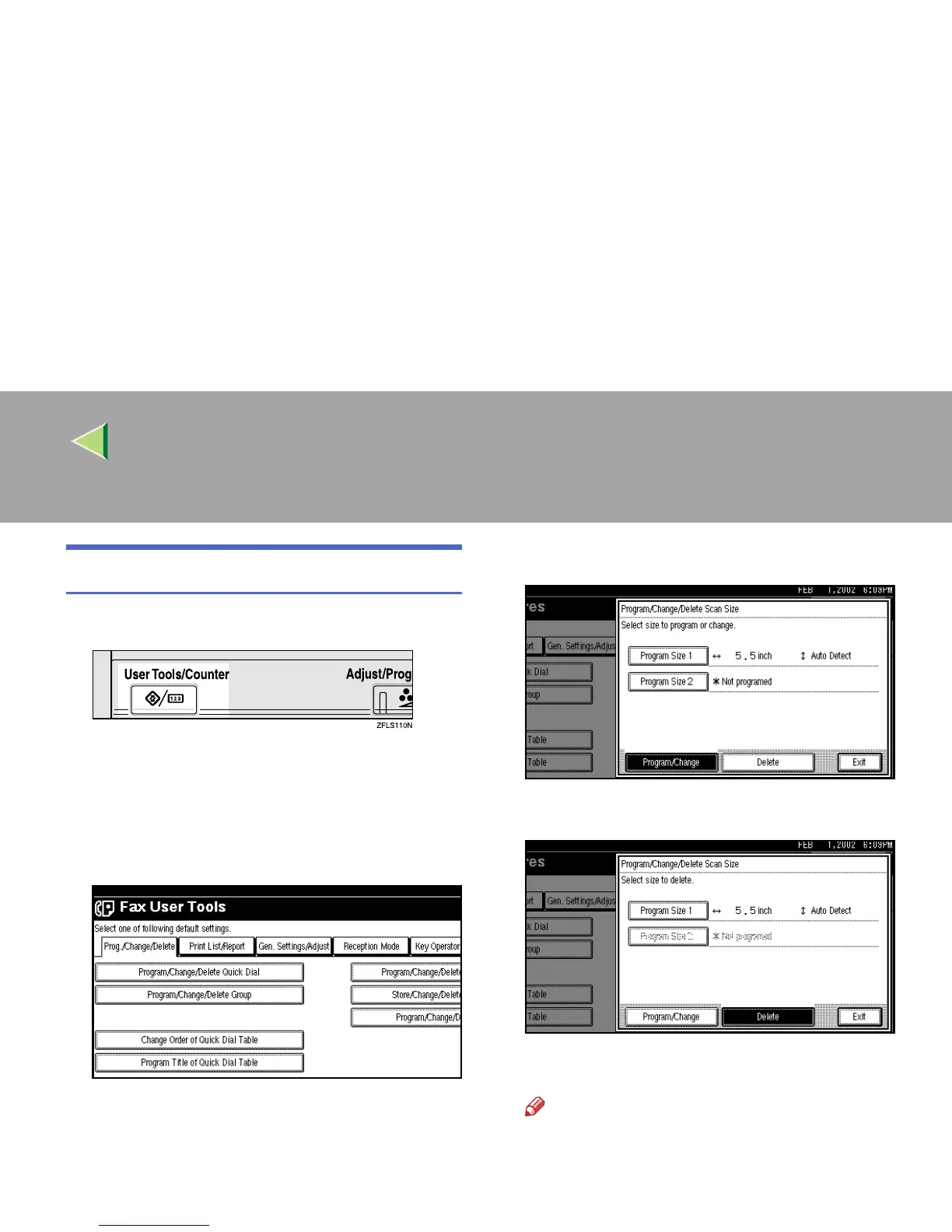
Deleting a Scan Size
A
AA
A
Press the {
{{
{User Tools/Counter}
}}
} key.
B
BB
B
Select [Facsimile Features].
The Facsimile Features menu is shown.
C
CC
C
Check that the “Prog./Change/Delete” tab
is shown.
D
DD
D
Select [Program/Change/Delete Scan Size].
E
EE
E
Press [Delete].
F
FF
F
Select [Program Size 1] or [Program Size 2].
G
GG
G
Press [Yes].
Note
❒ To cancel a deletion, press [No]. The dis-
play will return to step
F
.



 To Next Page