Basic Copying
14
1
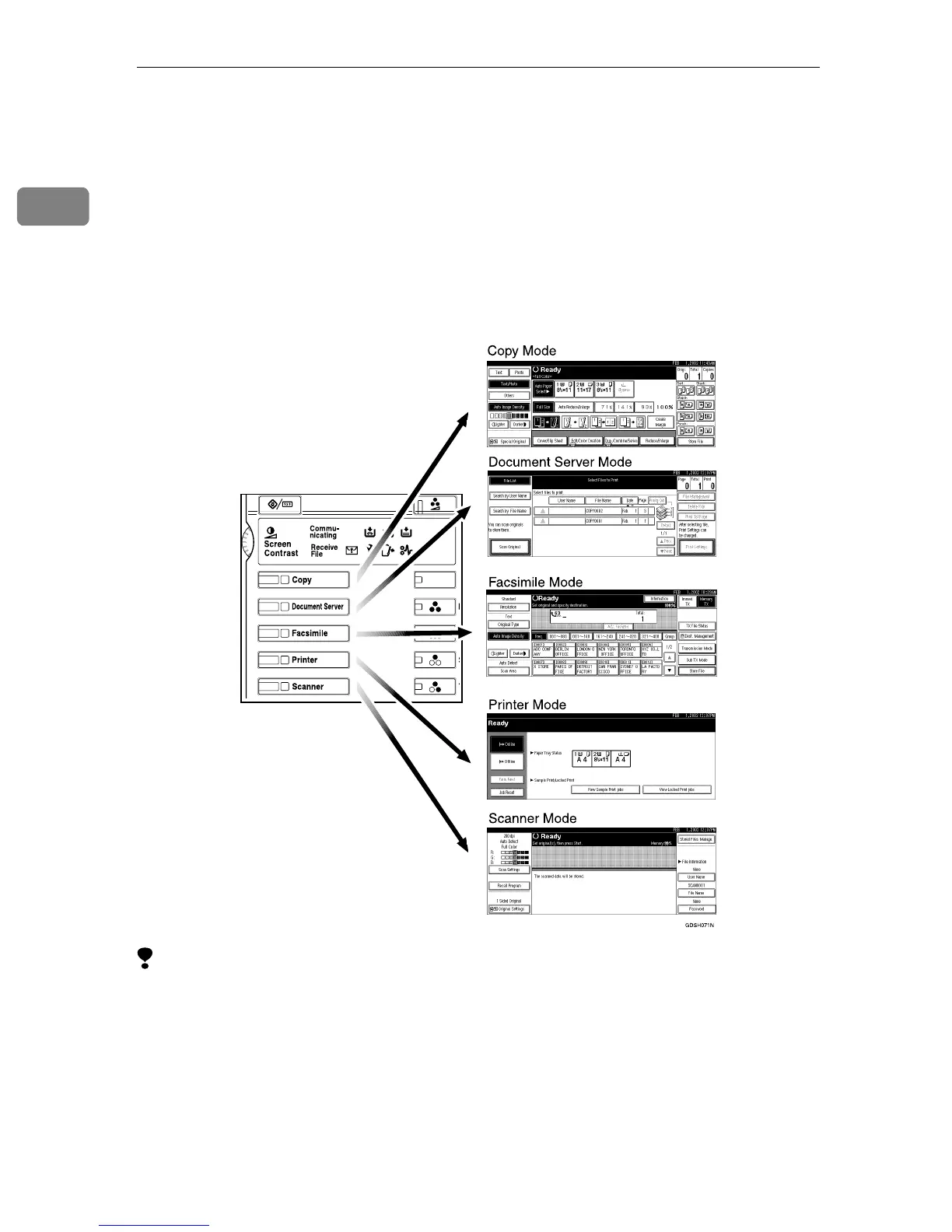
Changing Modes
This machine is a copier, document server, facsimile, printer and scanner. When
you turn on the operation switch, the copier screen is shown and the machine is
ready to make copies. When the machine is not in Copy mode, press the {
{{
{Copy}
}}
}
key on the left of the operation panel to use copier functions.
The initial screen can be changed when the operation switch is turned on. ⇒
“Function Priority” , Administrator Reference 2 Copier System Edition
Limitation
❒ You cannot switch modes under the following circumstances:
• During Interrupt Copying
• When scanning in a fax message for transmission
• During Immediate Transmission
• During On Hook Dialing for fax transmission
• While scanning an original
• When accessing the User Tools



 To Next Page