Turning On the Power
13
1
Turning Off the Main Power
A
AA
A
Make sure that the On indicator is
off.
Important
❒ Do not turn off the main power
switch when the On indicator is
lit or blinking. This might dam-
age the hard disk or cause the
memory to malfunctions.
❒ Pull out the power plug after
you turn off the main power
switch. If you do not, the hard
disk or memory might be dam-
aged. This could cause malfunc-
tions.
❒ Make sure 100% is displayed for
remaining memory space be-
fore turning off the main power
or unplugging the power cord.
❒ The documents stored in the fax
memory will be deleted if the
main power switch is turned off
for more than one hour. ⇒
"Power Failure Report", Facsim-
ile Reference Advanced Features
manual
B
BB
B
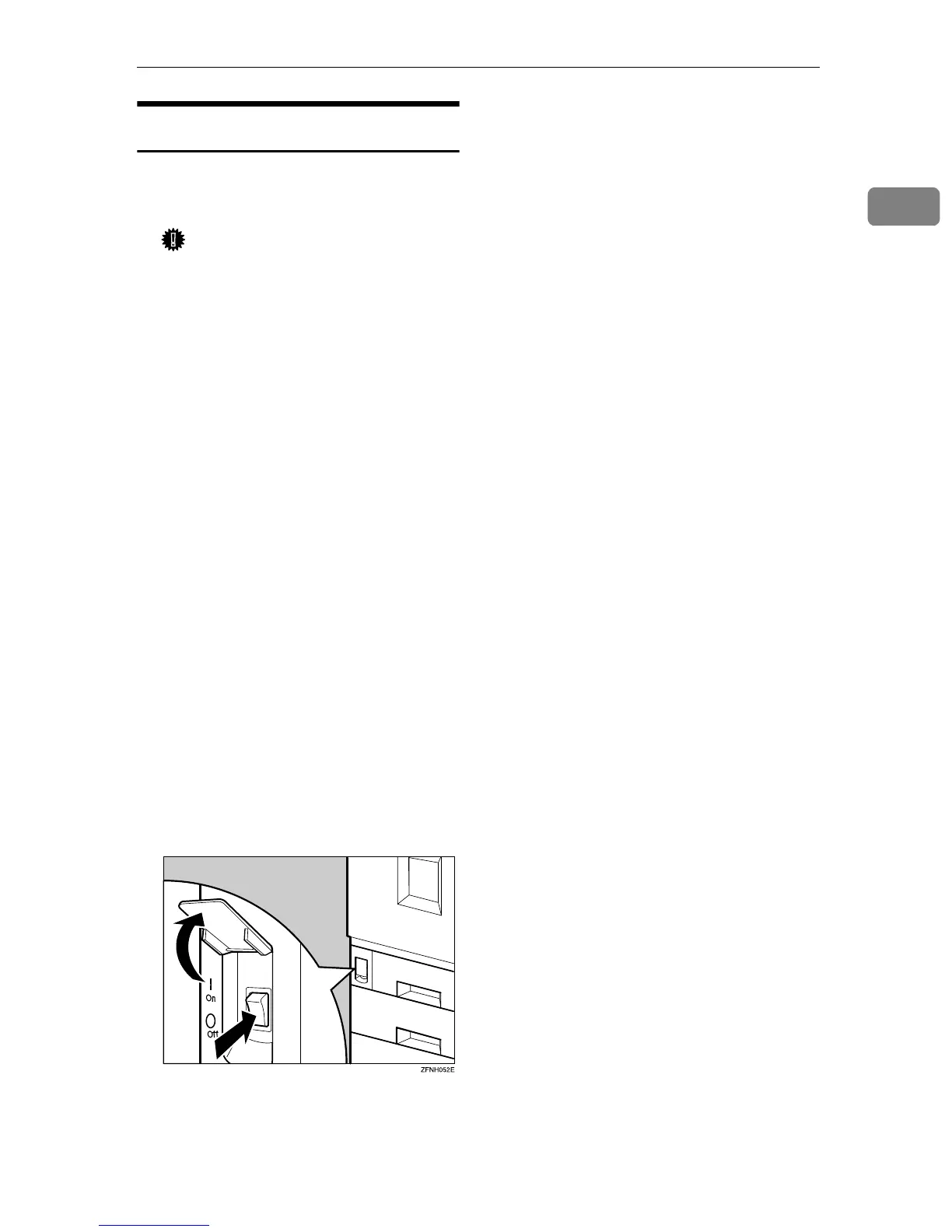
Turn off the main power switch to
make the main power indicator
go off.



 To Next Page