15
Operating InstructionsFacsimile Reference (option) <Advanced Features>
1. Transmission Mode
Sending at a Specific Time (Send Later)
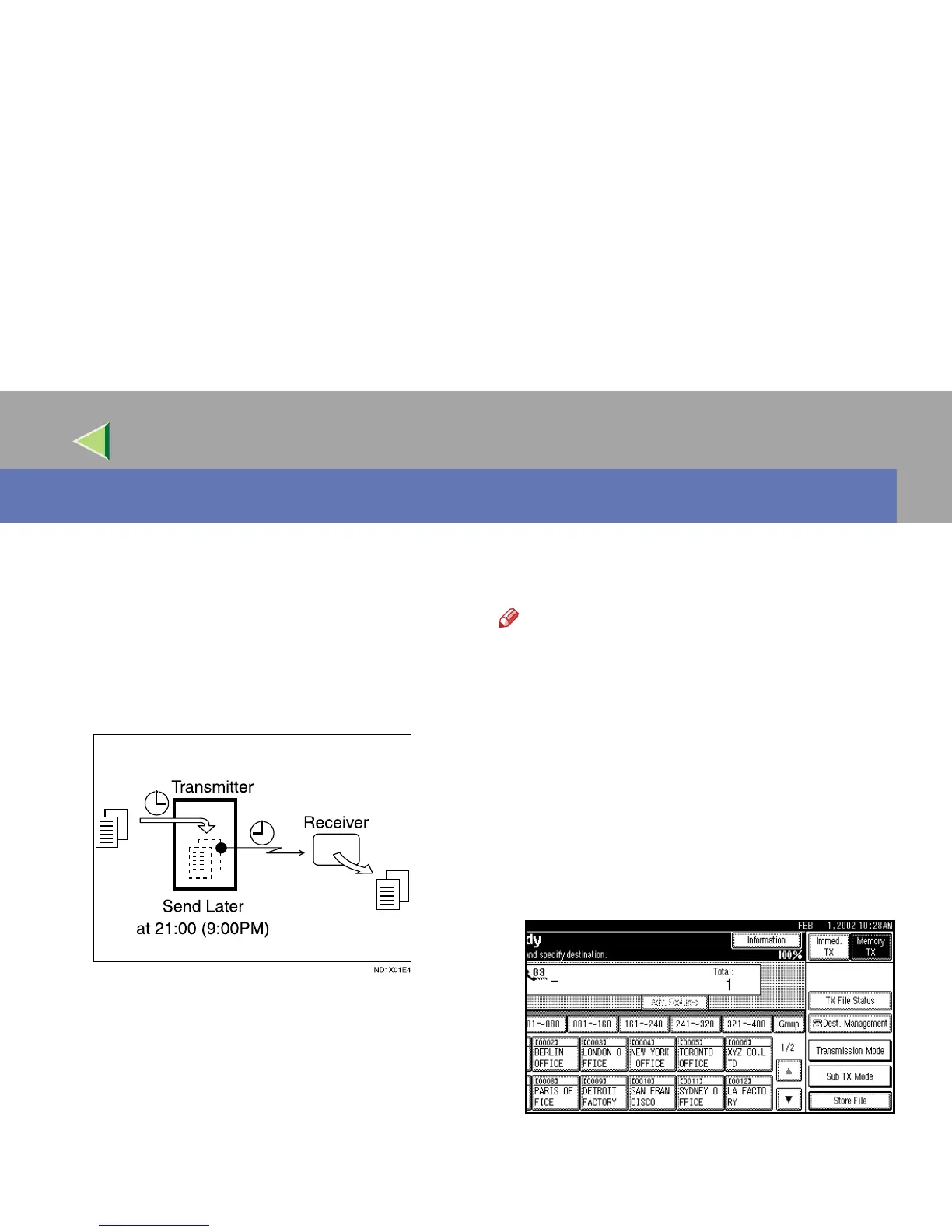
Using this feature, you can instruct the machine
to delay transmission of your fax message until a
later time which you specify. This allows you to
take advantage of off-peak telephone charges
without having to be by the machine at the time.
For convenience, you can program the time when
your phone charges become cheaper as the Econ-
omy Transmission Time. ⇒ p.196 “Program
Economy Time”
Then if you have a non-urgent fax, just select
Send Later with Economy Transmission when
you scan it. Faxes will be queued in memory and
will be sent during Economy Transmission Time.
Note
❒ You can specify a time less than 24 hours.
❒ If the current time shown on the display is not
correct, change it.⇒ “Timer Setting -- Set
Time” in Administrator Reference 2 Copier
System Edition
❒ This feature is only available with Memory
Transmission.
A
AA
A
Place your original, and then select any
scan settings you require.
B
BB
B
Press [Transmission Mode].
The Transmission Mode menu appears.



 To Next Page