Operating Instructions Scanner Reference
17
Names and Functions of Components
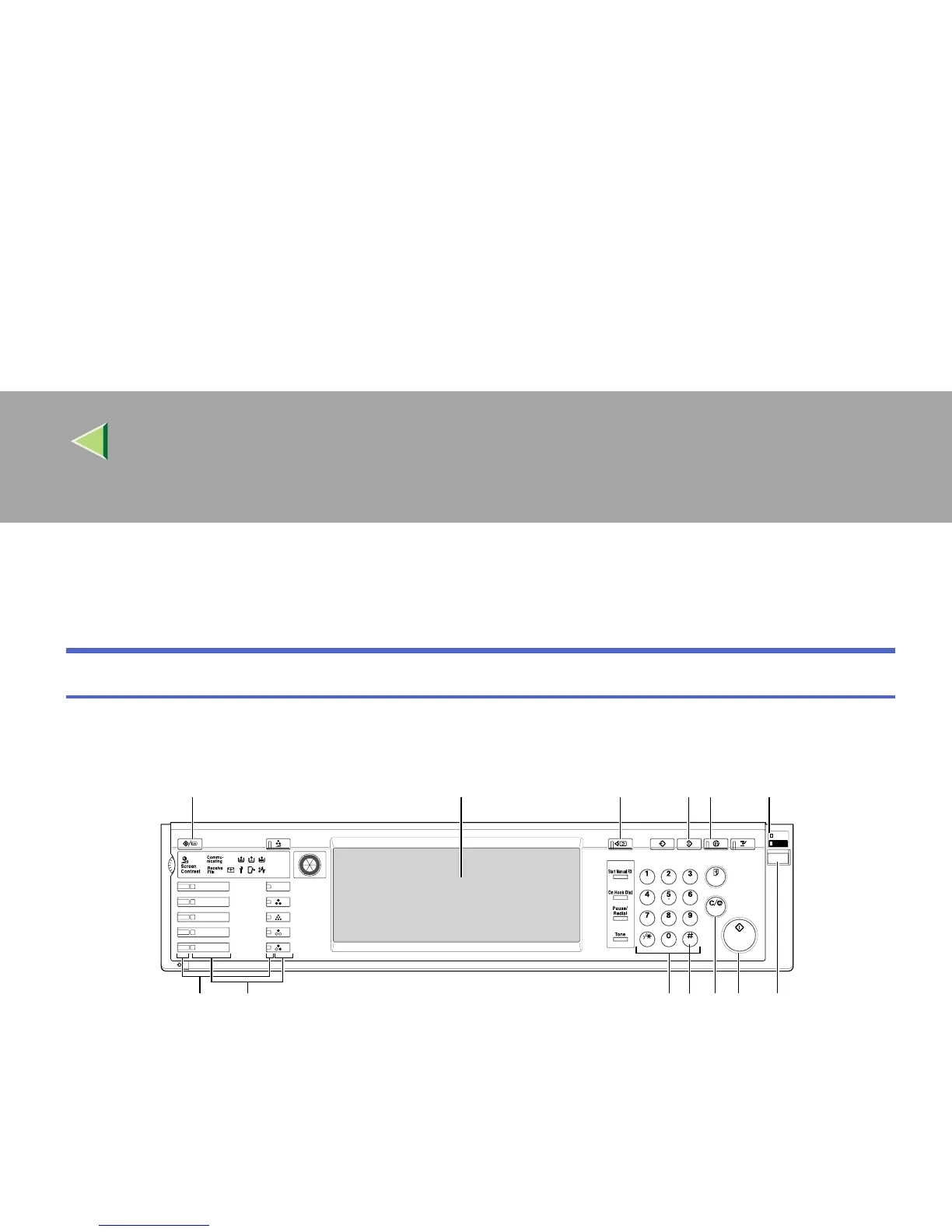
This section explains the names and functions of various controls used to operate the scanner.
Control Panel
This illustration shows the product with options installed.
1.
{
{{
{User Tools/Counter}
}}
} key
Use to change default values or operation parame-
ters according to the operating conditions.
2.
Display
Shows the keys for operating each function. The
display also shows operation status and various
messages.
3.
{
{{
{Check Modes}
}}
} key
Press to check the current settings.
4. {
{{
{Clear Modes}
}}
} key
Use to cancel settings.
ZFNS010E
Adjust/Program Color
User Tools/Counter
Check Modes Program
Clear Modes Energy Saver
Interrupt
Full Color
B&W
Single Color
Two-color
Main
Power
On
Sample Copy
Clear/Stop
Enter
Start
ABC DEF
JKLGHI MNO
TUV
OPER
PRS WXY
Facsimile
Copy
Document Server
Printer
Scanner
1 2345
7
6
891011
1213



 To Next Page