Operating Instructions Copy Reference <Advanced Features>
59
User Color
You can register colors made by adjusting the
density of yellow, magenta, cyan, and black. The
following shows you how to create colors:
• Adjusting the density of each color, by using
the density of a chosen basic color.
• Directly specifying the density of each color
using the number keys.
Limitation
❒ Adjust the colors so that the total of yellow,
magenta, cyan and black is under 255%.
❒ When the total density of a registered color is
over 256%, it will be corrected to 255%.
Note
❒ When copying using user colors, the fine
shades might vary depending on the condition
of the machine.
❒ In order to correctly reproduce originals, the
values, which have been entered, are correct-
ed inside the machine, and copies are made
using the best suitable values. Therefore,
there might be slight color differences when
copying using “Text” and when using “Photo”.
❒ Up to 15 colors can be registered.
❒ Sample prints of user colors can also be
made on an A4K size page or on an A3L
size page.
❒ When printing a Sample of User Color, the full
color counter will advance to 1.
A
AA
A
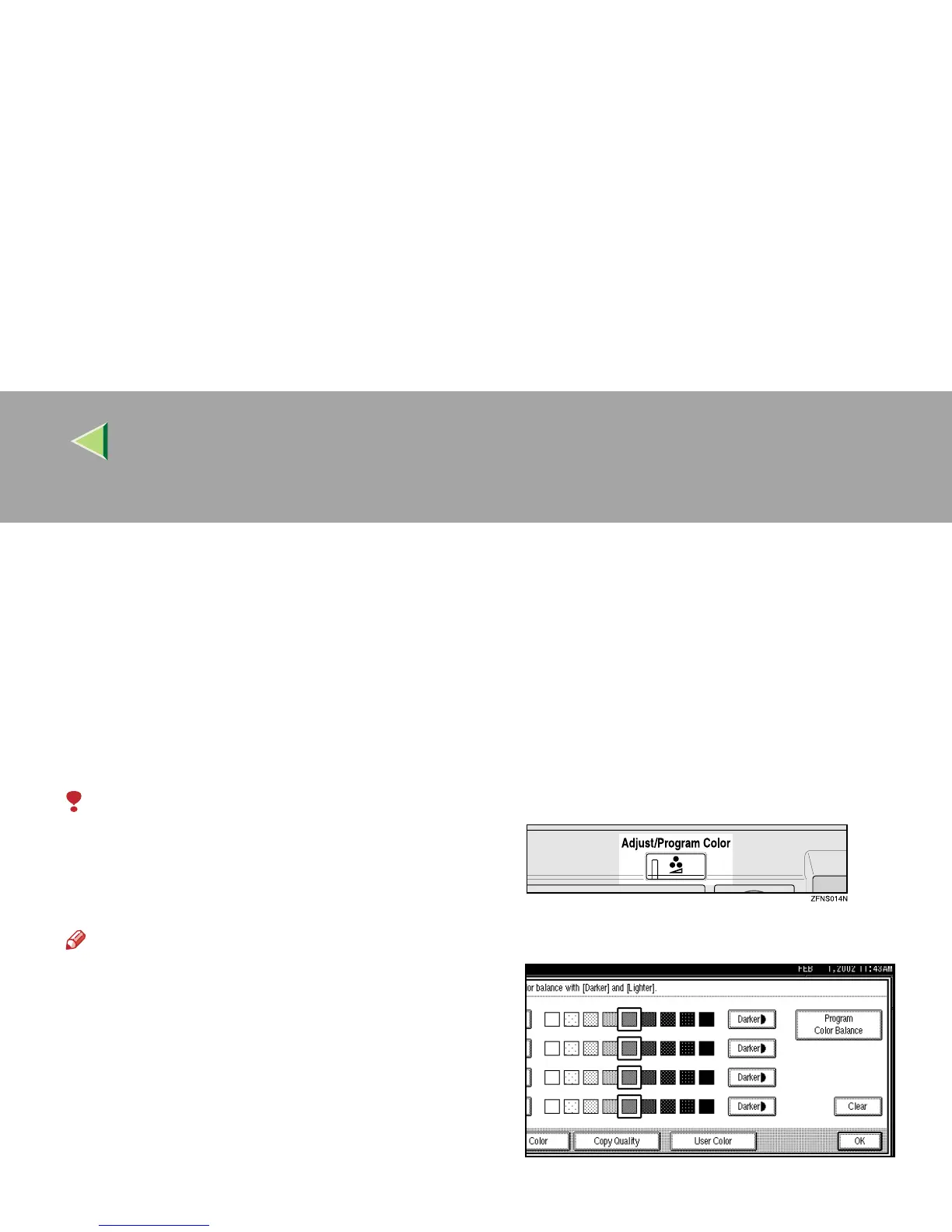
Press the {
{{
{Adjust/Program Color}
}}
} key.
The Adjust/Program Color indicator lights
up.
B
BB
B
Press [
User Color
].
C
CC
C
Make sure that [Program] is selected.



 To Next Page