Operating Instructions Copy Reference <Advanced Features>
86
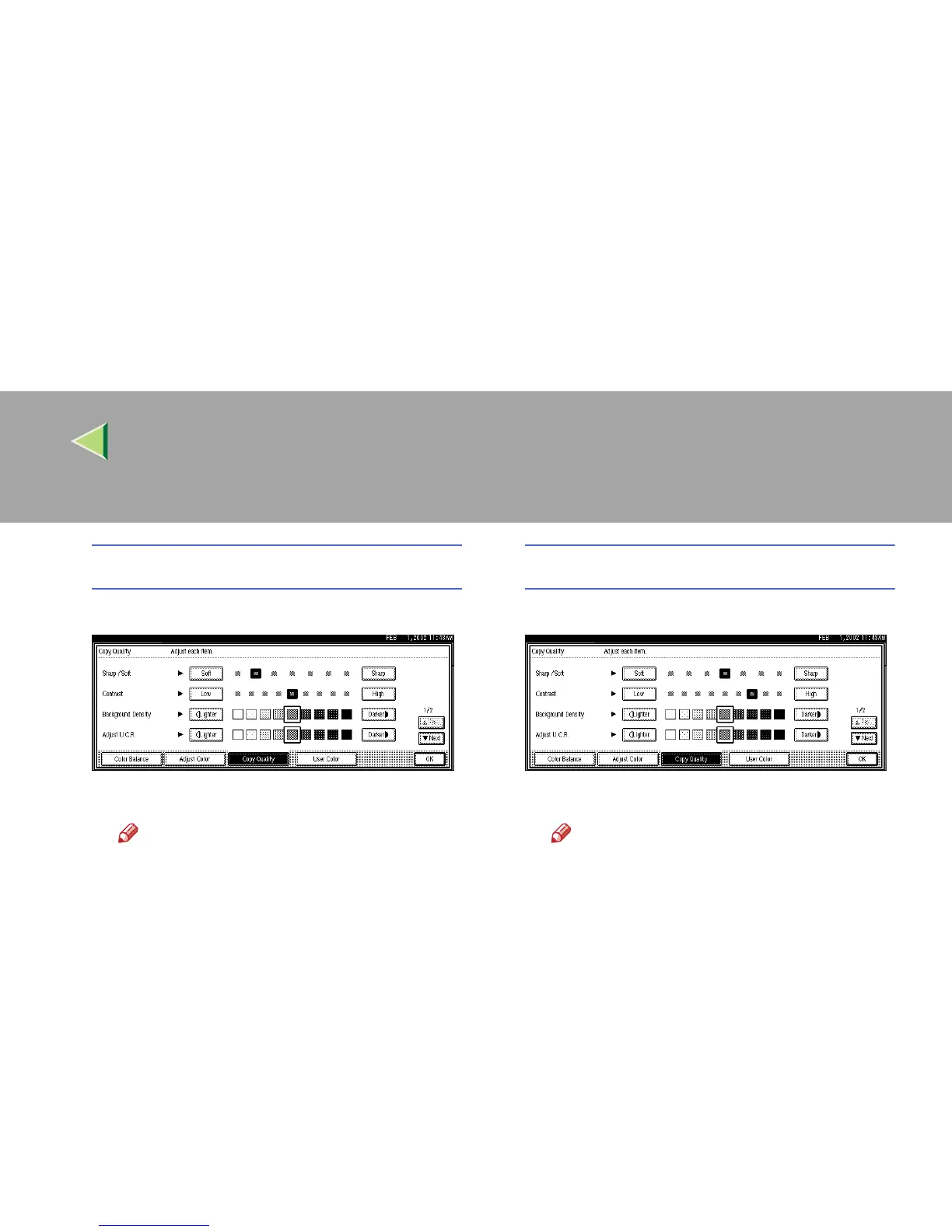
Adjusting the Sharp/Soft
A Adjust by pressing [Soft] or [Sharp].
B Press [
OK
].
Note
❒ The Adjust/Program Color indicator
will light up, when adjusting the image.
❒ The adjusted settings will be deleted
and the initial values will return when
Auto Clear has been performed, the
{
{{
{Clear Modes}
}}
} key has been pressed, or
when the power has been turned off.
Adjusting the Contrast
A Adjust by pressing [Low] or [High].
B Press [
OK
].
Note
❒ The Adjust/Program Color indicator
will light up, when adjusting the image.
❒ The adjusted settings will be deleted
and the initial values will return when
Auto Clear has been performed, the
{
{{
{Clear Modes}
}}
} key has been pressed, or
when the power has been turned off.



 To Next Page