Operating Instructions Copy Reference <Advanced Features>
87
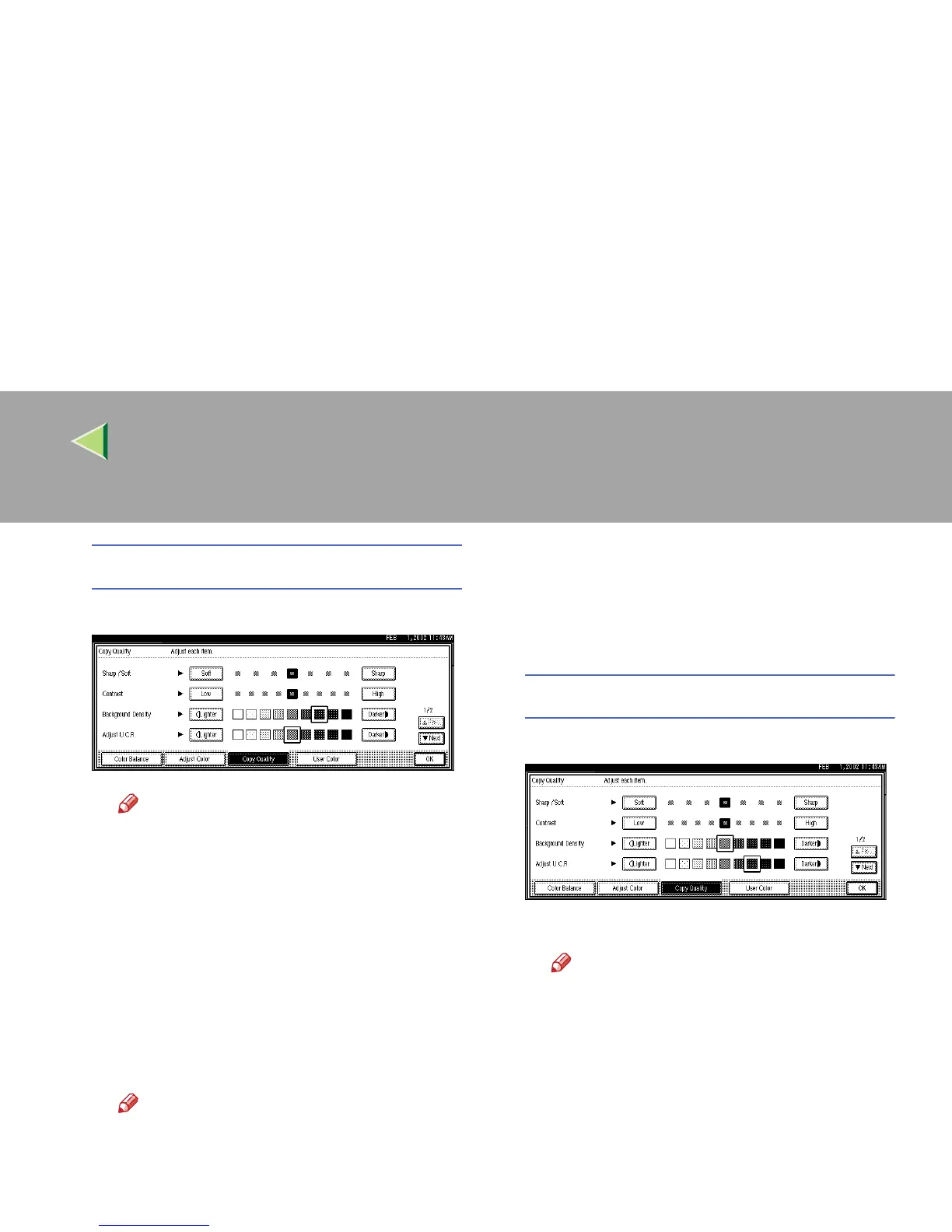
Adjusting the Background Density
A Adjust by pressing [Lighter] or [Darker].
Note
❒ Adjustments should be made lightly
when copying dark textured originals,
such as newspapers or recycled paper.
❒ Adjustments should be made darker
when darkening the color of markers or
highlighters. However, as the color of
highlighters is difficult to reproduce, the
copy might not be printed depending on
the color, or a different color might be
copied.
B Press [OK].
Note
❒ The Adjust/Program Color indicator
will light up, when adjusting the image.
❒ The adjusted settings will be deleted
and the initial values will return when
Auto Clear has been performed, the
{
{{
{Clear Modes}
}}
} key has been pressed, or
when the power has been turned off.
Adjusting the U.C.R.
A Adjust by pressing [
Lighter
] or [
Darker
].
B Press [OK].
Note
❒ The Adjust/Program Color indicator
will light up, when adjusting the image.
❒ The adjusted settings will be deleted
and the initial values will return when
Auto Clear has been performed, the
{
{{
{Clear Modes}
}}
} key has been pressed, or
when the power has been turned off.



 To Next Page