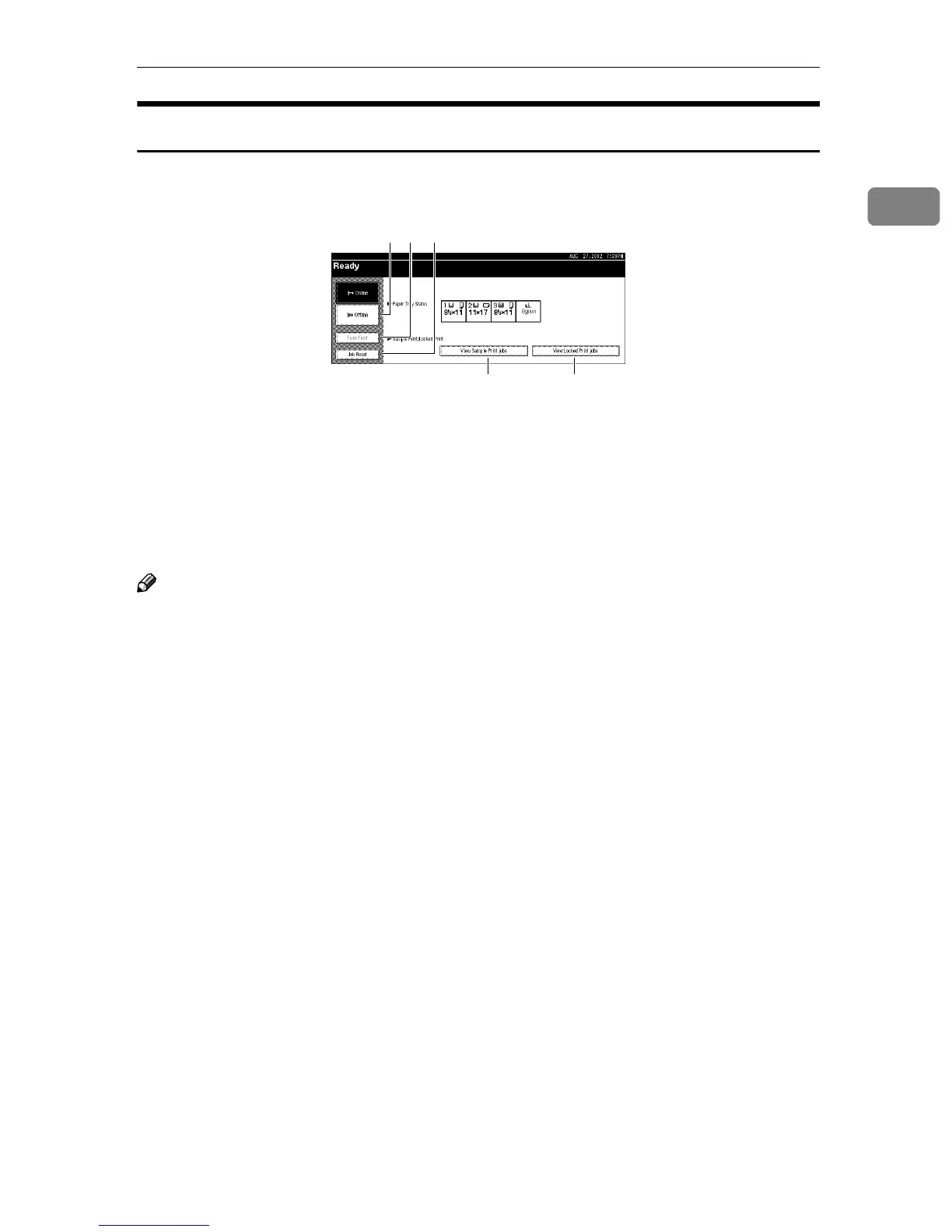
Display panel
9
1
Online
When the machine is online, it can receive data from the computer.
1.
[Offline] key
Press this key to switch the printer of-
fline.
2.
[Form Feed] key
Press this key to print all the data left in
the printer's input buffer.
Note
❒ When the machine is offline, the key is
lightly shaded.
3.
[Job Reset] key
Press this key to cancel the current print
job.
4.
[View Sample Print jobs] key
Press this key to specify Sample Print
from your computer. You can print from
the second page of the online data and
change the printed pages.
5.
[View Locked Print jobs] key
Press this key to specify Locked Print
from your computer and print the online
data.
12 3
4 5



 To Next Page